
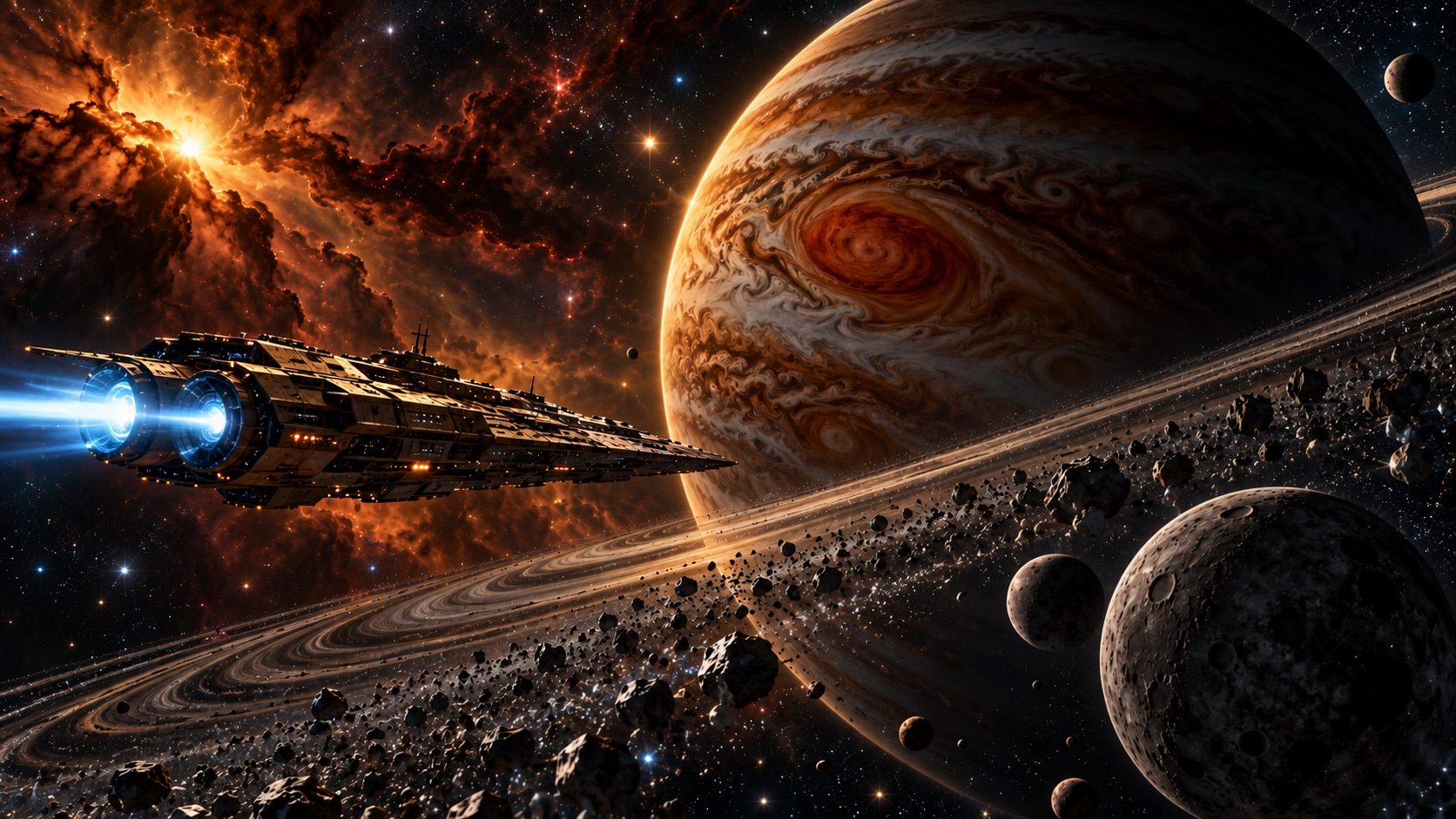
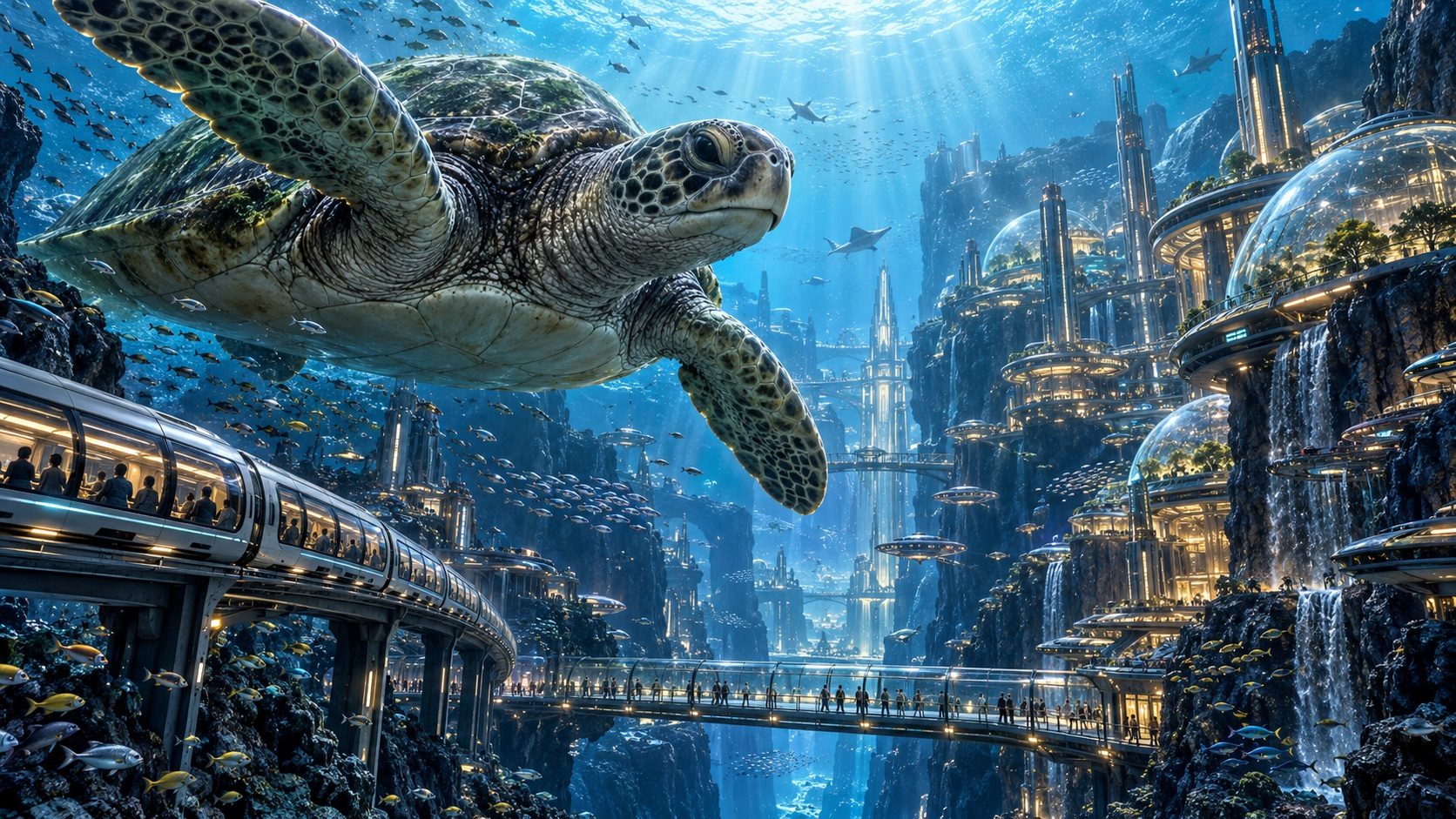
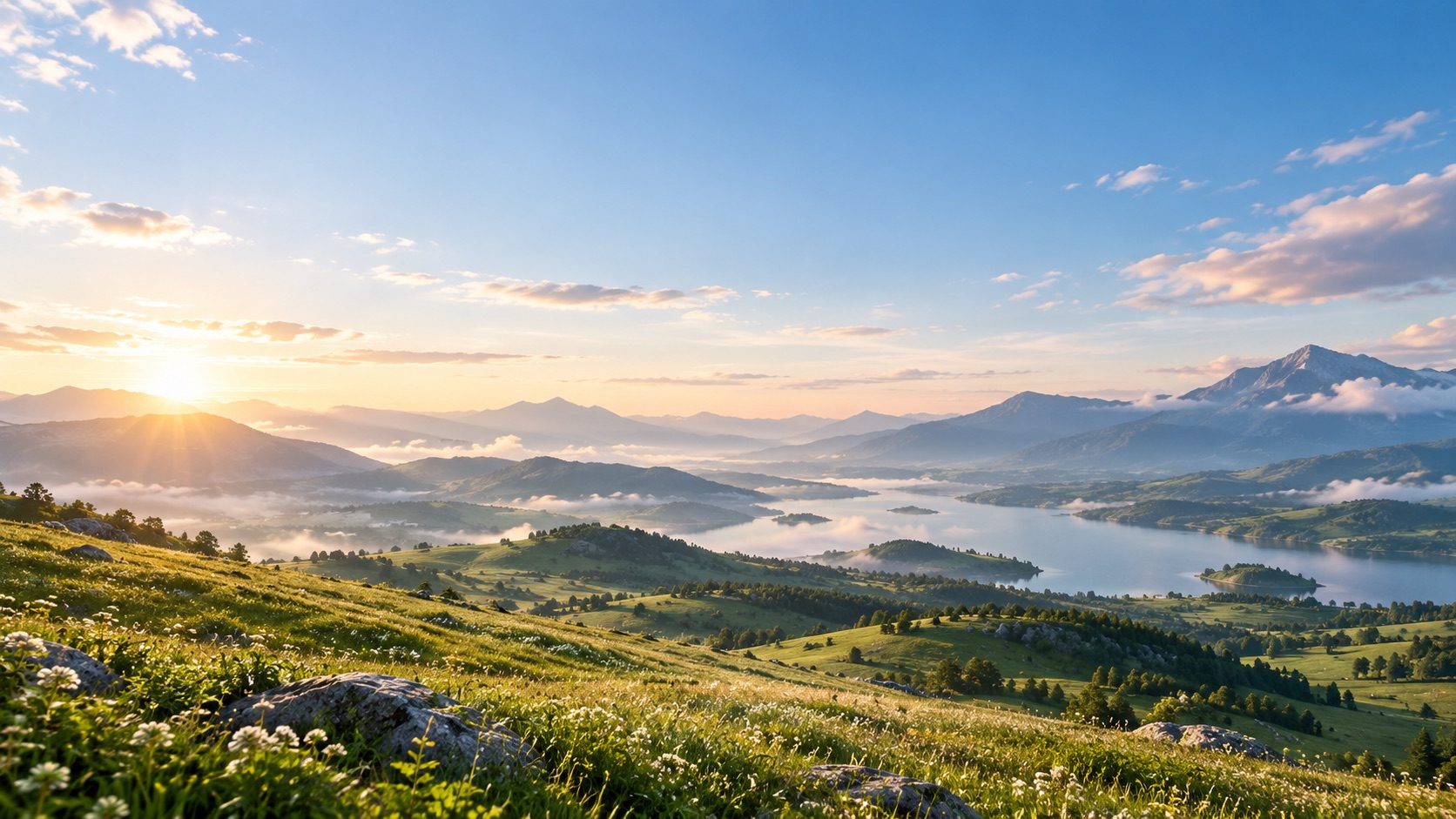
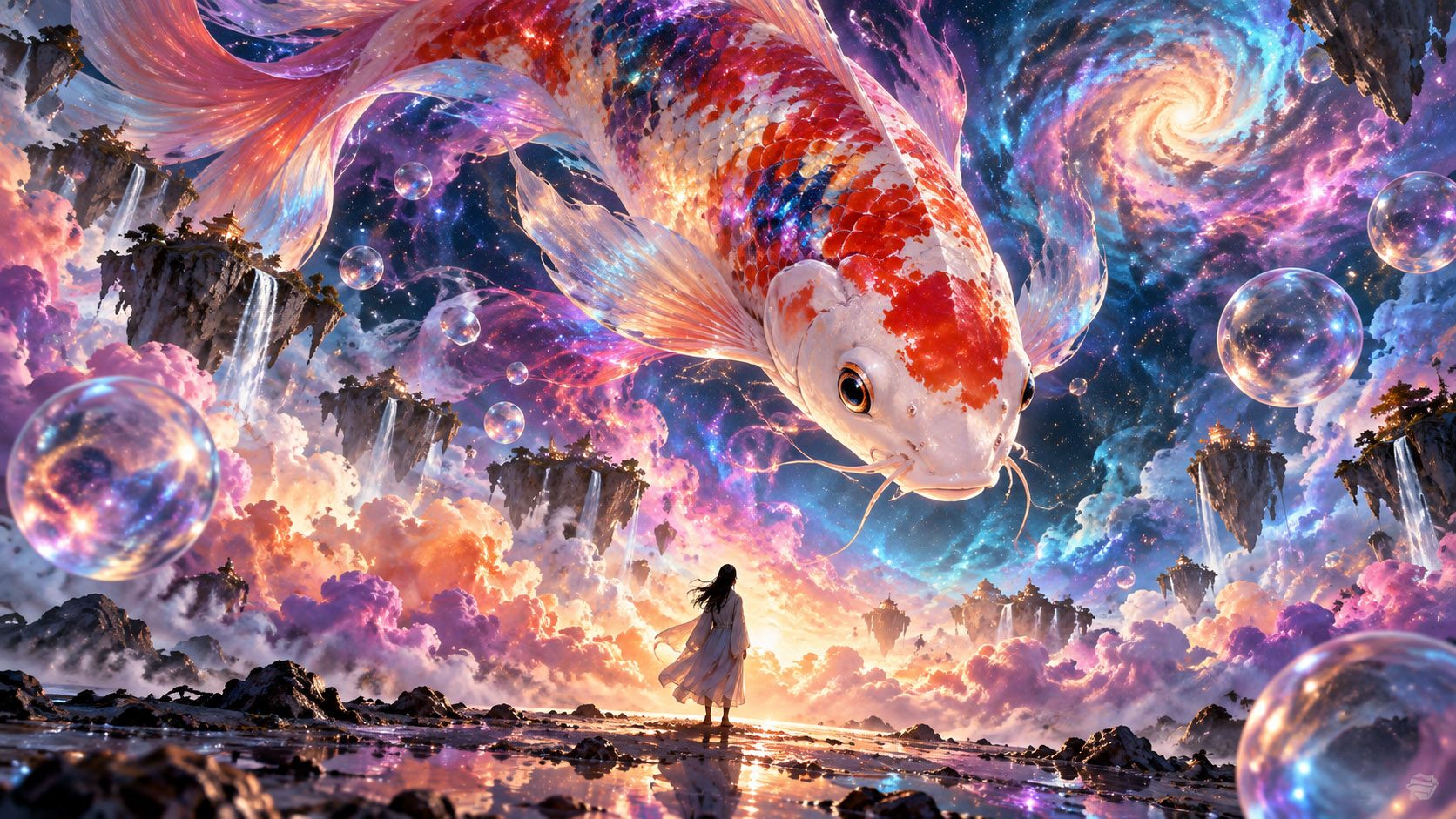
AI image generation — every idea becomes a finished piece
Generate avatars, illustrations, photorealistic photos, digital art, posters, product visuals and more, all in high resolution.
One workspace that brings together leading models — Nano Banana 2, GPT Image 2.5, Qwen Image 3.0, Midjourney V7, FLUX.2 Pro and more. Generate, compare, edit and upscale freely, and turn the idea in your head into a finished piece, step by step.
- 20 free credits
- Multiple AI image models
- Up to 4K
- AI for side projects
Capabilities
From one sentence to an image you can keep editing — every step is yours to set.
Text to image
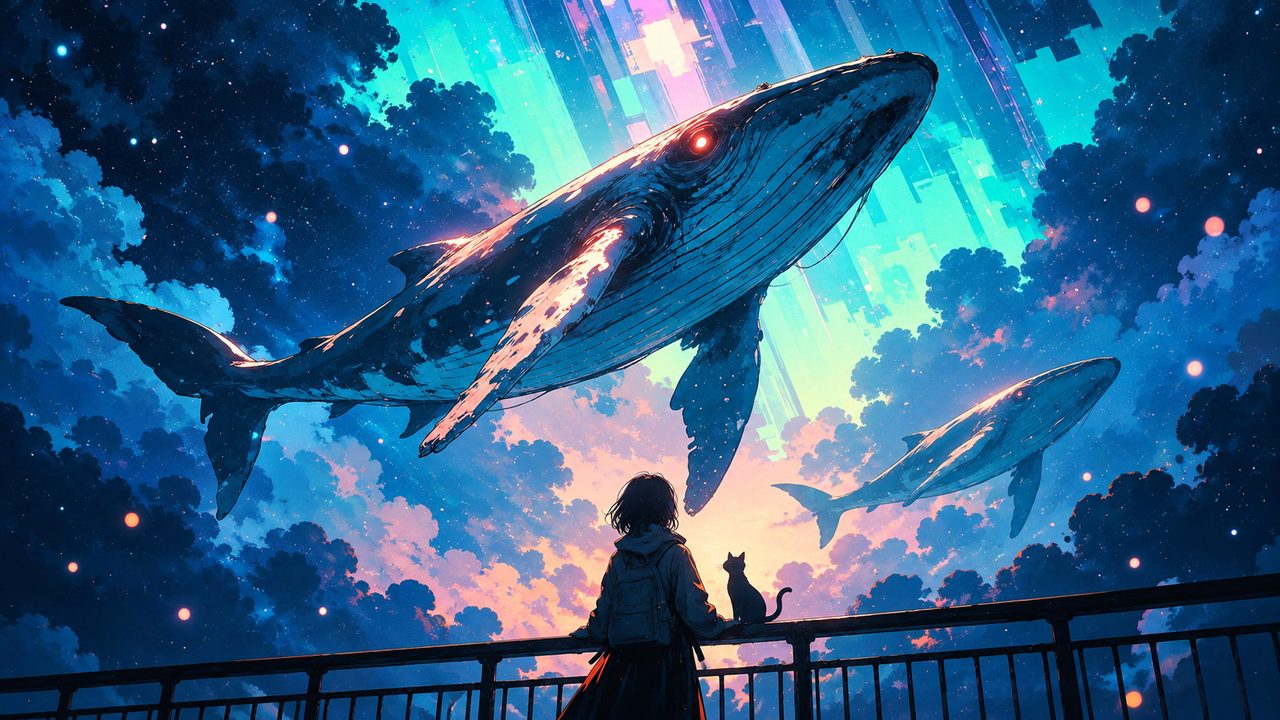
Describe the subject, style, lighting and composition, and the model renders it. Prompts accept inline colours and variables, and a description you reuse can be saved as a template.
Generate from a reference
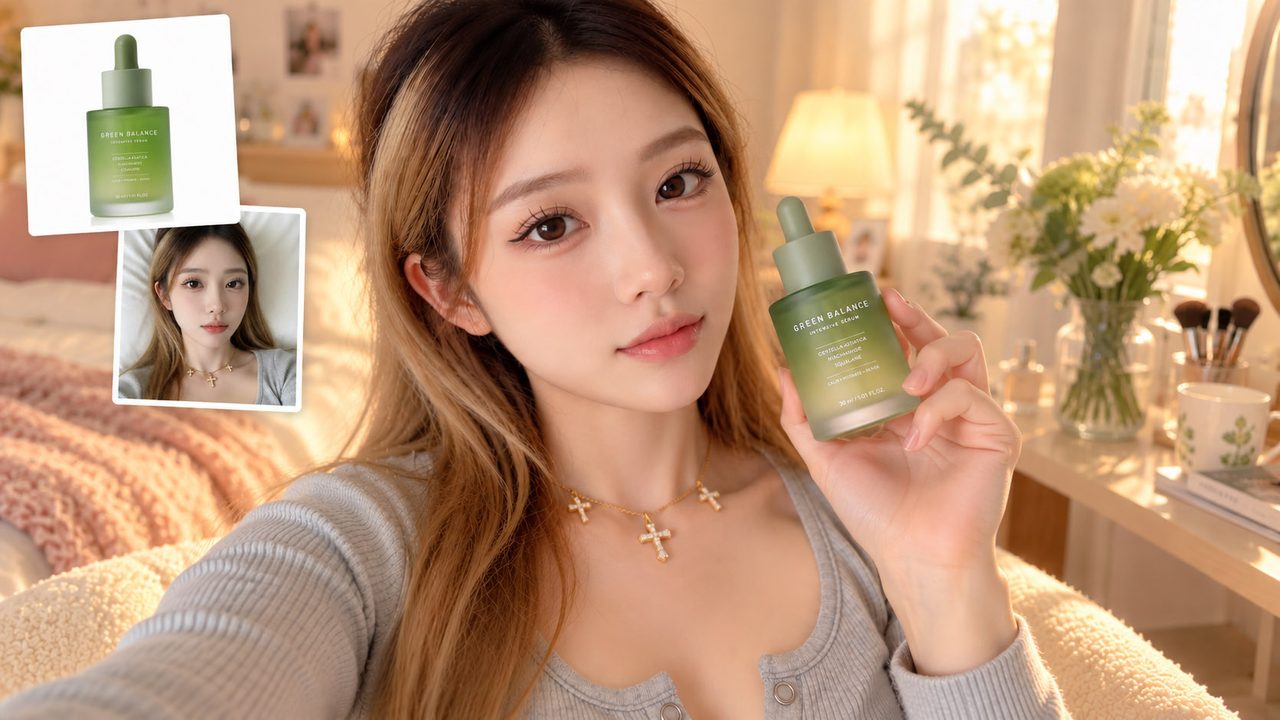
Upload a reference image on the creation page; where the model supports it, the image can guide generation, and you can reference it by name in the prompt. How many you may attach depends on the model.
Multiple models, up to 4K
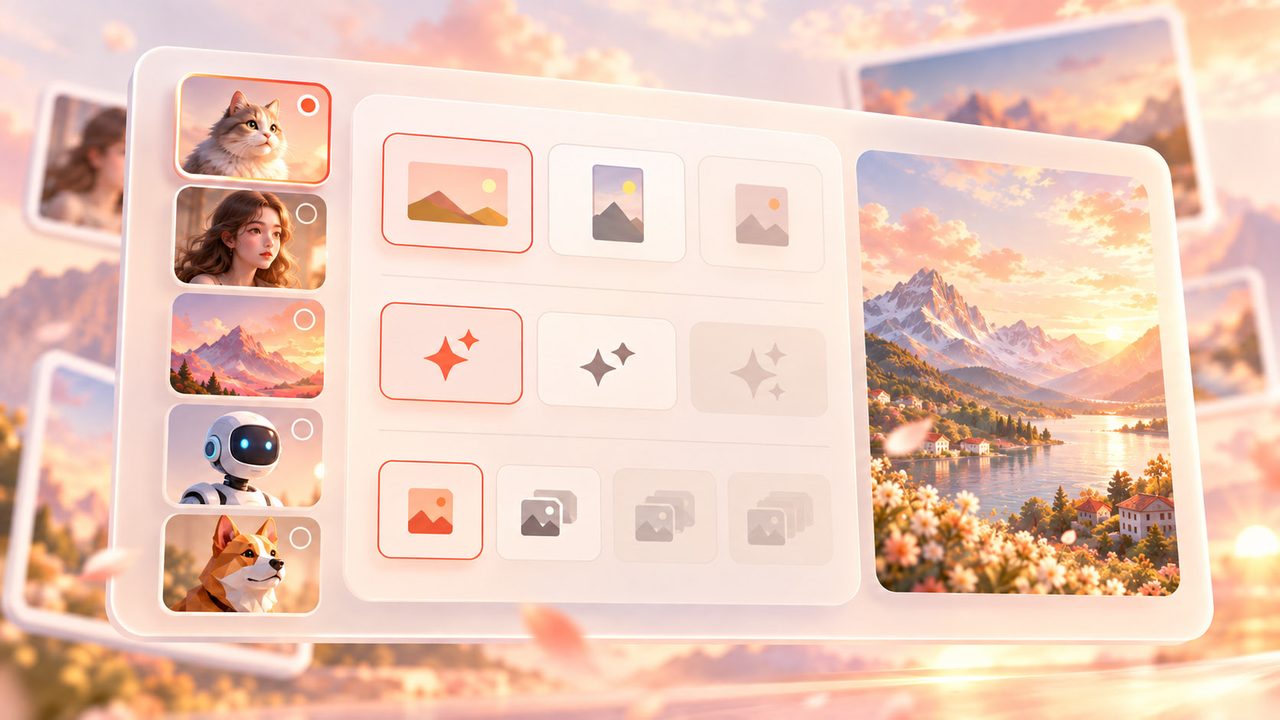
The model list is configured in the admin console, and this page only shows the ones that are live. Ratios, quality tiers and quantities differ per model — options a model does not support are disabled automatically.
Infinite canvas
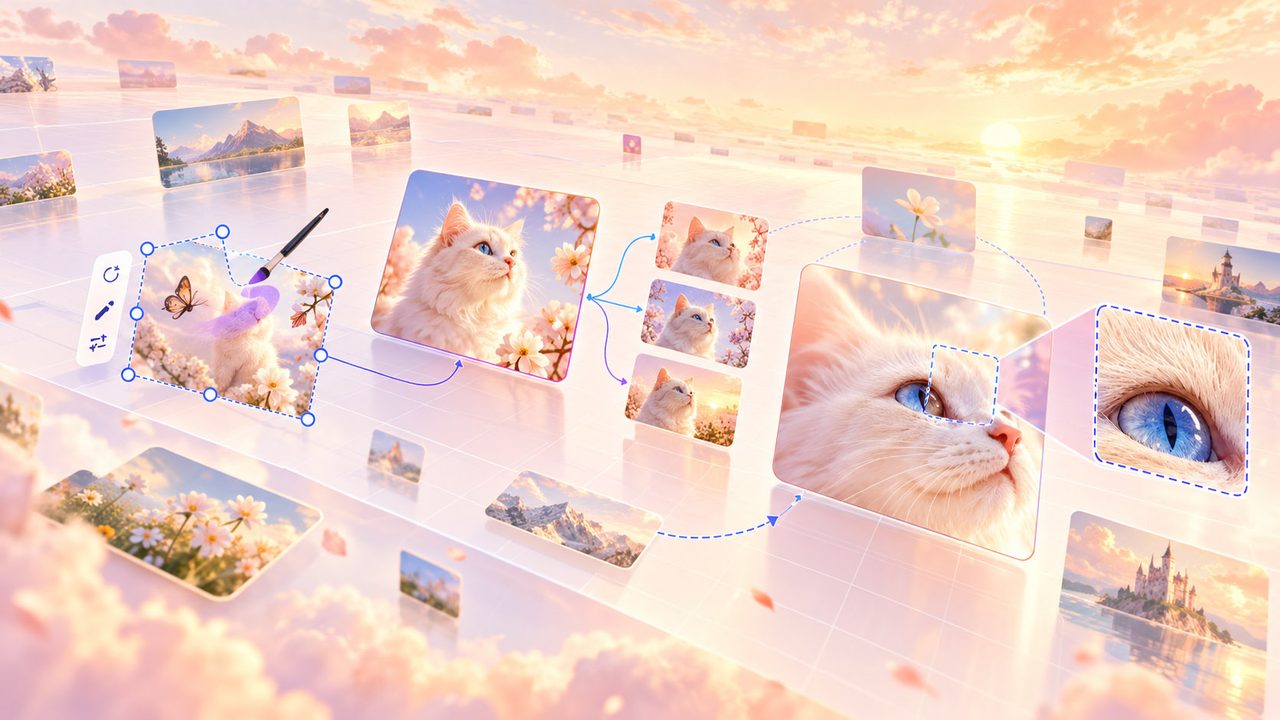
Results land on an infinite canvas and are still there after a refresh, alongside every earlier generation for that project. Editing, variations and upscaling are being connected.
Use Cases
Same controls, different sentence — a different job entirely.
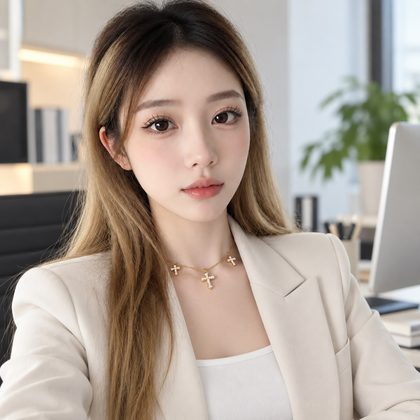
Portraits and avatars
Social avatars, professional headshots, seasonal portraits. Spell out the subject and the lighting and you get a usable frame faster than from ten blind attempts.
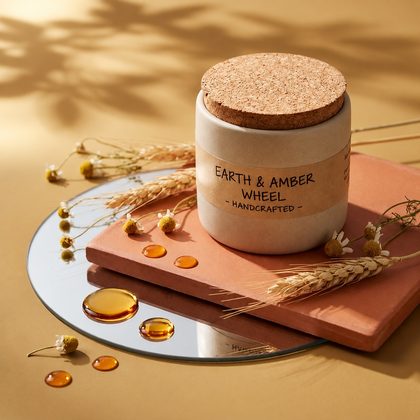
Posters and marketing
Campaign key visuals, launch images, social posts. Lay down the backdrop and the mood here, then keep refining on the canvas.
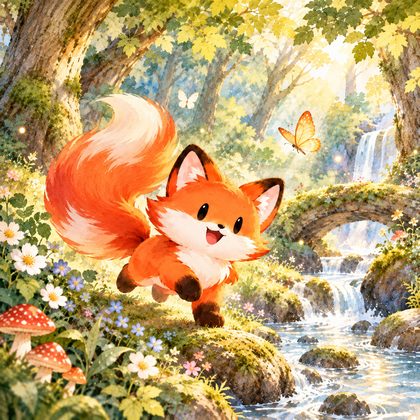
Picture books and merch
Illustrations, stickers, cushion and postcard artwork. Keep the description fixed to hold one style, and a few generations give you a set.
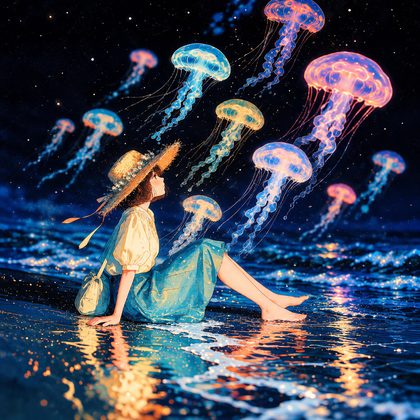
Wallpapers and assets
Phone and desktop wallpapers, slide imagery, placeholder art. Pick the ratio that matches the target device — 16:9, 9:16 or 1:1 — before generating.
How It Works
Three steps from an idea to an image you can keep working on.
- Step 1
Say what you want
Hit Start creating to open a new project in the generator and describe your image there — or pick a ready-made prompt from Inspiration and start straight from it. Nothing is lost when you log in.
- Step 2
Pick settings and generate
Choose the model, ratio, size and quantity; combinations the current model does not support are disabled. Generating spends credits, and the cost is shown before you submit.
- Step 3
Continue on the canvas
Results land on the infinite canvas and survive a refresh, along with the generation history. Editing, variations and upscaling are being connected.
Inspiration
Every card carries the prompt behind it. Hit Use this prompt and it starts a new project with it.
FAQ
Answers to what actually comes up.
What is AI image generation?
You describe an image in words and an AI model renders it. Veyxi makes that a single path: write the prompt, choose the model and settings, generate, then keep editing on the infinite canvas.
How do I generate an image with Veyxi?
Start creating opens a new project and takes you to the generator (if you are not signed in, you sign in first and it continues from there). Write your description there, pick the model, ratio, size and quantity, then press generate. Your project is saved under My projects.
Can I upload a reference image?
Yes. Uploads happen in the generator, where the image can guide generation and can be cited in the prompt.
Which ratios and quality tiers are supported?
Ratios: auto, 1:1, 2:3, 3:2, 4:3, 3:4, 16:9 and 9:16. Quality: 1K, 2K and 4K. Which ones a given model offers is up to that model — unsupported options are disabled in the interface.
Can I use generated images commercially?
It depends on three things: the licence of the model you used, your rights to any material you uploaded, and the terms of service. Until launch, the published terms are the authority — no promise is made here.
Can I edit the image after generating it?
Results land on the infinite canvas, survive a refresh, and the generation history is kept. Editing, variations and upscaling are being connected.