
Create wallpapers that are truly yours
Describe a scene, a color — even a single word. Veyxi handles the composition, screen fitting and HD output for every device.
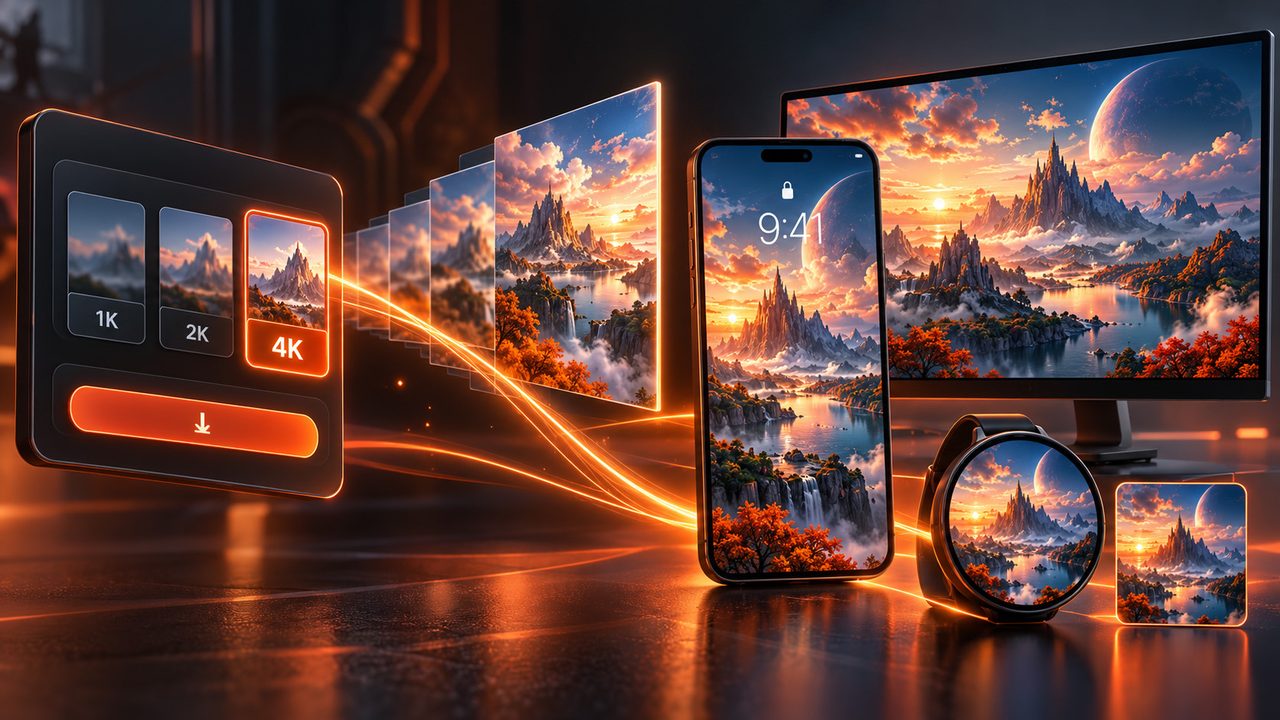
From phones, tablets and desktops to ultrawide screens and electronic badges — every wallpaper is re-composed for that screen.
- Knows your device: phones, tablets, desktops, ultrawide screens and electronic badges
- Knows composition: keeps clear of clocks, icons and screen edges
- 1K / 2K / 4K high-resolution output
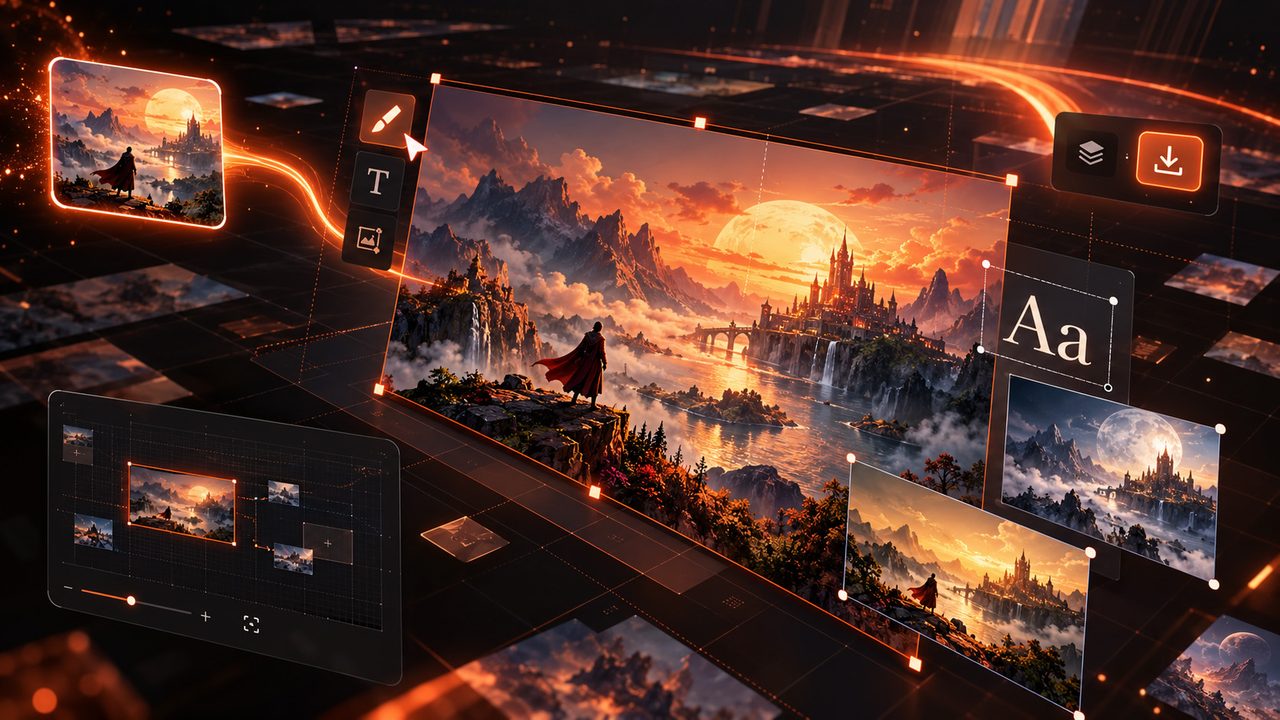
- Lands on the infinite canvas for further edits and download
See it, and it becomes a wallpaper
No prompt engineering — AI fills in the scene, lighting and composition.
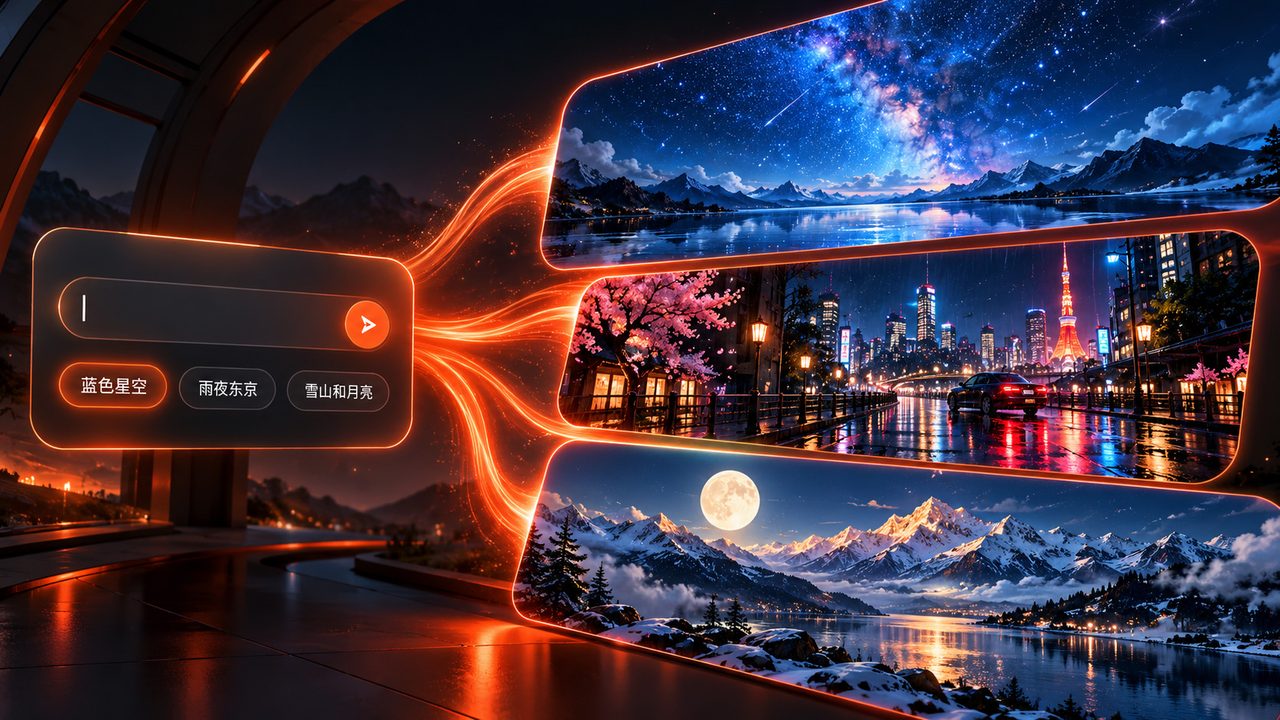
One sentence is a wallpaper
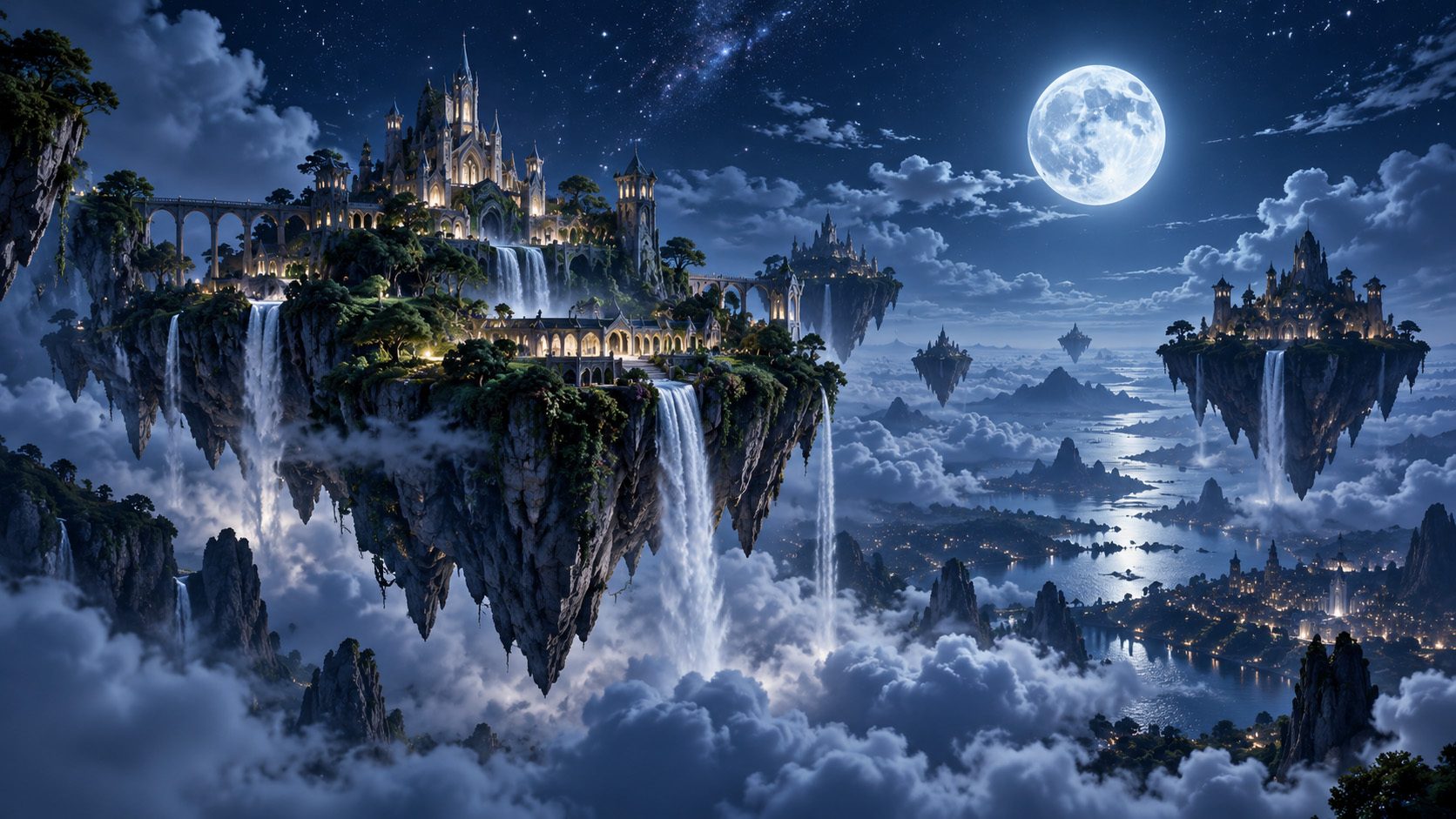
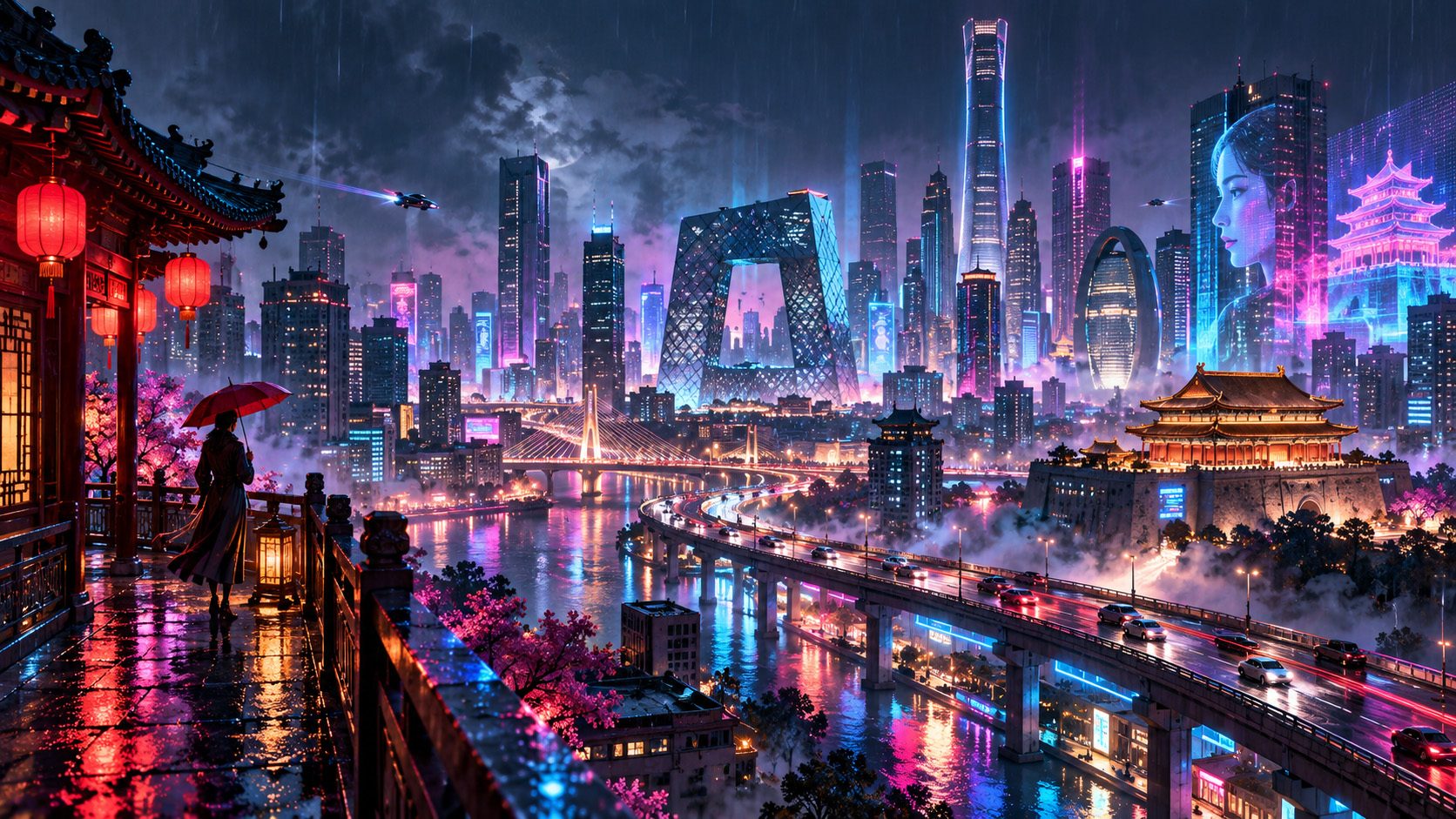
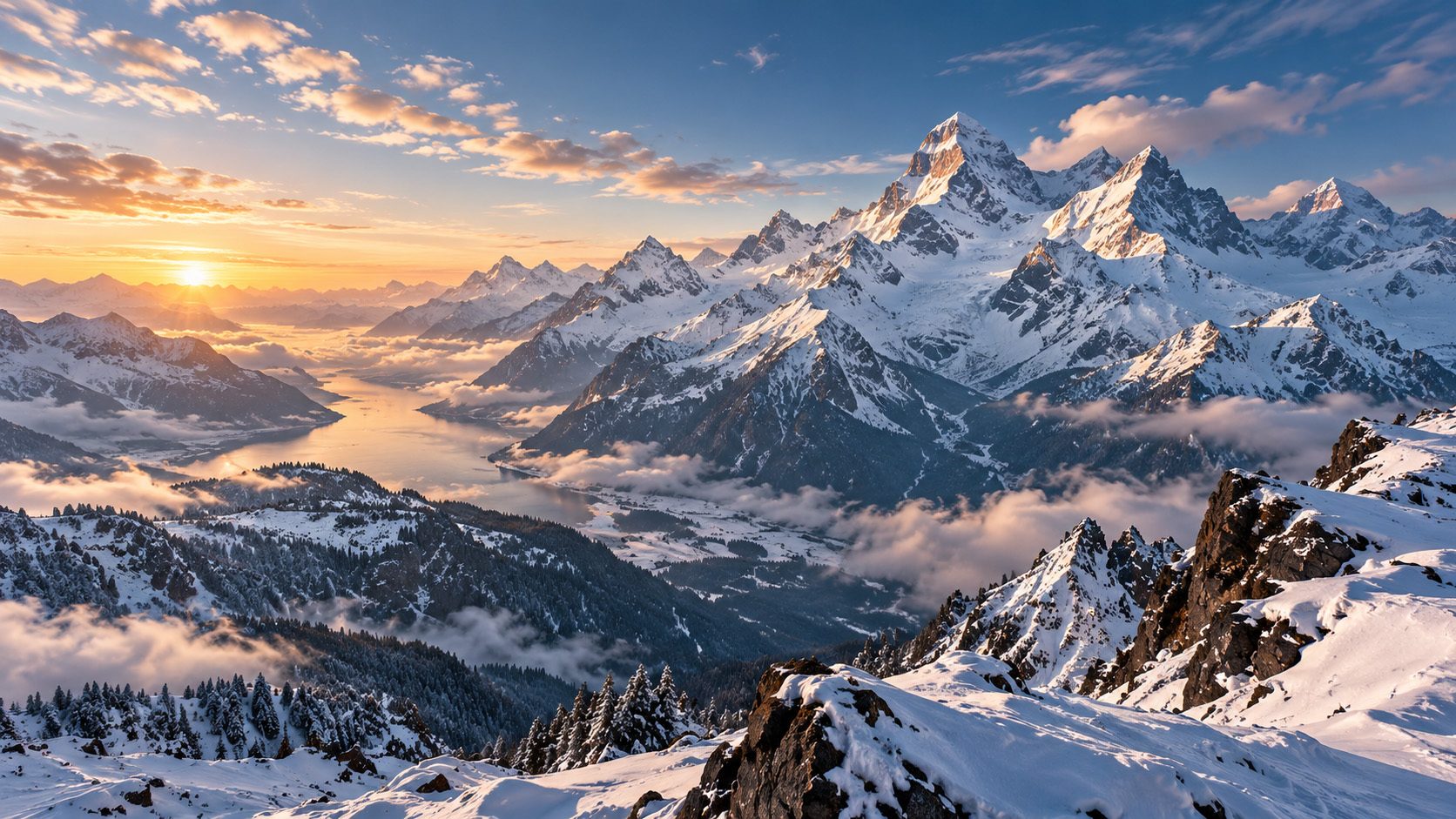
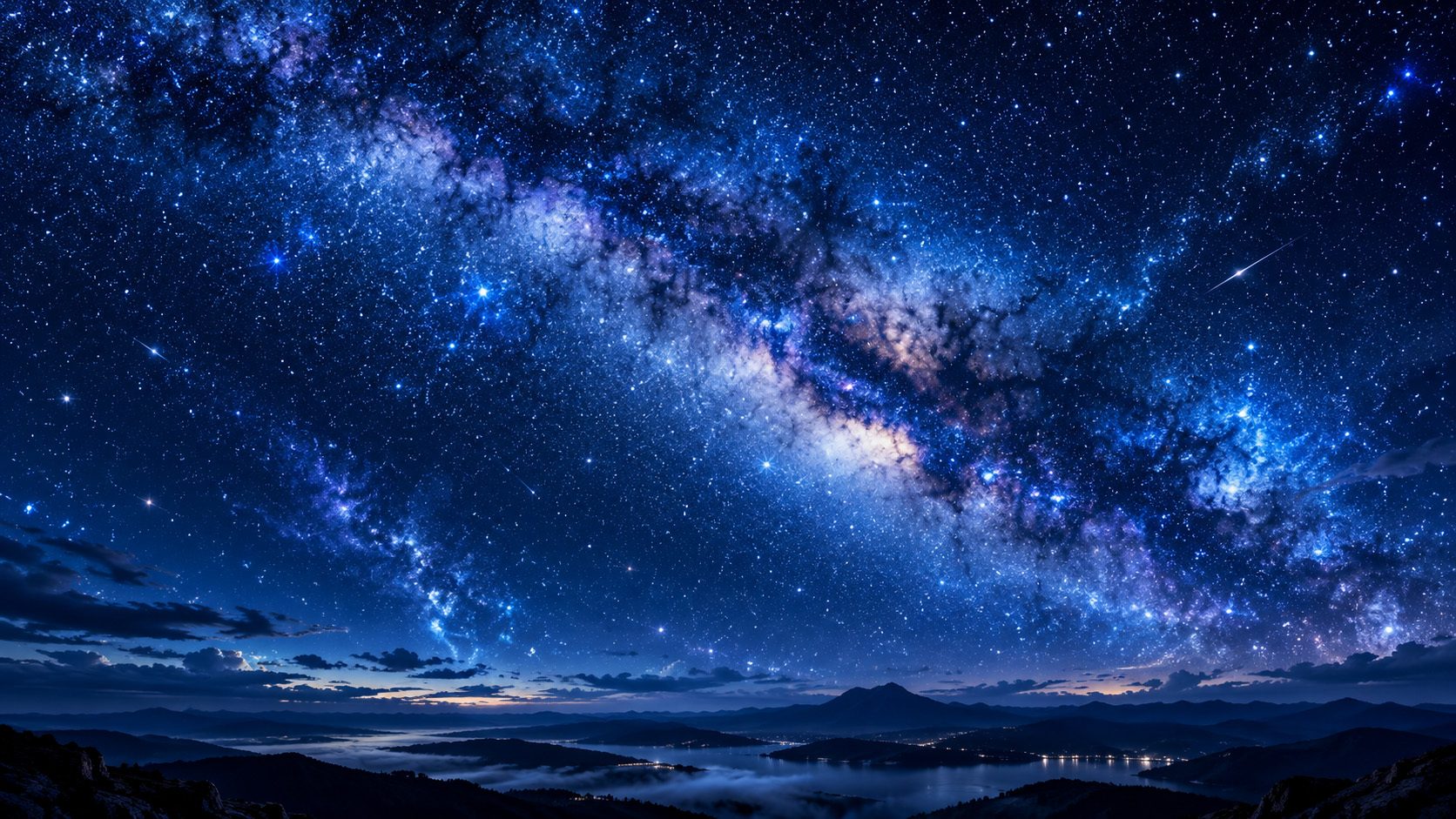
Try “blue starry sky”, “rainy Tokyo” or “snow mountain and the moon”. AI fills in scene, lighting, composition and detail on its own.
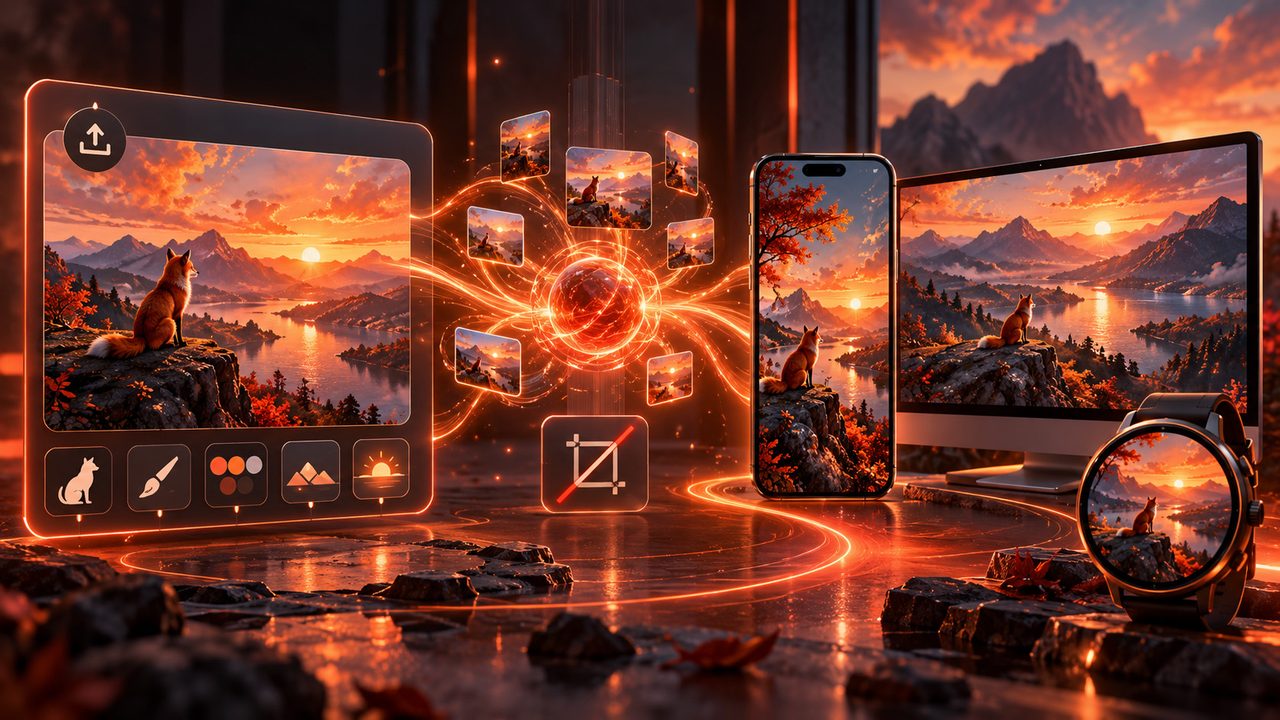
Start from an image you like
Upload up to 2 JPG / PNG / WEBP images as a reference for subject, style, palette, composition or mood — re-composed for your screen, not cropped or stretched.
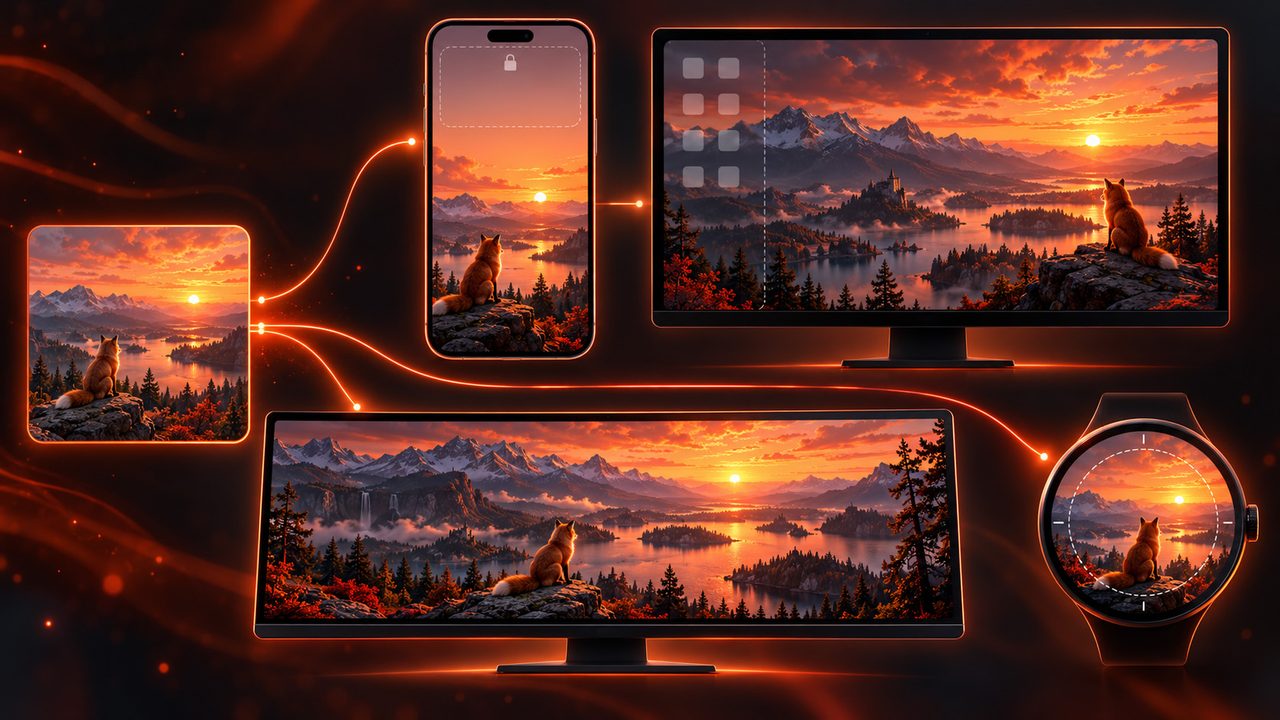
Re-composed for your device
Lock screens keep the top clear, desktops leave room for icons, ultrawide spreads the scene out, round badges pull the subject into a safe circle — one sentence, a different composition per screen.
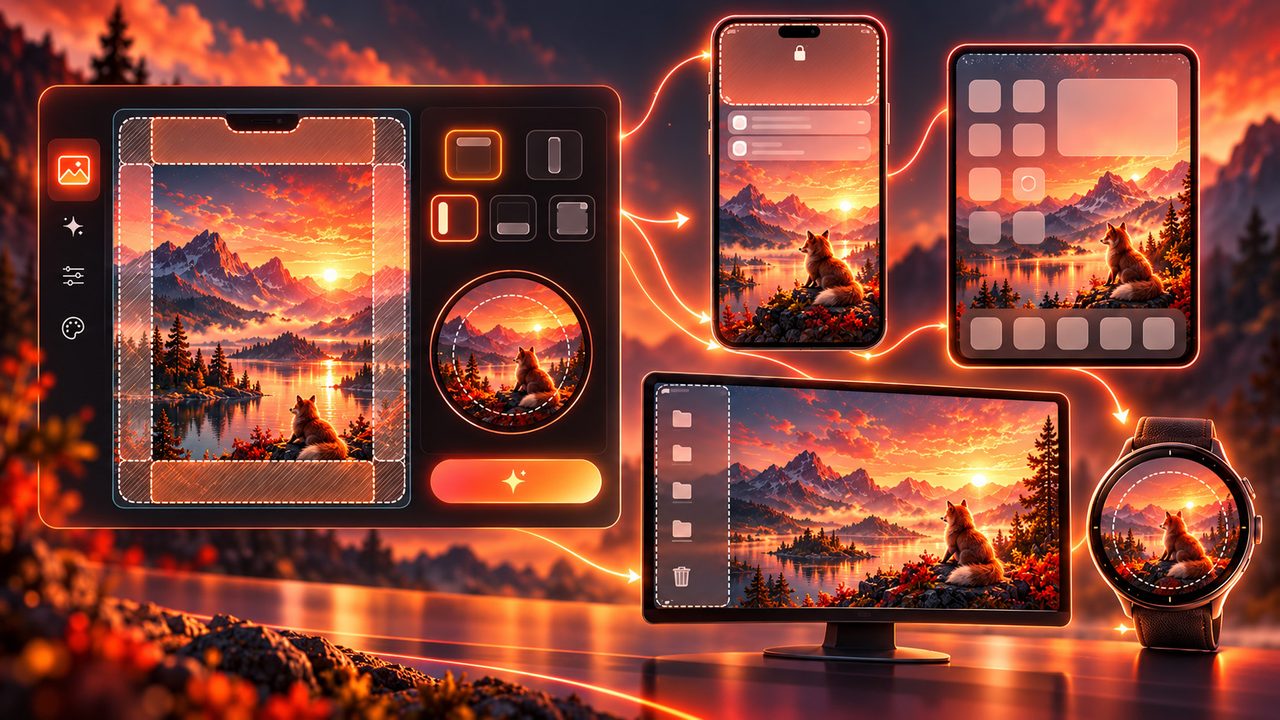
UI safe areas
Generation avoids the areas your clock, notifications, icons, widgets or round-screen crop will cover. You can also pick which side to clear in Advanced settings.
1K / 2K / 4K output
Pick the output size per device and use — up to 4K for lock screens, desktops and badge artwork.
Keep creating on the infinite canvas
Results land on the canvas: edit the image, edit the text, or download it.
Not a crop — a redesign
The same sentence becomes a new composition on every screen.
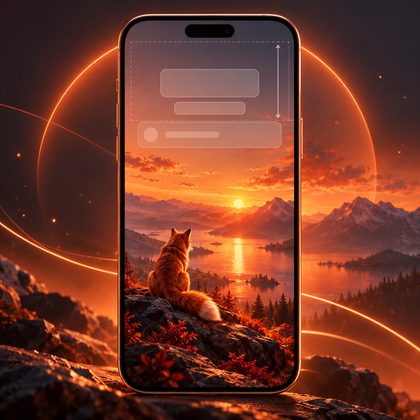
Phone lock screen
Portrait composition: the top 20–30% stays simple and the subject sits in the middle or lower half, leaving room for the clock, date and notifications.
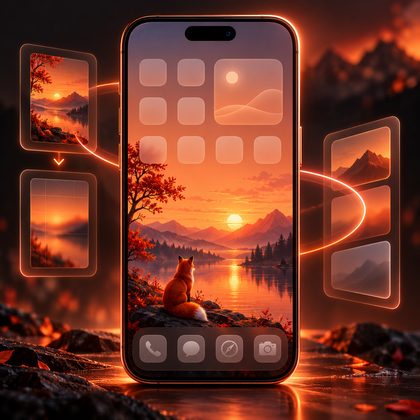
Phone home screen
Controlled detail density and no busy high-contrast texture across the screen, so icons and widgets stay readable.
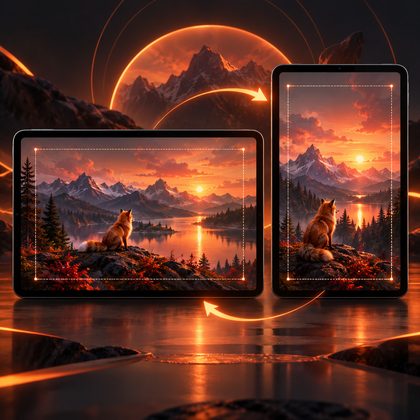
Tablet
Re-composed for landscape or portrait, with more breathing room between the subject and the edges.
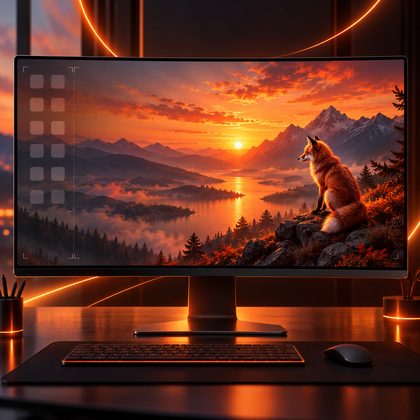
Desktop
A wide composition with a calmer area on the left and the subject kept to the centre or right.
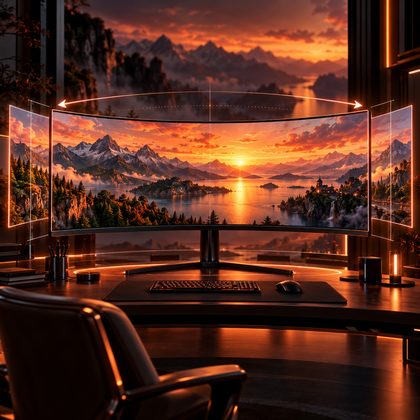
Ultrawide
21:9 is rebuilt as a true panorama — the scene spreads sideways with balanced visual weight, instead of a stretched 16:9.
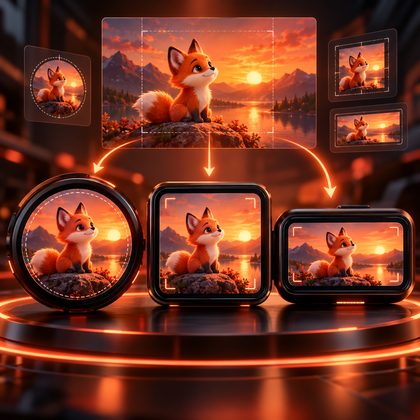
Electronic badge
Round, square and small rectangle: the subject stays inside the safe area and reads clearly after the round crop.
How it works
Three steps from a sentence to a wallpaper you can use.
- Step 1
Describe or upload
Describe what you want in one sentence, or upload a reference image — or both.
- Step 2
Pick a target and style
Choose where the screen lives — lock screen, desktop, ultrawide or a badge — then pick a style and ratio.
- Step 3
Generate and keep going
The result lands on the infinite canvas: edit the image, edit the text, or download it.
FAQ
Devices, ratios, safe areas and output sizes.
Which devices and screens are supported?
Phone lock and home screens, tablets, desktops, ultrawide (21:9) and electronic badges (round, square, small rectangle). Once you pick a target, AI redesigns the composition for that screen instead of cropping.
Do I need to write prompts?
No. “Blue starry sky” or “snow mountain and the moon” is enough — AI fills in scene, lighting and composition. You can also hit “AI write” to expand a short description into a full one.
How do reference images work?
Upload up to 2 images to reference the subject, style, palette, composition or mood. Unless you say otherwise, AI combines style, palette and mood and re-composes for the target device instead of copying the image.
What is a UI safe area?
The part of a wallpaper that gets covered by the clock, notifications, icons or widgets. The system avoids it automatically per target (top of a lock screen, left side of a desktop, edge of a round badge); you can also pick which side to clear in Advanced settings.
How many wallpapers per run? Can I make a full cross-device set?
One run makes 1–4 wallpapers of the same size. A cross-device set (lock screen + home screen + desktop…) is still in development — for now you can generate per device.
Do you support live wallpapers?
The output is a static image, up to 1K / 2K / 4K. Live wallpapers (GIF / video) are on the roadmap.
What do you want to see on your screen?
One sentence or one reference image is enough to start — generate your first one.