Turn one idea into a whole set of your own stickers
Describe an idea, or upload a photo of a person, pet, product or character. Veyxi makes transparent stickers, keeps the character consistent, and builds a complete pack in one go.
Not just another image: clean outlines, a die-cut border around the subject, and a transparent PNG by default — every sticker in a pack stays the same character.
Transparent PNGs
Stickers come with a transparent background — a PNG with an alpha channel, ready to use.
Photos into stickers
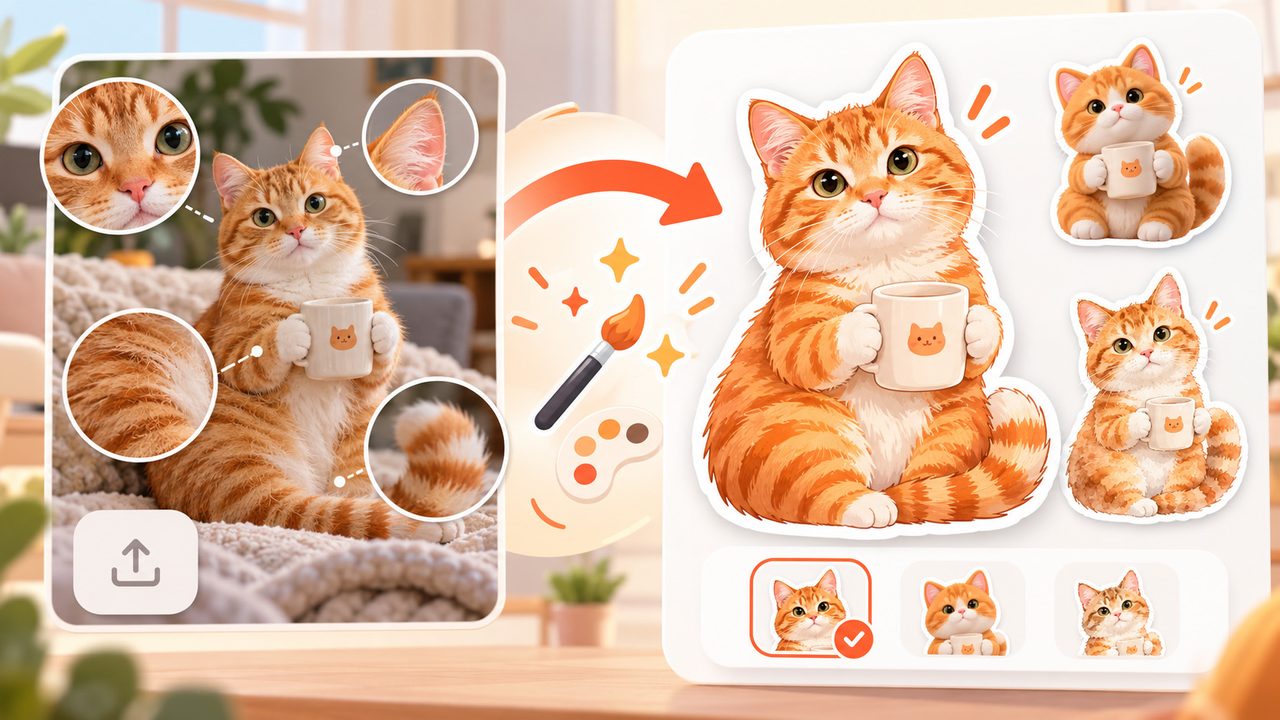
Upload a photo of a person, pet, product or character and keep it recognizable.
A whole pack at once
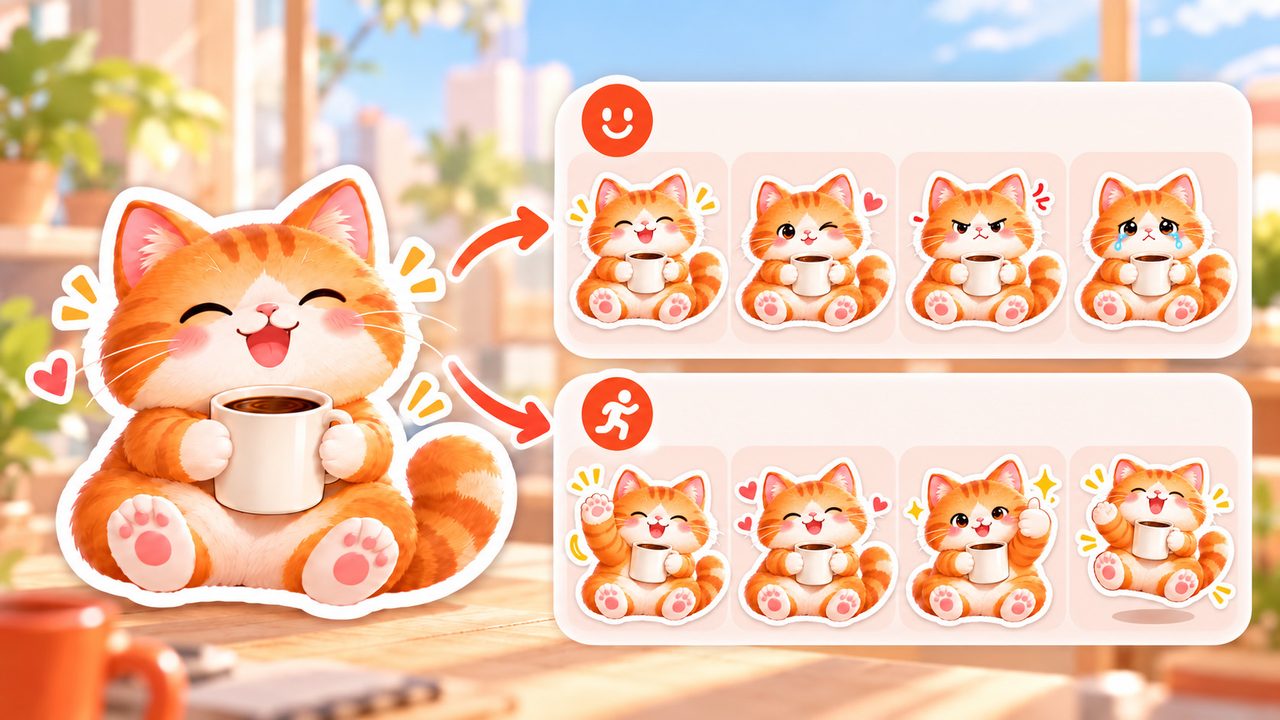
One character, several expressions and poses per run — up to 4 stickers at a time.
No design skills needed
Start with one sentence or one photo; styles and borders come from presets.
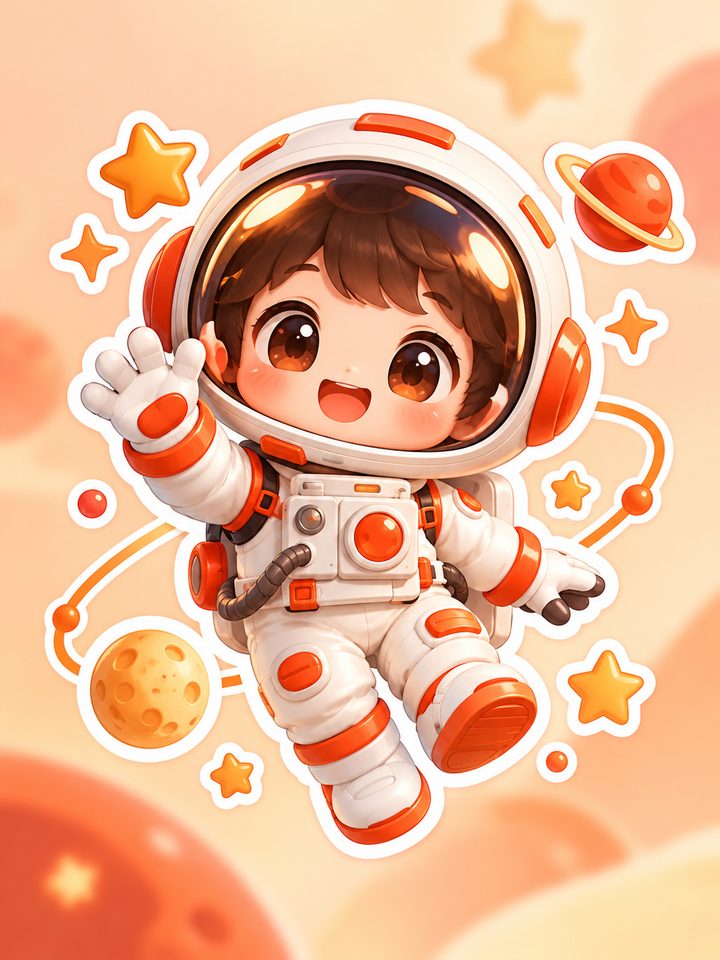

AI doesn't just draw an image — it finishes a sticker
Subject and edges are redrawn for how stickers are actually used: stick them, print them, make sets.
A clear subject, a clean outline
Backgrounds are pushed back, the subject stays complete and centered — nothing cropped. Tiny details are simplified so it still reads clearly at emoji size.
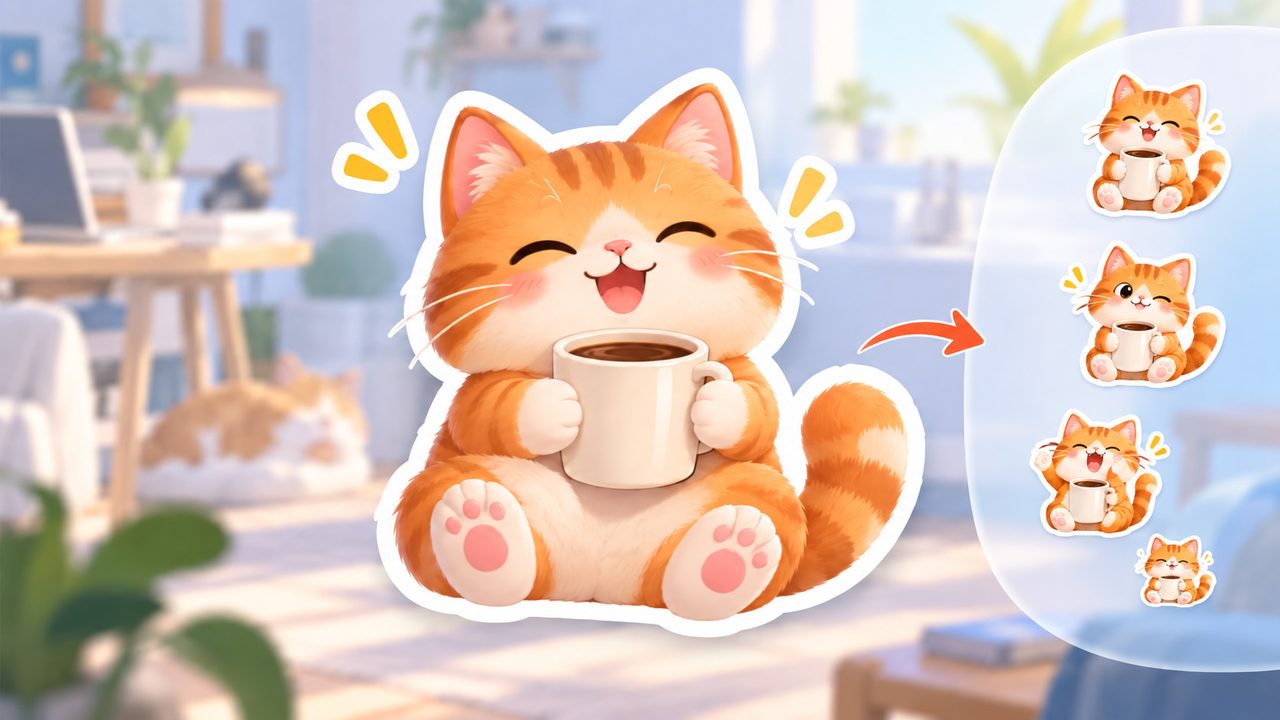
Die-cut border
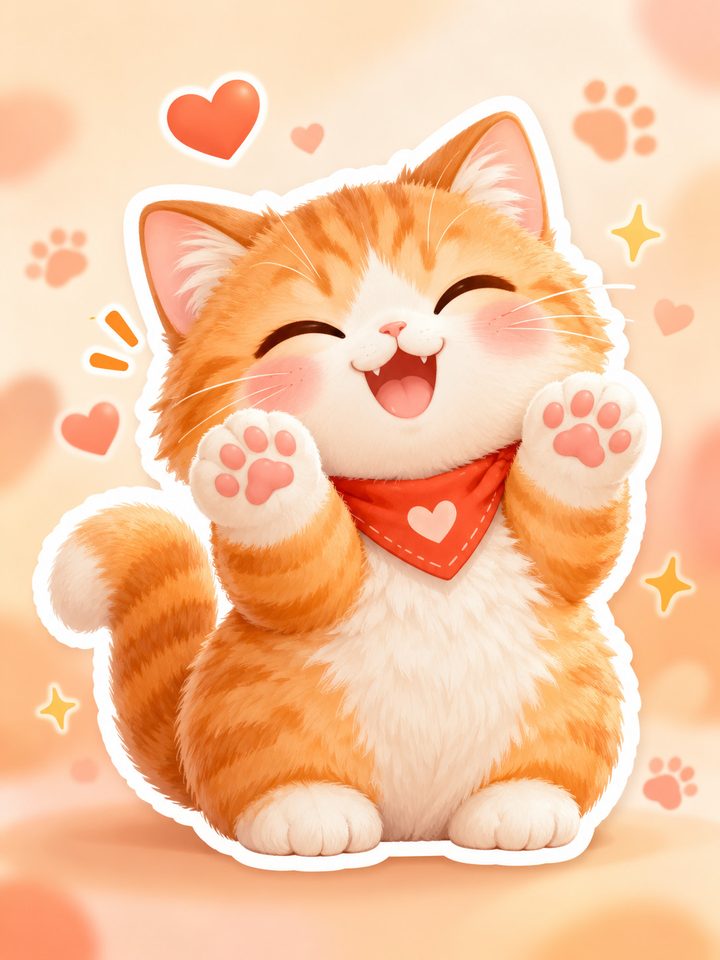
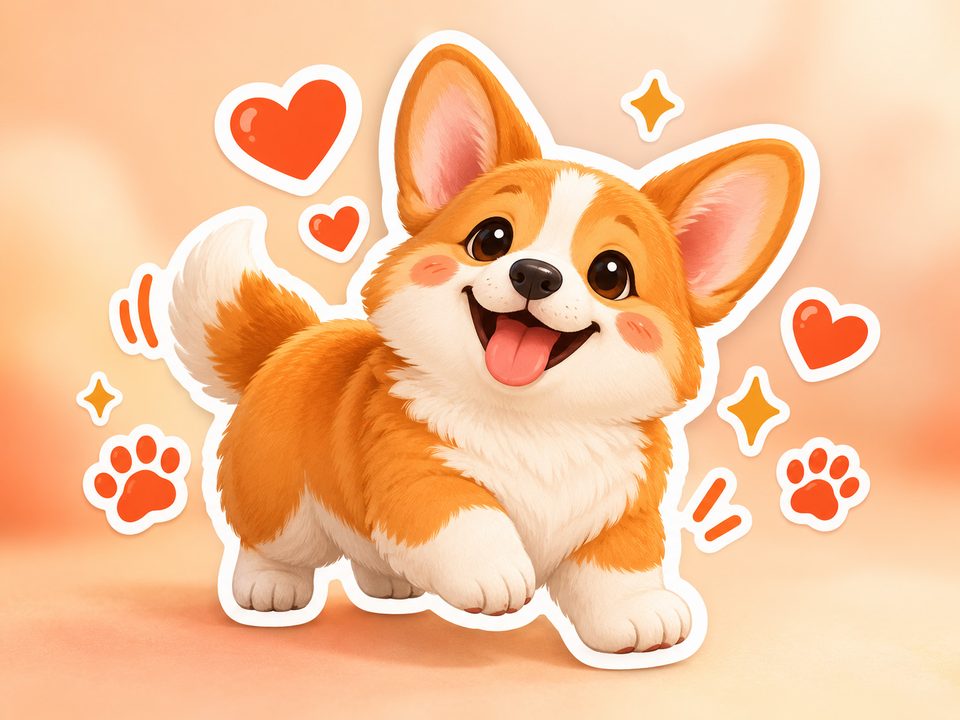
A continuous, rounded white sticker edge follows the subject's outline (none / thin / standard / thick) — the cut line a real sticker would have.
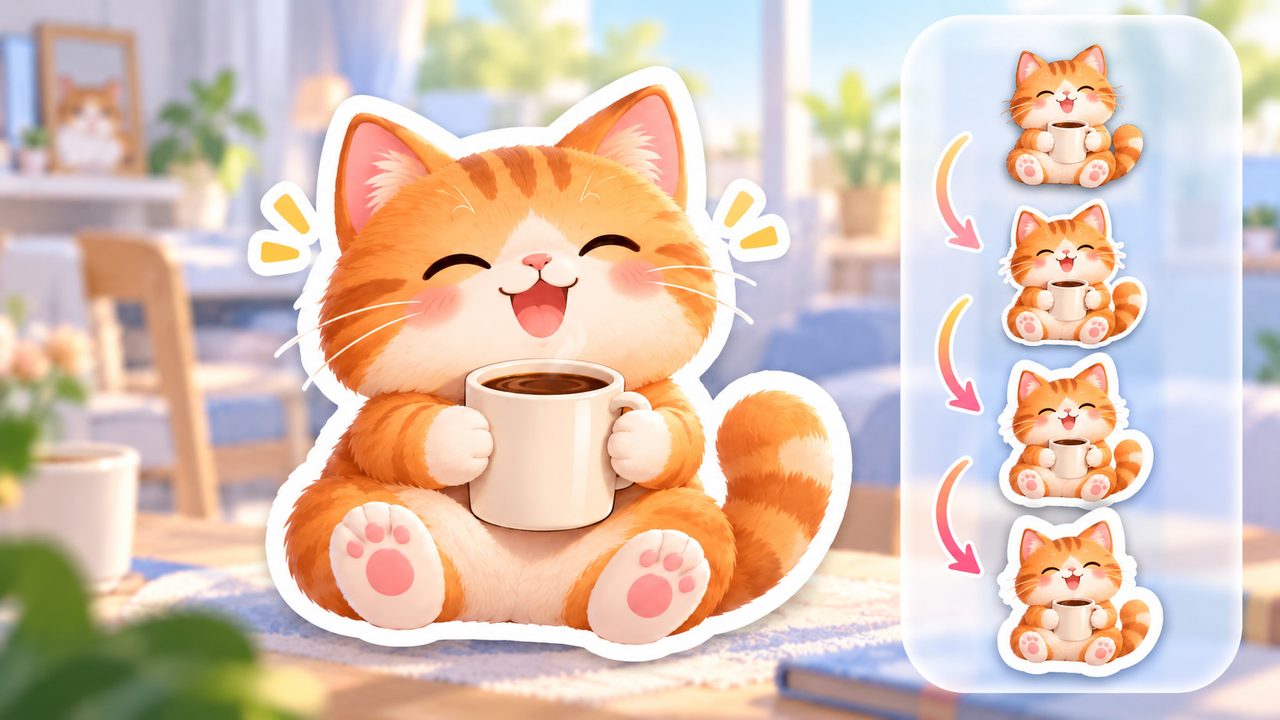
Transparent by default
Output is a transparent PNG with an alpha channel — no cut-out step afterward. Want a white or solid background instead? Switch the Background field to opaque.
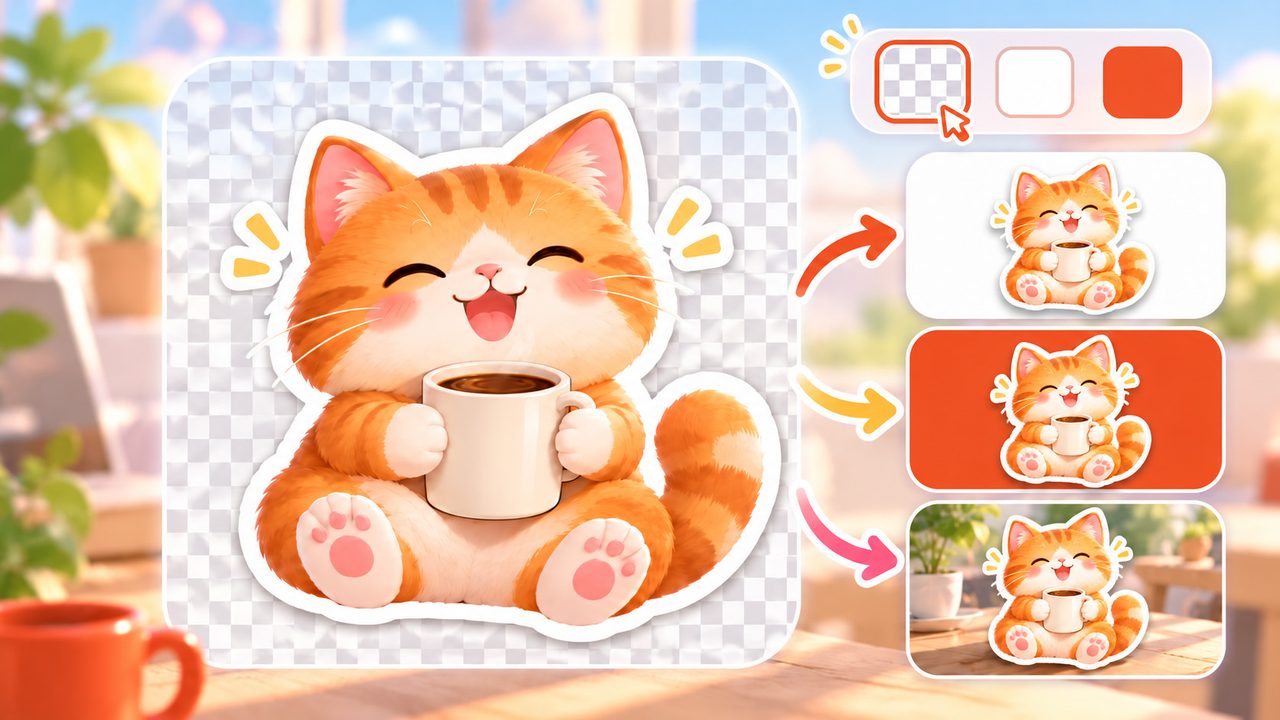
One set, one character
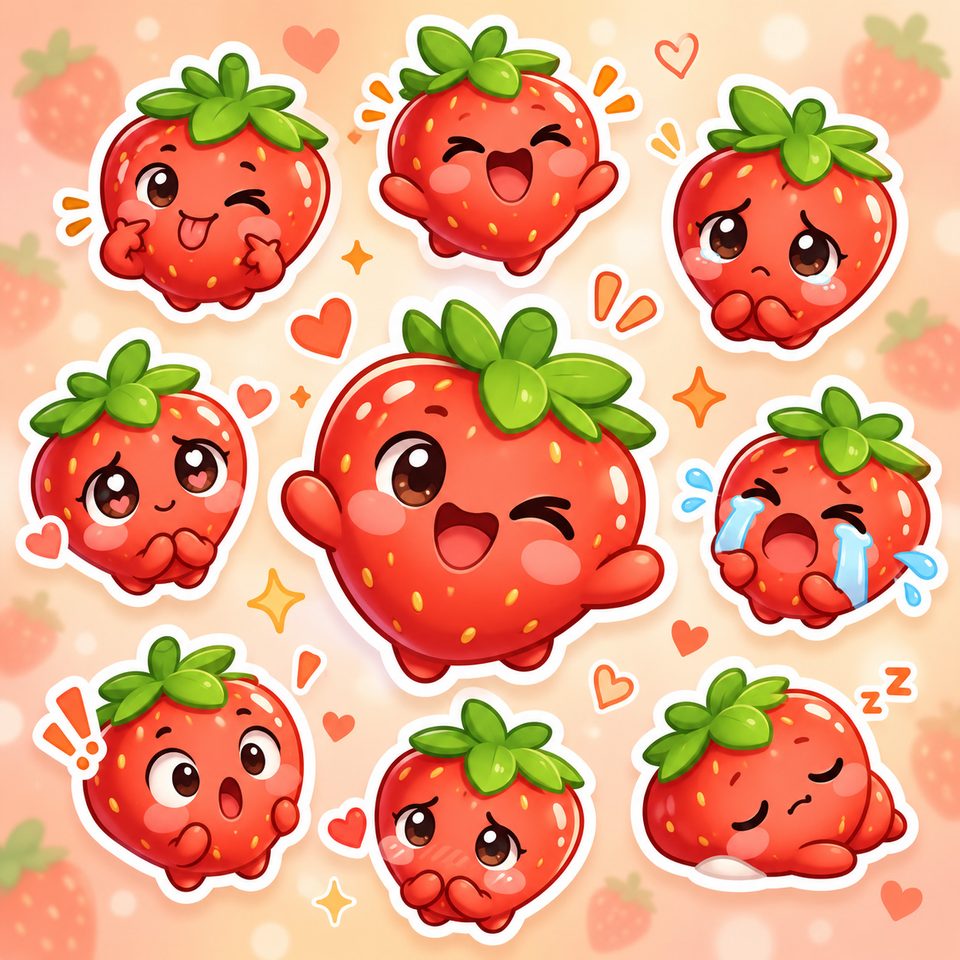
With pack types like Expressions or Actions, each sticker changes only the expression and pose while looks, colors and style stay the same — like an official sticker set for one character.
Photos, restyled — not cut out
Uploaded photos keep their faces, fur colors, markings and signature features, then get redrawn as stickers in the style you pick.
Keep editing on the canvas
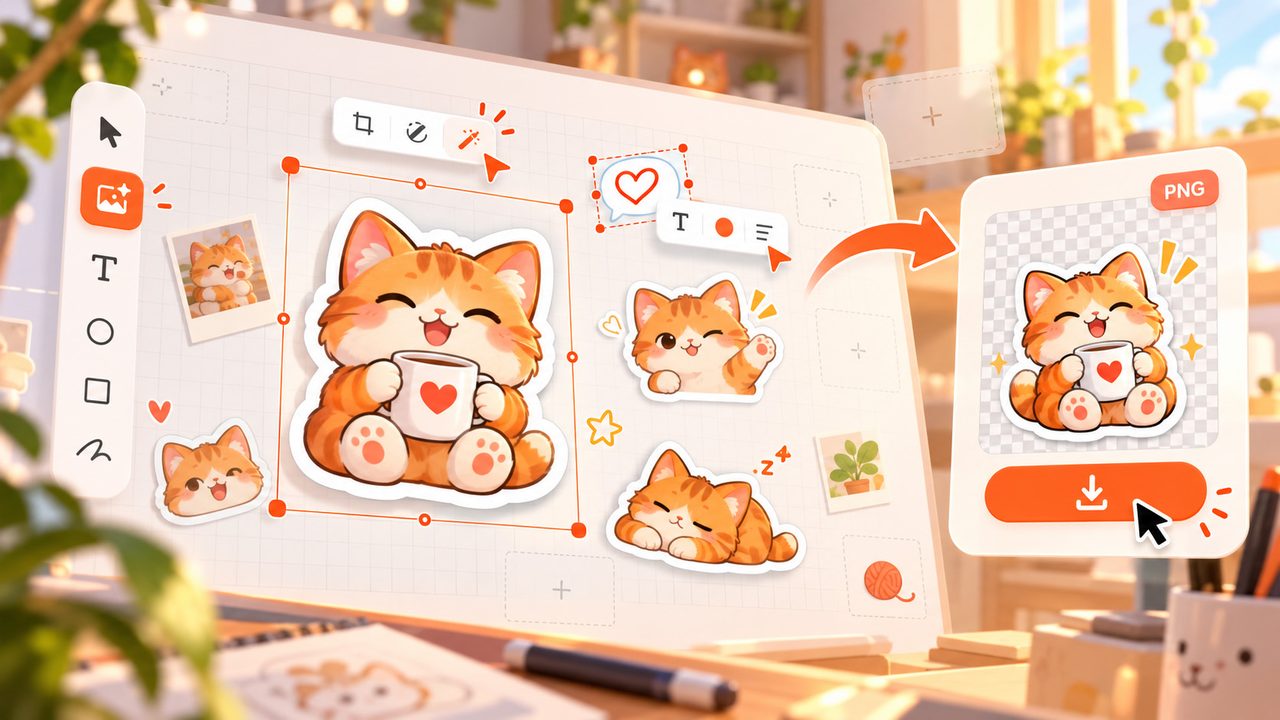
Results land on an infinite canvas: adjust with Edit image or Edit text, then download the PNG.
What stickers will you make?
Start with one of these eight kinds — describe it in a sentence, then pick a style.
Pet stickers
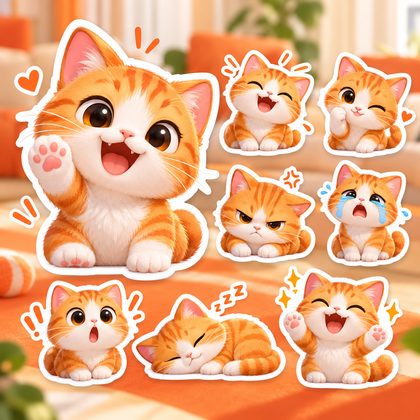
Turn your pet into an emoji set: one character across a whole pack, a different expression in each.
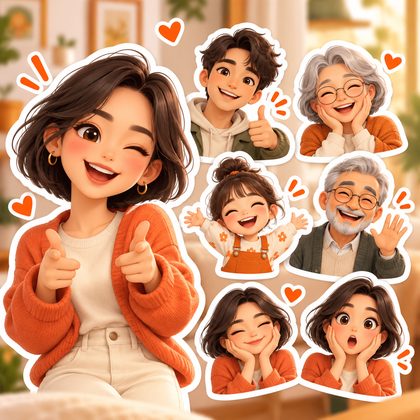
People stickers
Make a personal sticker set for yourself, family or friends.
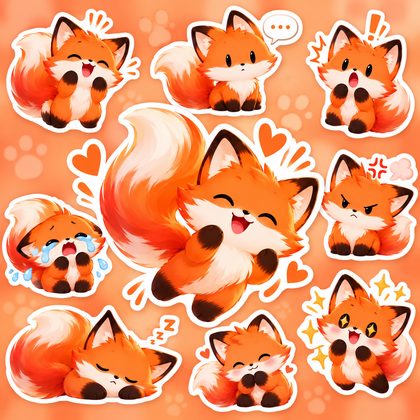
Emoji stickers
Happy, speechless, shocked — the reactions you use most, made in one go.
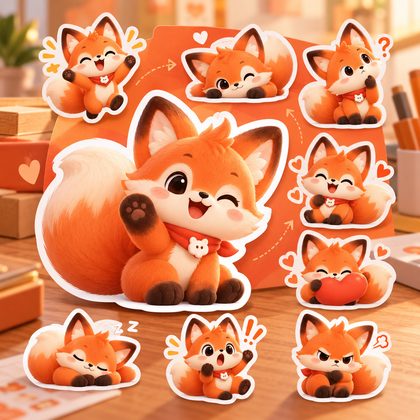
IP character stickers
Keep your original character's design and style, and produce series stickers in batches.
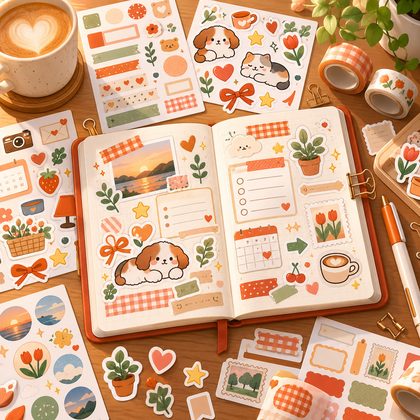
Journal stickers
Notes, tape, small icons — anything that goes into a journal.
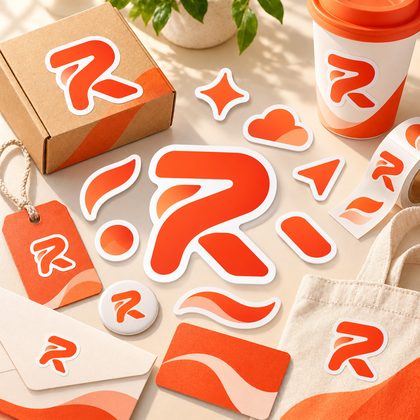
Brand stickers
Turn logos and brand elements into stickers for packaging and event materials.
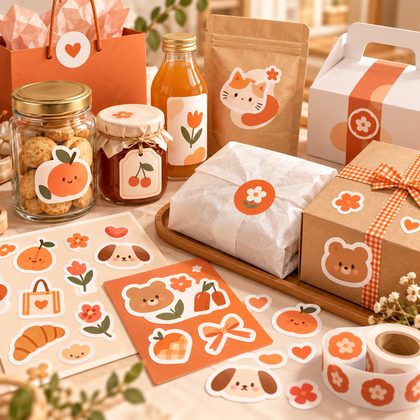
Product stickers
Matching stickers for products: labels, seals, gift-box accents.
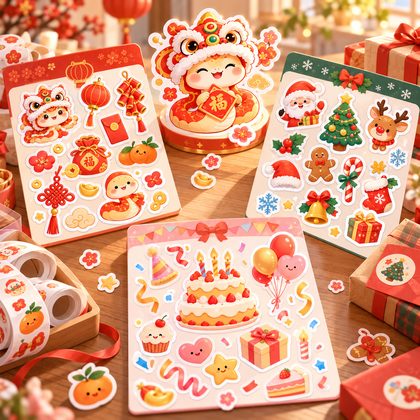
Holiday stickers
Spring Festival, Christmas, birthdays — a themed set for the occasion.
One input, a few picks, stickers in hand
No prompt engineering: describe or upload, pick a style, and let it run.
- Step 1
Describe it or upload a photo
Write a sentence about the sticker you want (say, "an orange cat in a bucket hat holding a coffee cup"), or simply upload a photo — at least one of the two.
- Step 2
Pick style and type
Choose one of 17 style cards (or go custom), then pick a sticker type: expressions, actions, journal pack… or a single sticker.
- Step 3
Generate and keep creating
Results land on an infinite canvas — keep editing and refining, then download the transparent PNG.
Frequently asked questions
Answers for what actually comes up.
How are AI stickers different from ordinary AI images?
Veyxi redraws for how stickers are used: a complete subject, a clear outline, a die-cut border along the edge, and a transparent PNG by default — ready to use without any cut-out step.
Can I use my own photos?
Yes. Upload a photo of a person, pet, product or original character; key features (face, fur color, palette) are kept while the image is redrawn as a sticker. Provide at least a photo or a description.
Is the background transparent by default?
Yes — the output is a transparent PNG with an alpha channel. Want a white or solid background? Switch the Background field to opaque.
How many stickers can I generate at once? Can they form a set?
Up to 4 per run. With pack types like Expressions or Actions, the stickers stay the same character; expressions within one batch may come out similar — name the ones you want, or generate another batch. Need more stickers? Just generate again.
What can I download? Can I print them?
PNG downloads (transparent by default) and edits on the canvas, then download again. For printing, use the opaque-background version. Pack ZIP download and printable sticker sheets are still in development.
Can I use the stickers commercially?
Yes — see the Copyright & Commercial Use notice linked in the site footer for the exact scope. Please don't use this tool to create content that infringes on trademarks, likeness rights or copyright.
What set will you make today?
One sentence or one photo is enough to start — make the first one and see.