
Make an old photo clear again — and keep its story
Upload a faded, scratched, creased or blurry old photo and let AI work out what needs repairing. Keep it as it was, or restore it and add natural color.
The original photo is the only source of truth: every repair preserves real features and the character of its time.
True to the original
Only the damage is repaired — nothing in the photo is reinvented.
Faces stay themselves
It never invents a new face to make one sharper.
Optional colorization
Keep it black and white, or add natural color.
Keep editing on canvas
Refine with Edit, then download when you're done.
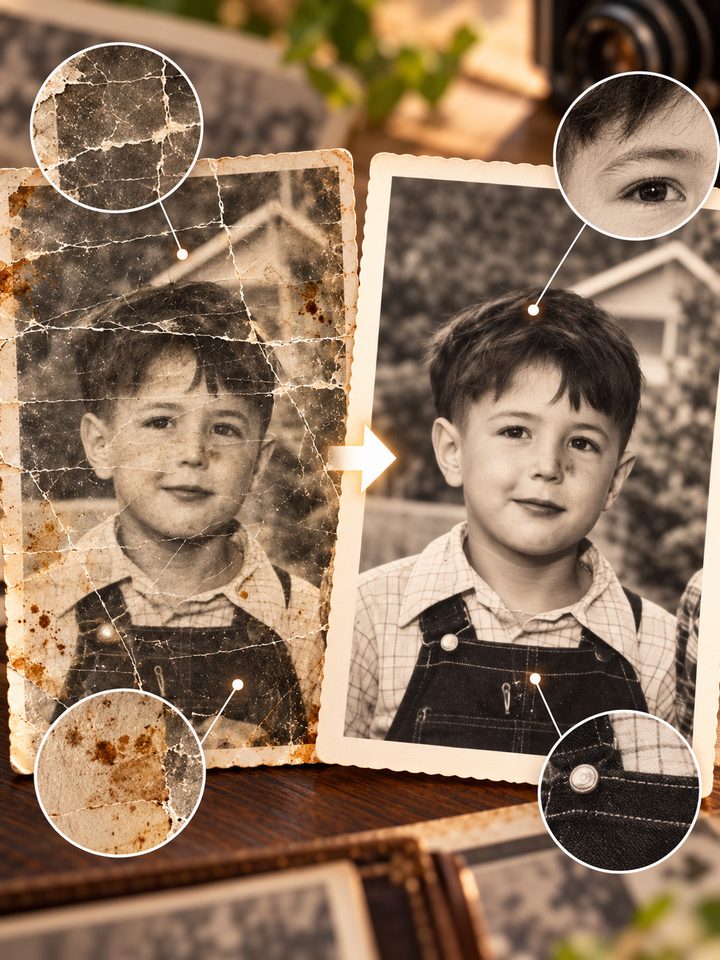
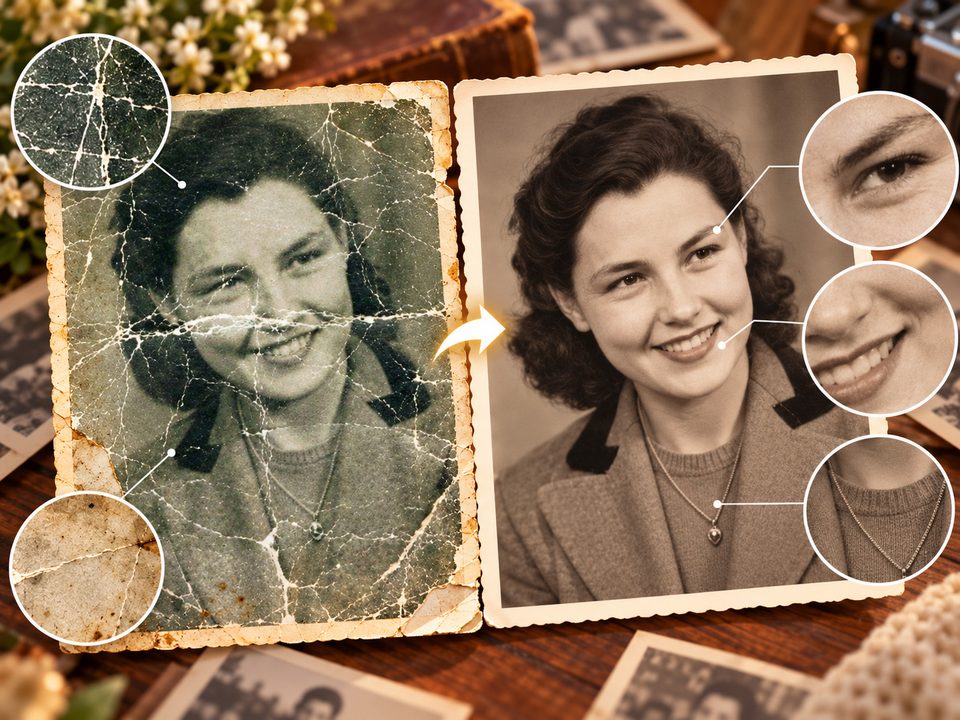
Five things it does well
From an old photo to a repaired one, every step follows the same rule: nothing in the original is invented.
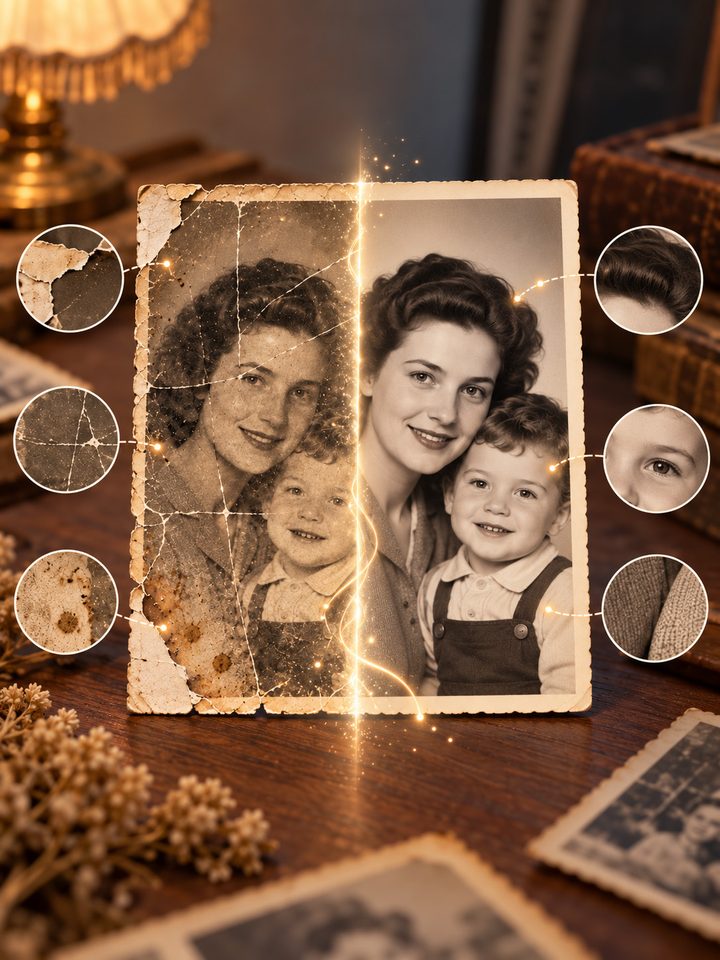
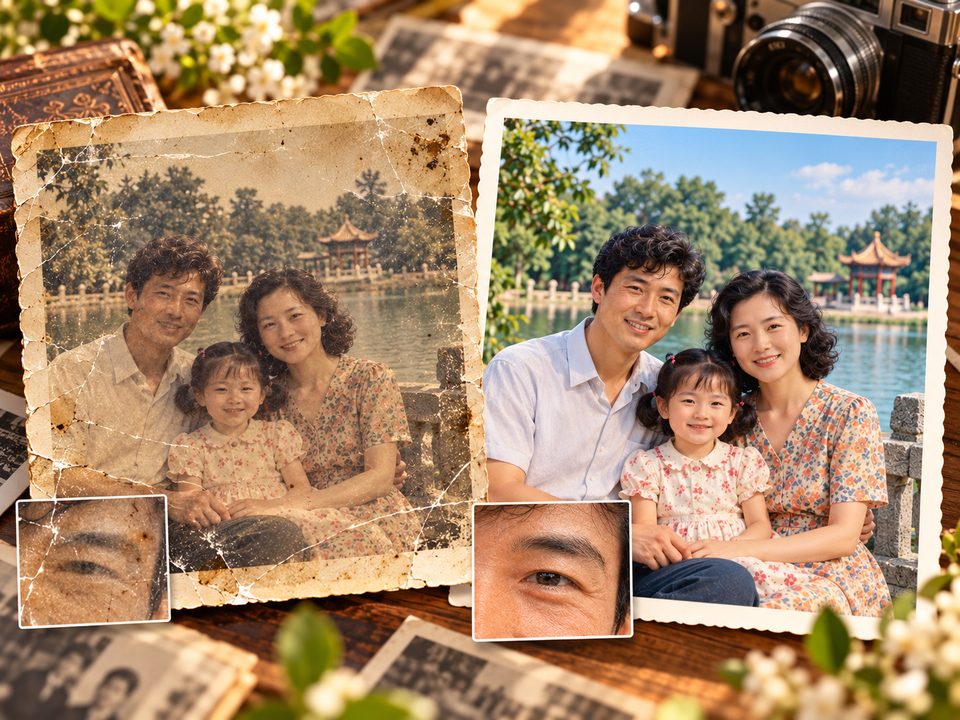
Repairs scratches and damage
Scratches, cracks, creases, dust and stains are handled so the damaged areas blend back into the surrounding picture — instead of leaving a smudged patch behind.
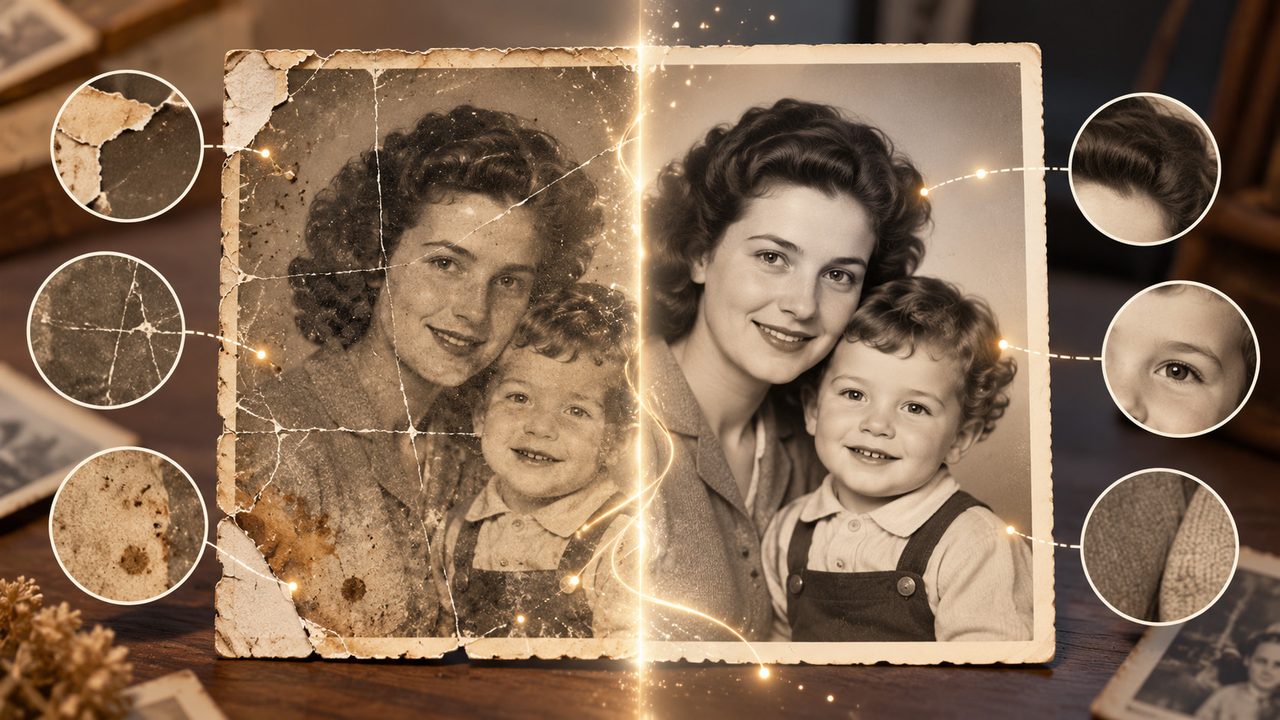
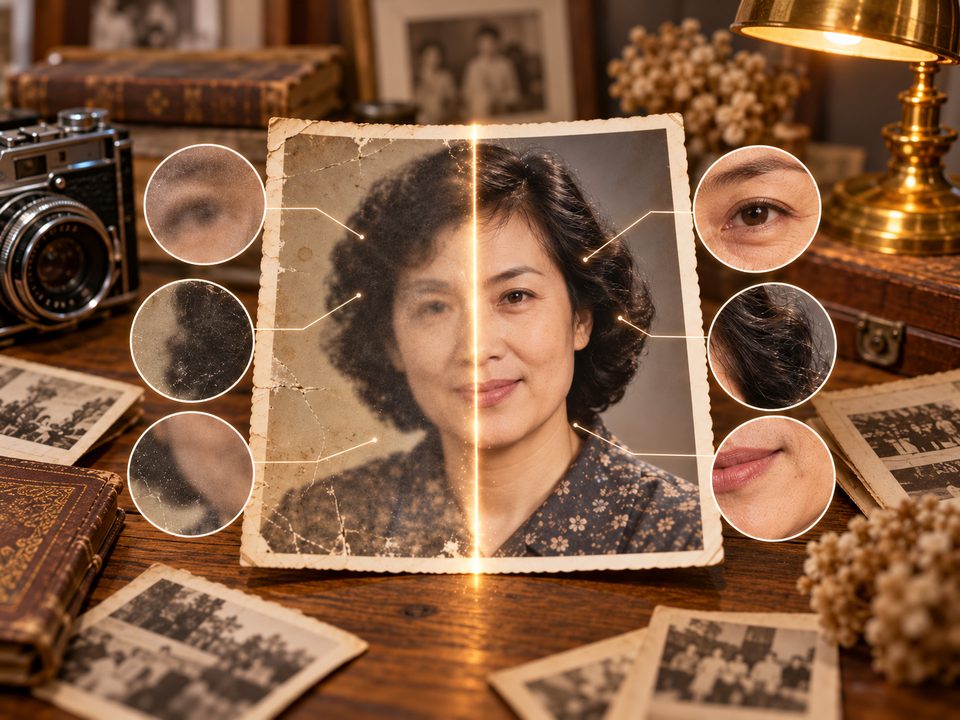
Sharpens blurry faces naturally
AI restores features, hair and skin detail from what the photo already shows, keeping the person, their age and their expression — it will not trade a face for a prettier one.
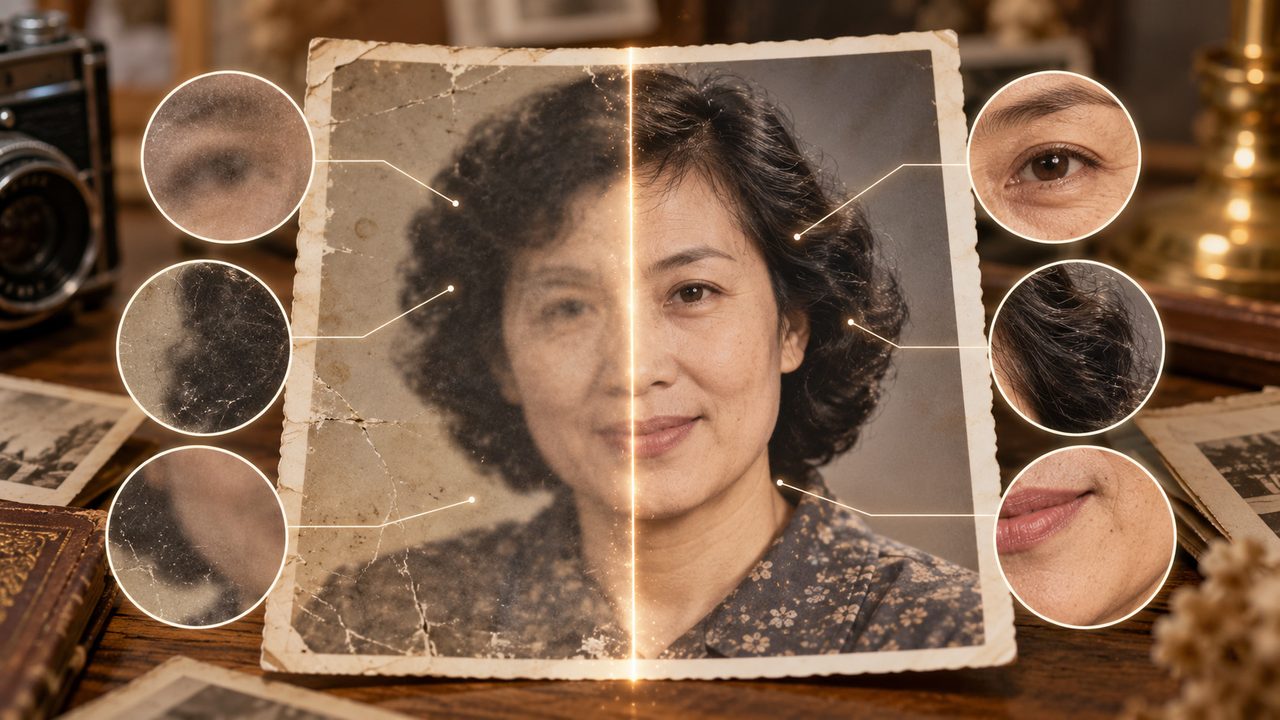
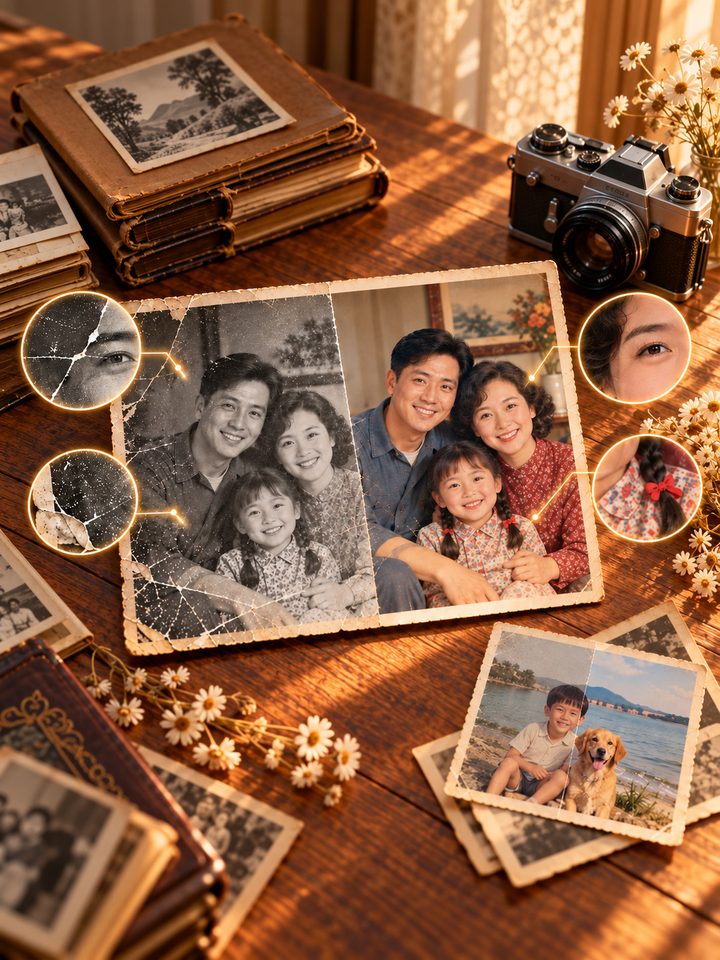
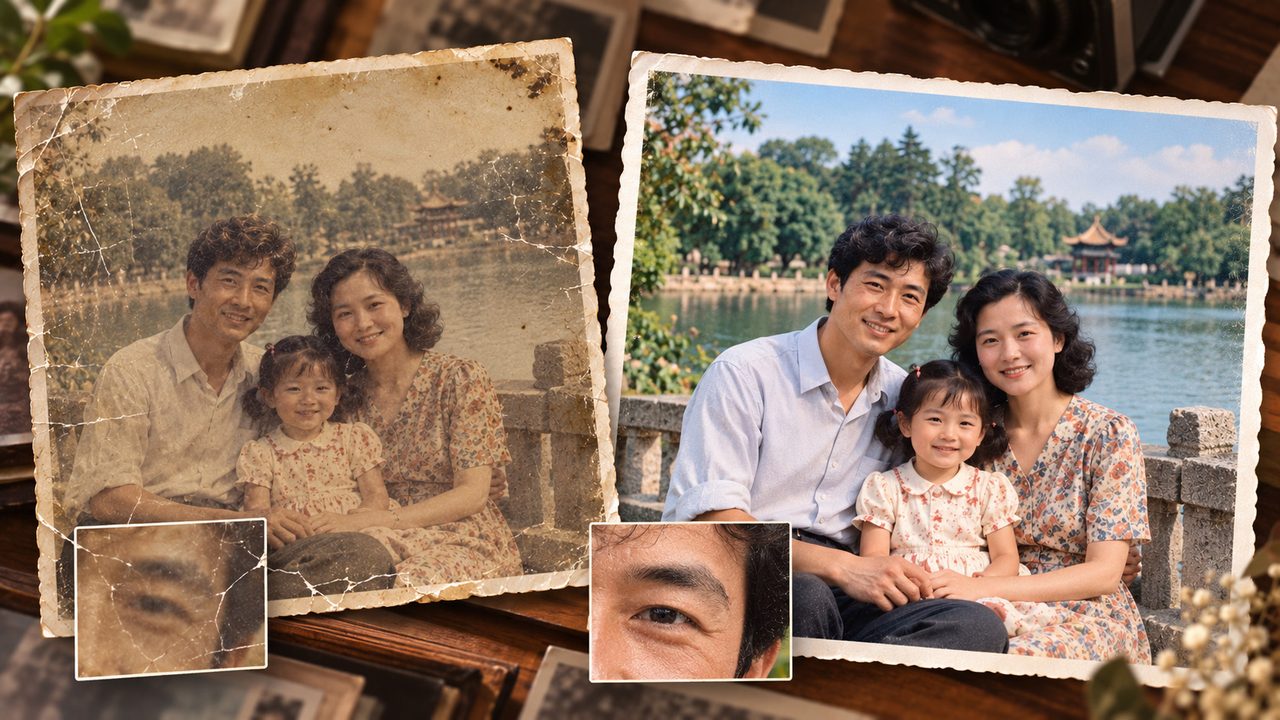
Colorizes black and white naturally
With "restore and colorize" the repair comes first, then natural, restrained color is added to a black-and-white photo. Photos that are already in color only get their original tones back.
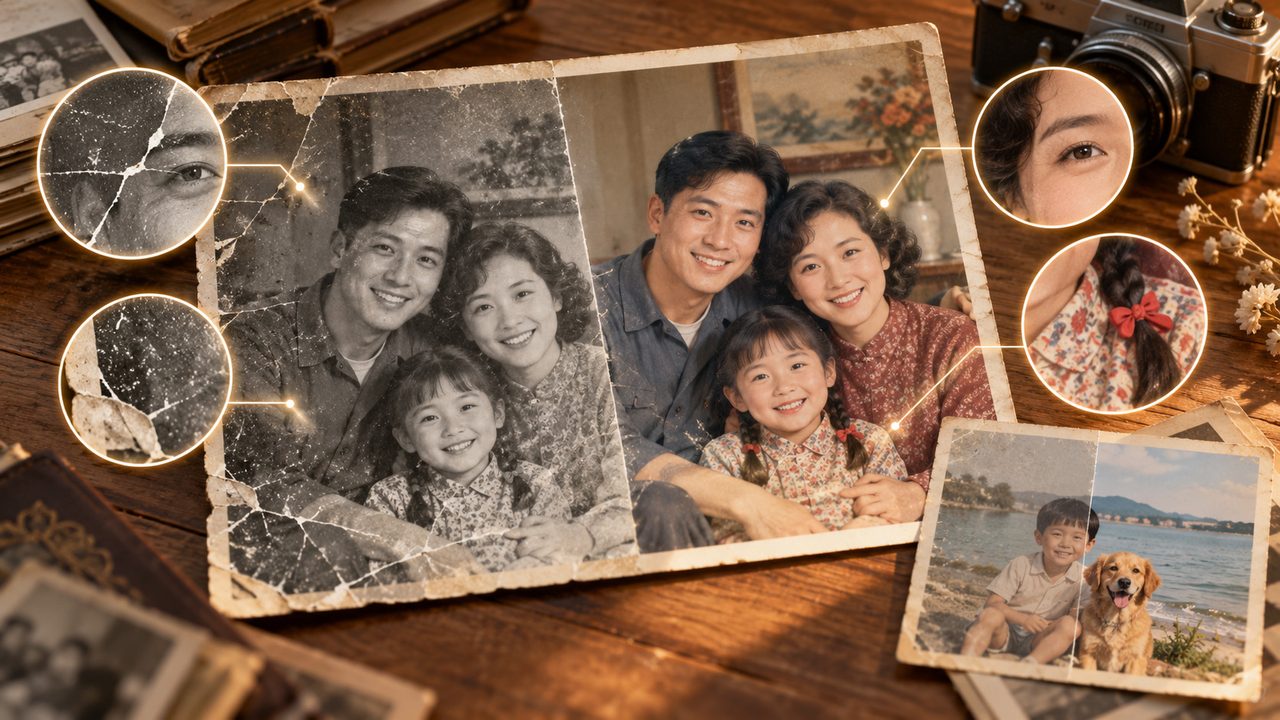
Brings back tone and contrast
Grey, yellowed, flat or unevenly exposed photos are improved while keeping their natural grain and period feel — no modern filter look.
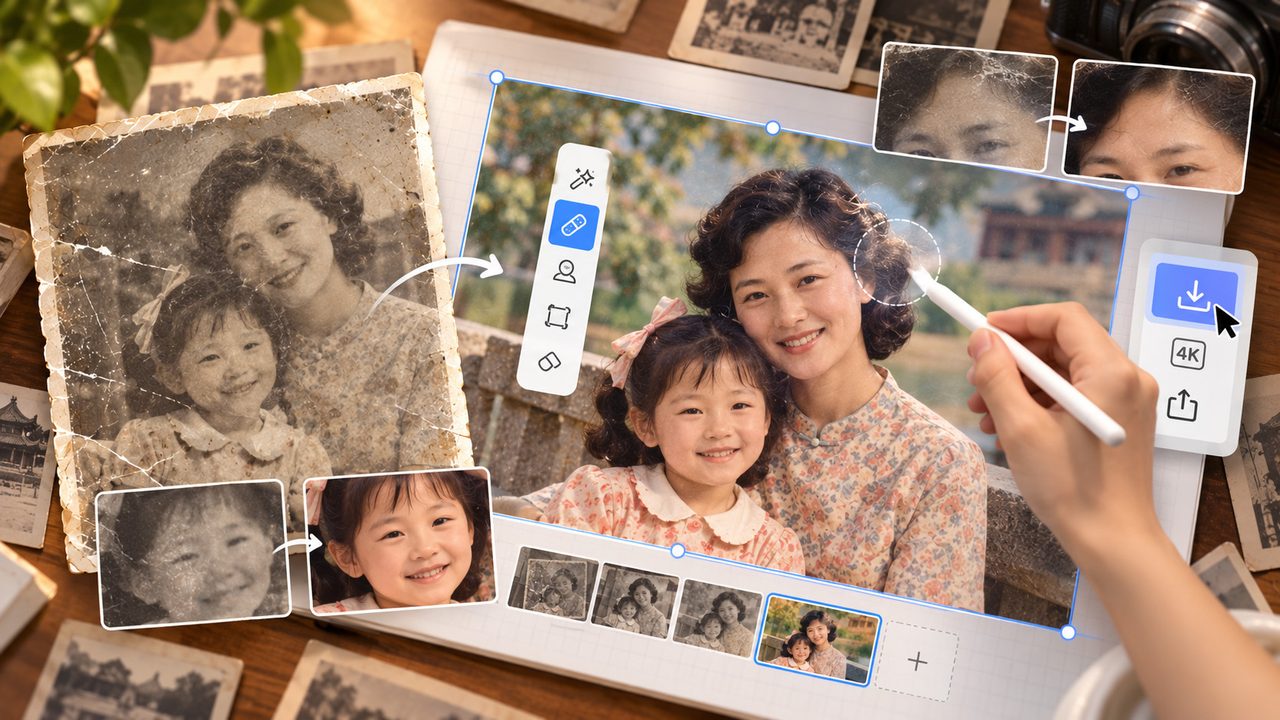
Keep editing on the canvas, then save
The result lands on the Veyxi infinite canvas: repair small areas with edit, check the detail there, and download it when you are happy.
An old photo deserves a careful repair
Whether it is a family album for the next generation or a thoughtful keepsake.
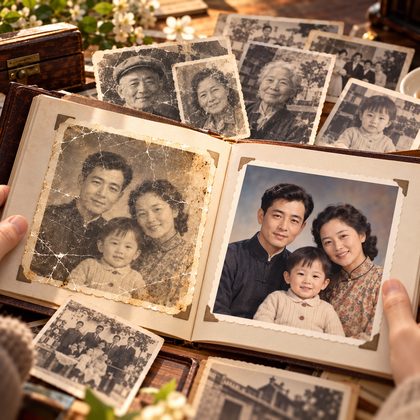
Ancestor albums
Repair photographs left by grandparents and great-grandparents, and keep a clearer version for the family album and digital archive.
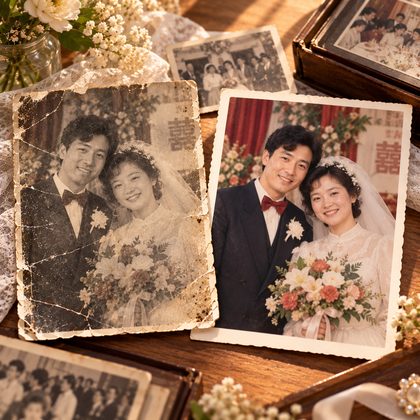
Wedding archives
Restore your parents' or grandparents' wedding photos for an anniversary, a family collection or a keepsake album.
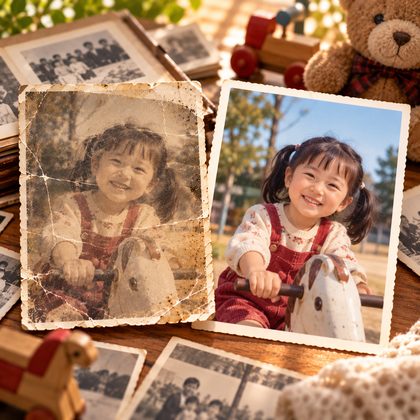
Childhood photos
Improve blurry, creased and faded childhood photos so the details from back then become clear again.
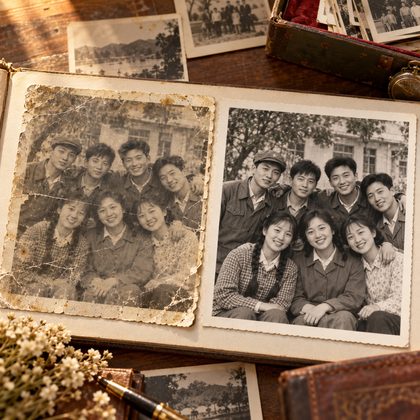
Old friends
Repair group photos with classmates and old comrades from school days or army years — for reunions and keepsake albums, with every face clear again.
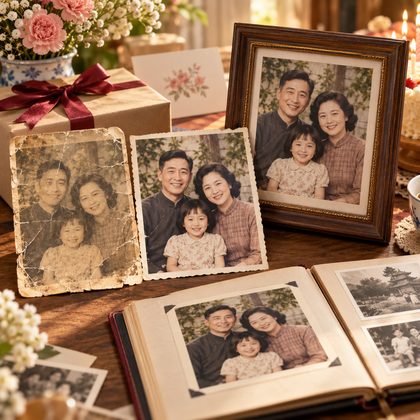
A keepsake gift
Turn an old photo into a version fit for a framed keepsake, a family album or a birthday gift.
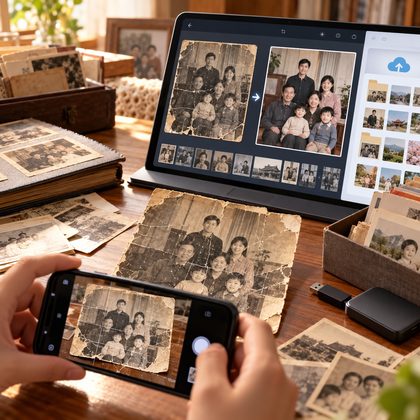
A family digital archive
Scan or photograph old prints, upload them, and save repaired, clearer digital files — so fragile paper photos survive.
Three steps to a repaired photo
No retouching skills needed: hand over the photo and say what you want.
- Step 1
Upload the old photo
Upload one old photo on the create page. Scratches, cracks, creases, stains, blur, fading and damage are all detected automatically — there is nothing to tick off.
- Step 2
Choose how to restore it
"Smart restore" is the default; switch to "restore and colorize" when you want color. You can also add a note such as "keep it black and white, focus on the face" — when it is more specific than the mode, it wins.
- Step 3
Check the result and carry on
The result opens on the infinite canvas: compare before and after, repair small areas with edit, and download it when you are happy.
Frequently asked questions
The answers you will actually run into.
Will AI turn the person in the photo into someone else?
Veyxi keeps the original features, expression, age and identity first. For very blurry photos, or when a key area is completely missing, some inference may still be needed — which is why the system repairs conservatively.
Can it repair photos with lots of cracks and creases?
The system detects common damage such as scratches, cracks, creases and stains and tries to restore it. The more damaged the photo, the less original information remains, and the less can be recovered.
Will a black-and-white photo always come back in color?
No. With "smart restore" a black-and-white photo stays black and white. Color is added only when you choose "restore and colorize", or ask for it in the extra instructions.
Can a blurry face be made sharper?
The face information already in the photo can be enhanced, but the system will not change who the person is just to make them look clearer.
Can I repair the photo without changing the people?
Yes. Identity, expression, hairstyle, clothing, posture and the original framing are all protected by default.
Can I keep editing the repaired photo?
Yes. The result opens on the Veyxi infinite canvas, where you can keep repairing small areas with edit, or simply download it.
Photos get old — memories should not fade
Upload an old photo you want to keep, and let AI work out what needs repairing and repair it properly.