
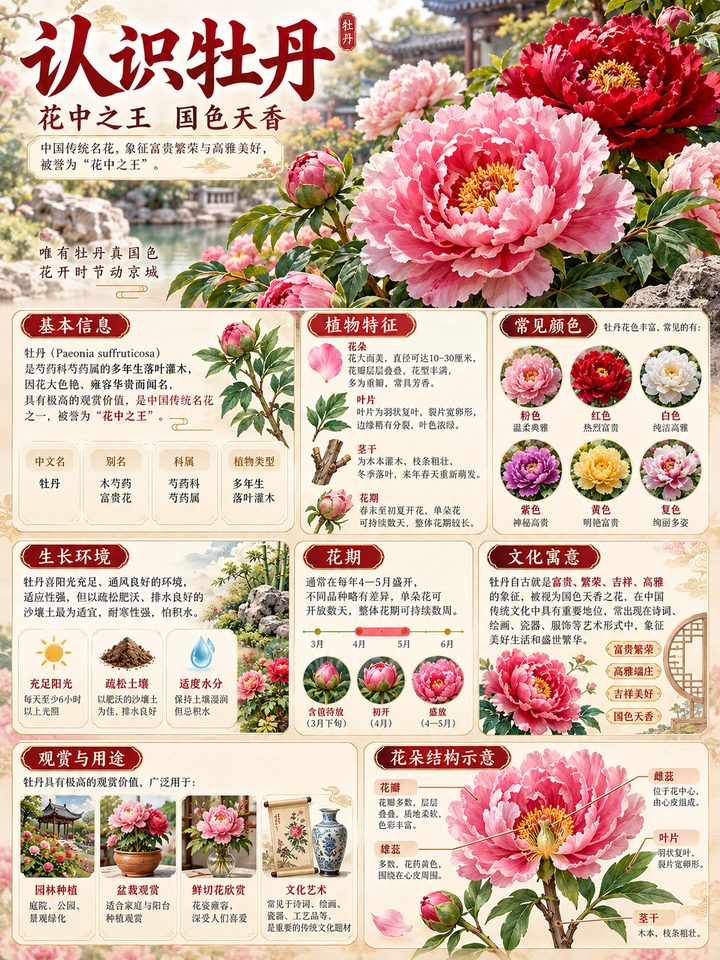
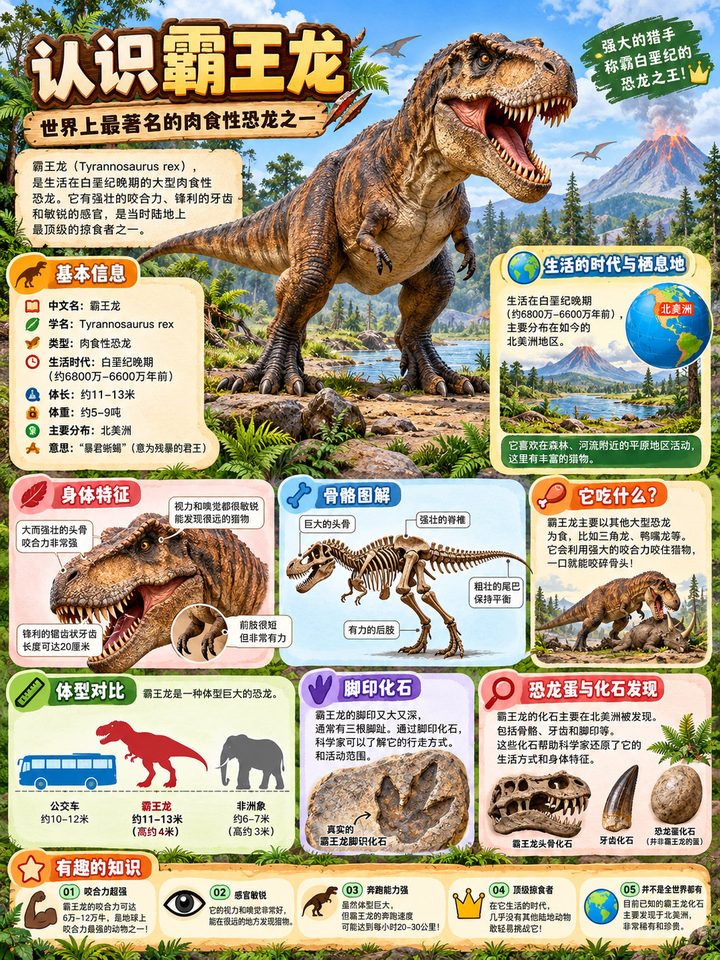
One topic in, one clear and beautiful knowledge card out
Enter a topic or upload an image — Veyxi gathers the key knowledge and lays out the card for you.
Great for study, classrooms, family activities, content sharing and digital products — no research and no layout work required.
A topic is all it takes
Type "blue whale" or "the solar system" — research and layout happen in one go.
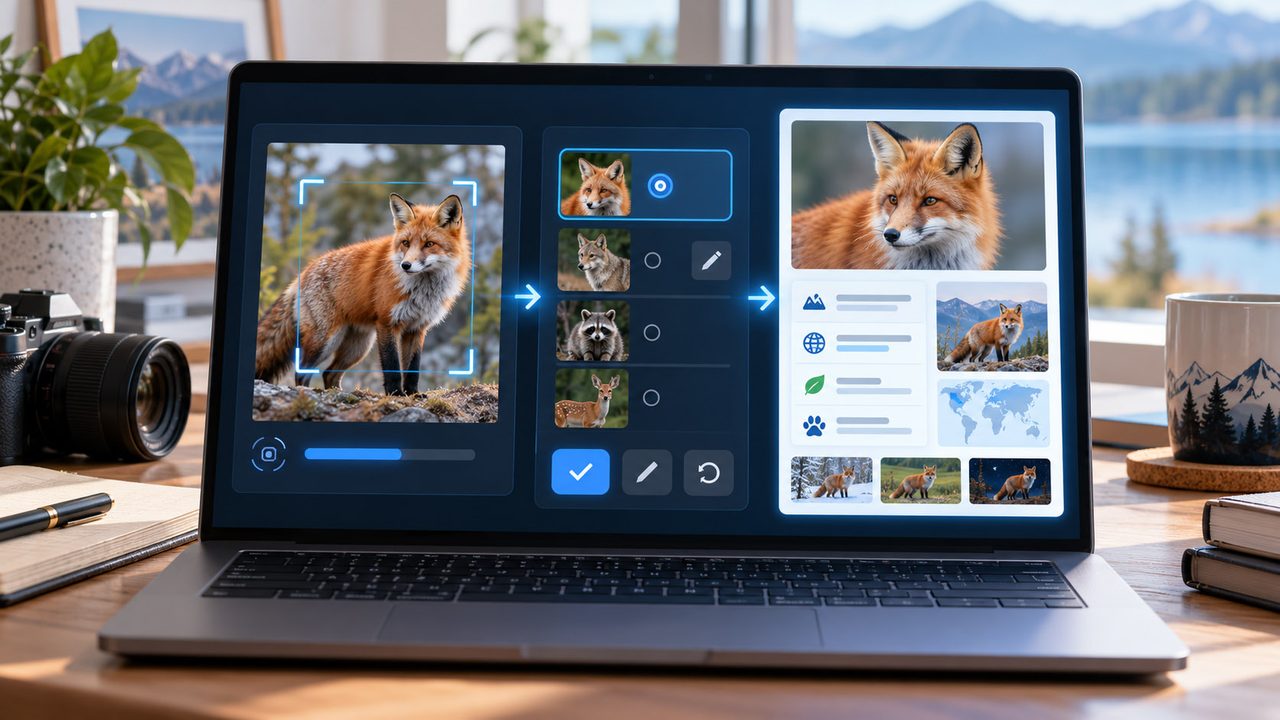
Upload an image, meet its subject
The detected subject is a suggestion you confirm and edit — never treated as absolute fact.
Redraw any card
The text is painted onto the card — redraw a single card you dislike, or regenerate when the content should change.
Export and canvas
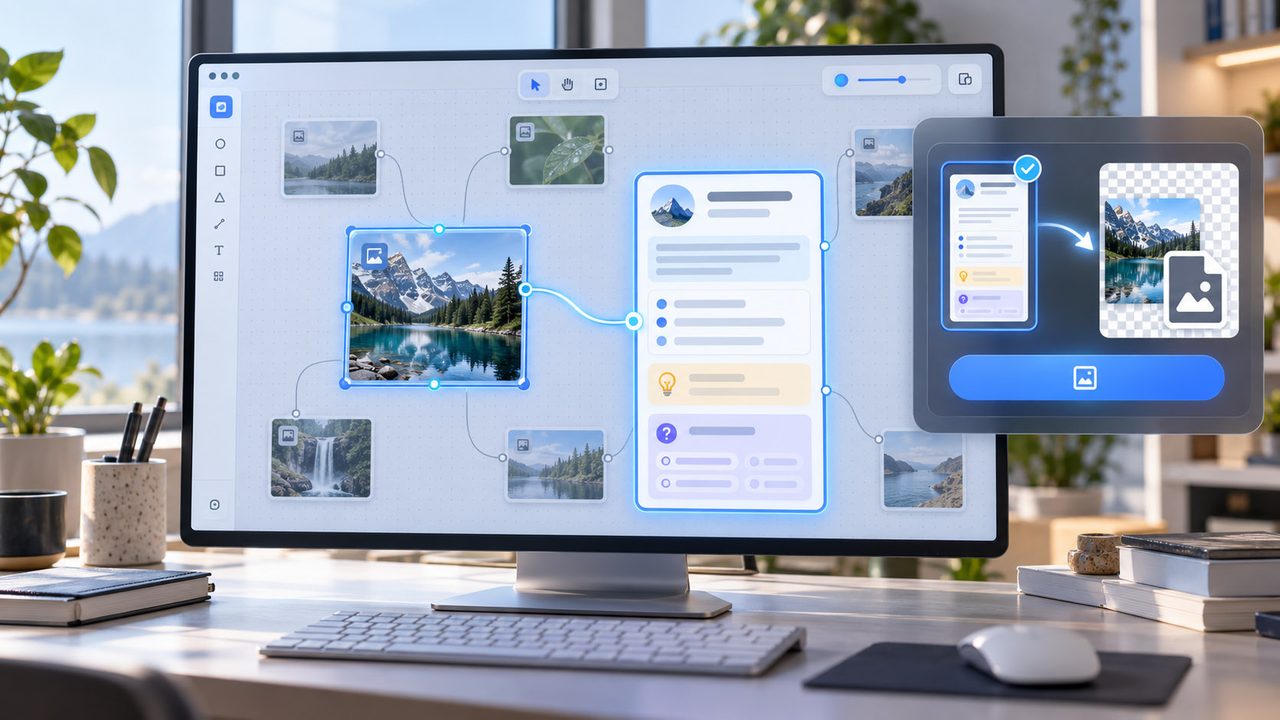
Export a PNG, or create cards right on the canvas and keep building from there.
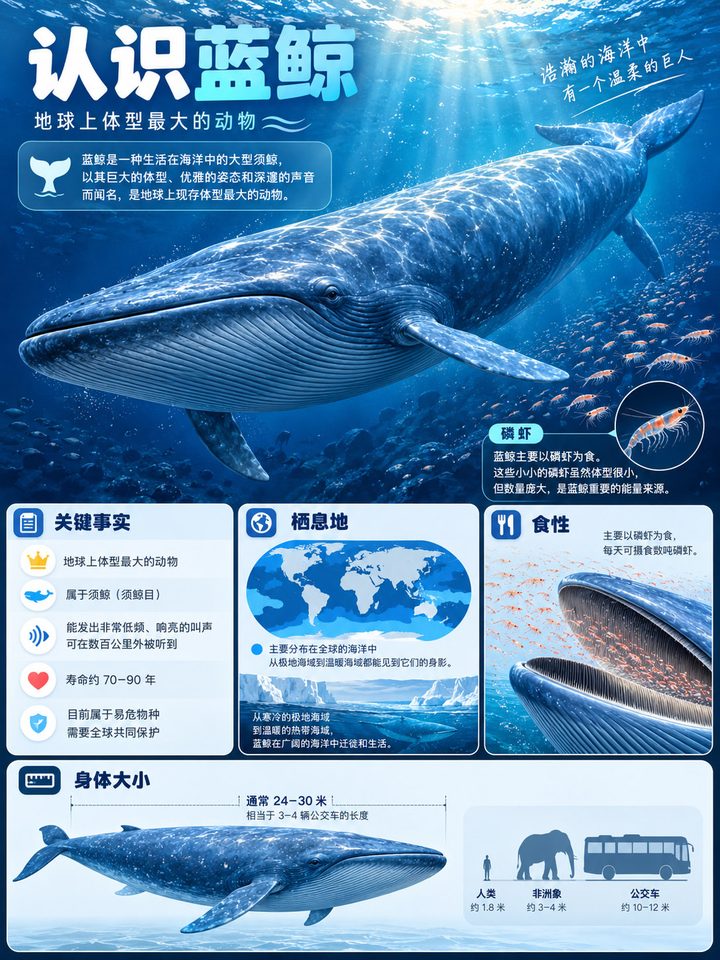
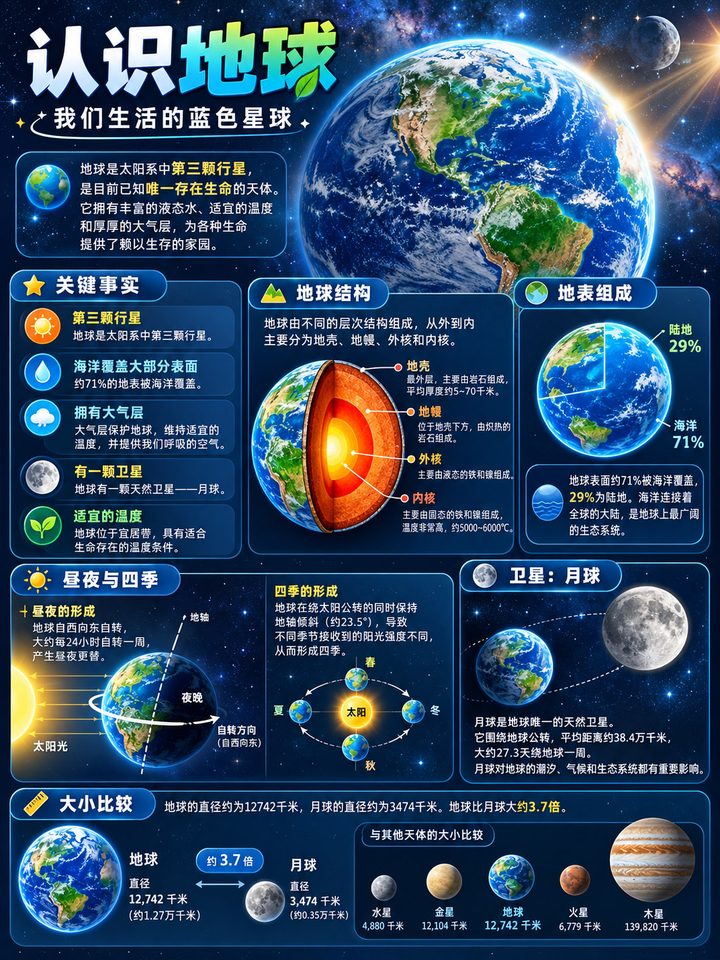
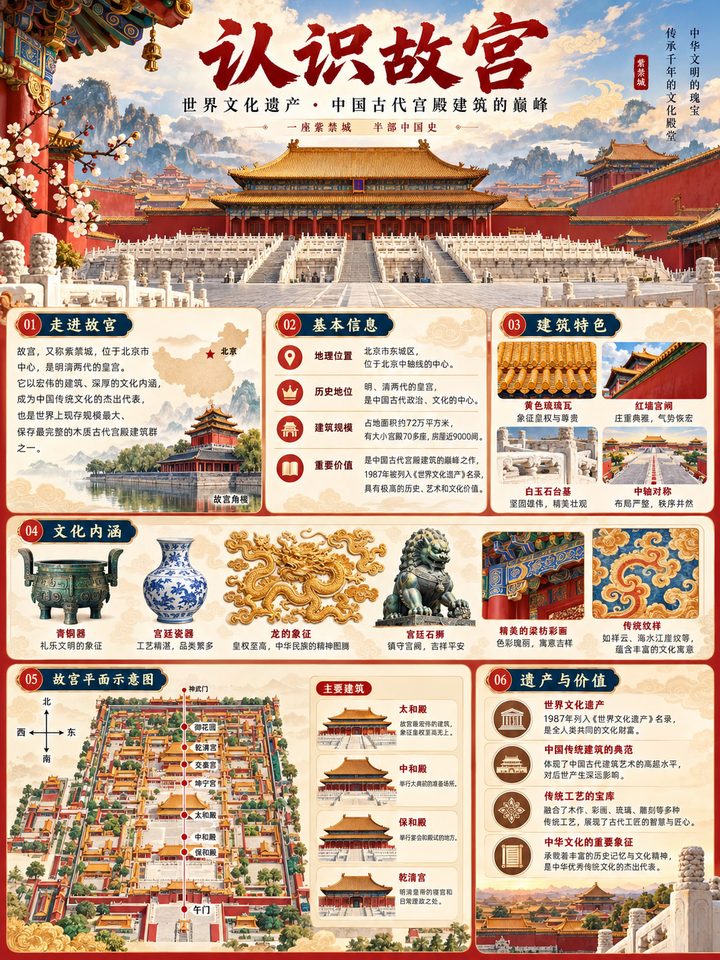
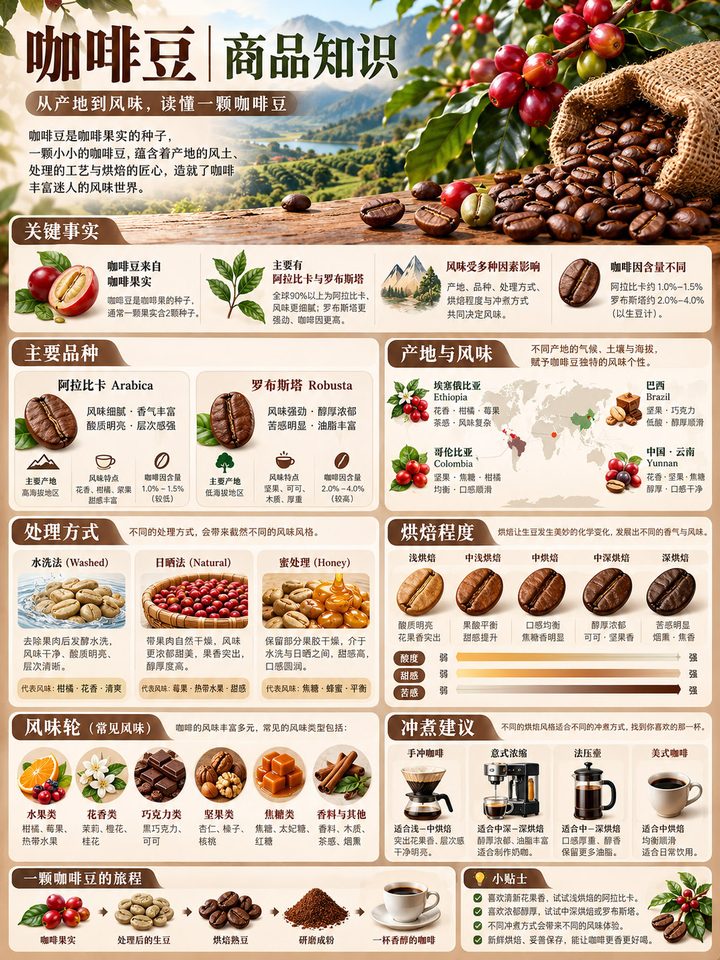
What it does
Everything from input to finished card
Structured knowledge
You get a title, summary, key points, a fun fact and a question — structured content, not a wall of encyclopedia text.

Subject detection
Upload an image and the subject is detected first; confirm or edit it before generating.
Depth for any reader
Six audiences from toddler to expert, with brief, standard and detailed depths.

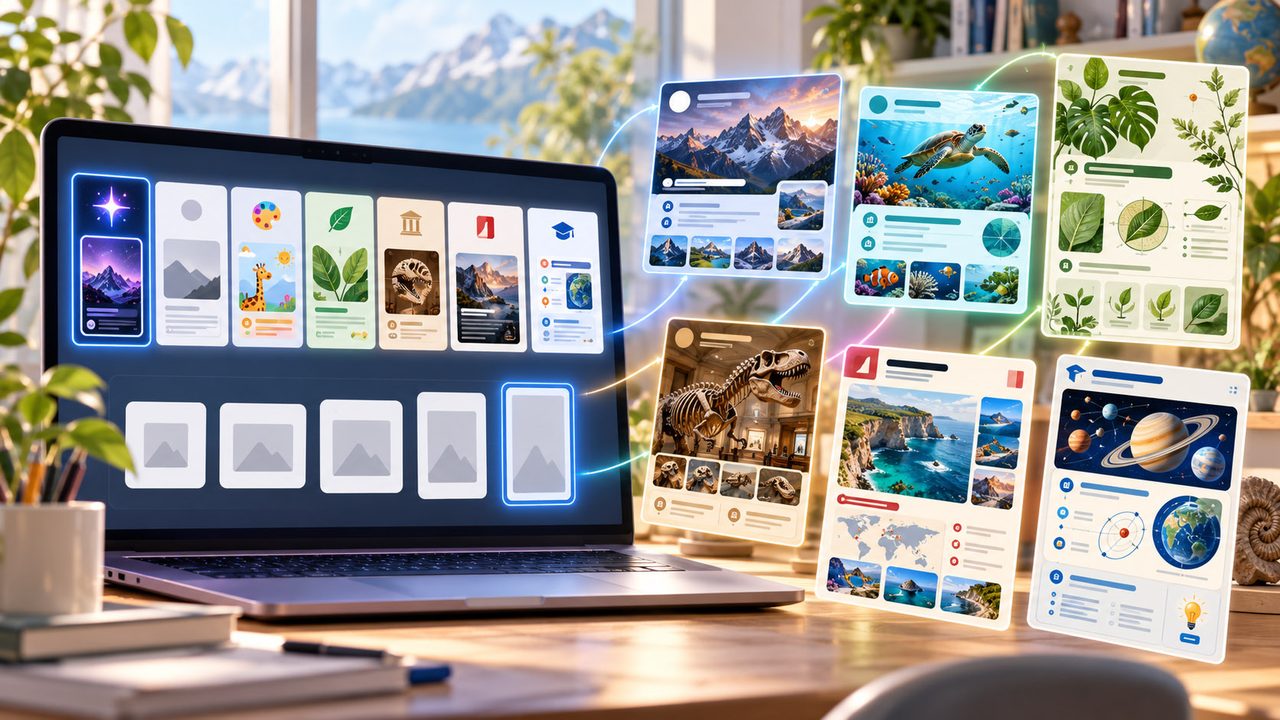
Seven styles, five ratios
Auto, minimal, kids, nature, museum, magazine and study guide; from 1:1 all the way to A4.
Sets and redraws
Generate 1, 2 or 4 cards at once; redraw a single card for the price of one image.
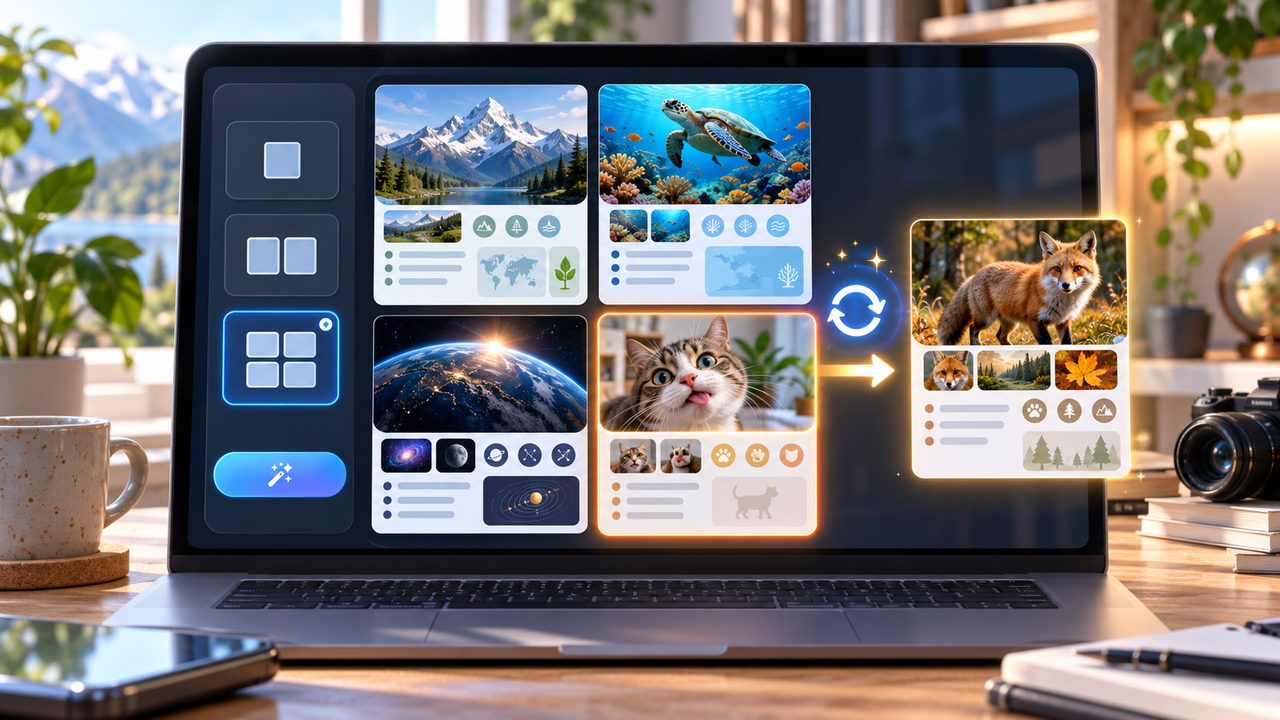
Export and canvas
Export any card as PNG, or generate cards from an image on the canvas — new nodes keep the link to their source.
Where it helps
From family learning to digital products, a card travels far
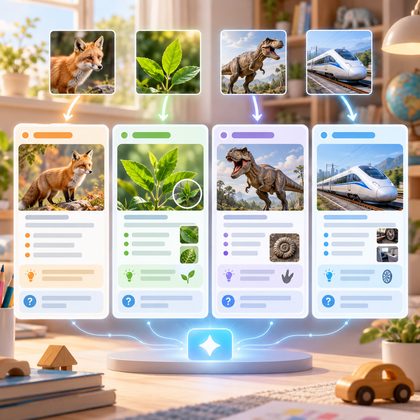
Family learning
Animals, plants, dinosaurs, vehicles — one image plus one readable card.
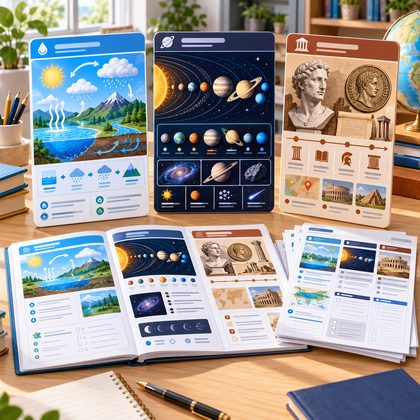
Classroom material
The water cycle, the solar system, historical figures — as study cards and full sets.
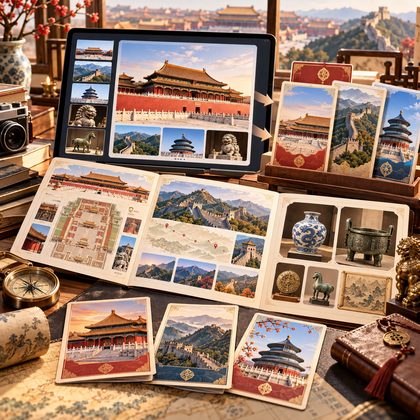
Travel and culture
Landmarks and exhibits: read the background before, keep the memory after.
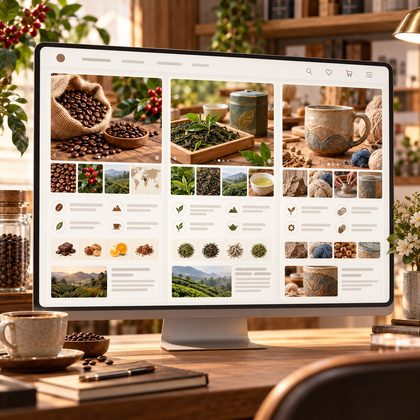
Product knowledge
Origins and stories behind coffee, tea or handmade goods, ready for your listings.
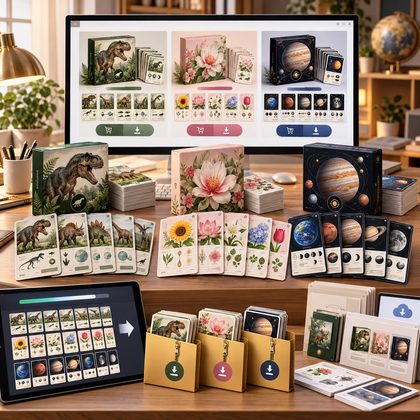
Digital products
Dinosaur sets, flower cards, solar system packs — generate as a set and sell it.
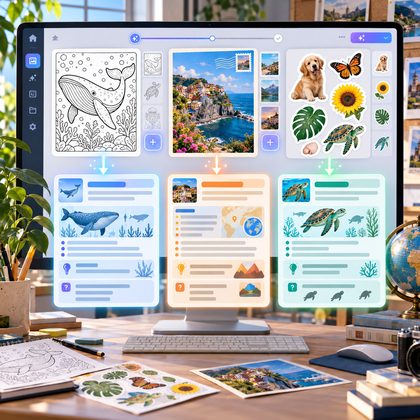
Boost other tools
Add a knowledge card on top of a coloring page, postcard or sticker to give the work another layer.
Three steps
No prompt engineering, no design software
- Steps
Enter a topic or an image
Type a topic like "blue whale", or upload an image, detect its subject and adjust.
- Steps
Pick settings and generate
Card type, audience, depth, ratio and style — or simply keep the defaults.
- Steps
Read, edit, export
Read page by page or continuously, edit, export as PNG — or keep going on the canvas next to the source image.
FAQ
Read this before you start
How long does a card take?
Usually ten to twenty seconds. It happens in a single request — no queue, no "check back later" in-between state.
Can the content be wrong?
The system prompt forbids inventing dates, numbers, biographies and scientific conclusions, and asks to soften or drop anything uncertain. Always double-check for important uses — the card is study material, not an authority.
How much fits on one card?
The card text is laid out by the generation model itself: title, subtitle, three to six key points, a fun fact and a question. When content is too long the system splits cards instead of shrinking type.
Can it make a whole set?
Yes — up to four cards per generation (cover plus content cards). Run it again for more.
Can I edit afterwards?
The text is painted into the image, so there is no text editing: change the content by regenerating, or redraw a single card (charged as one image).
Can I print or export it?
Export a PNG — the A4 ratio is there for printing. Merging a set into one PDF is still in development.
Start with a topic
Type whatever you are curious about and watch it become a card.