
AI Hidden Picture Generator | Printable I Spy worksheets from one sentence
Generate a themed line-art scene, a hidden-object list and an answer key — ready to color, edit and print on A4.
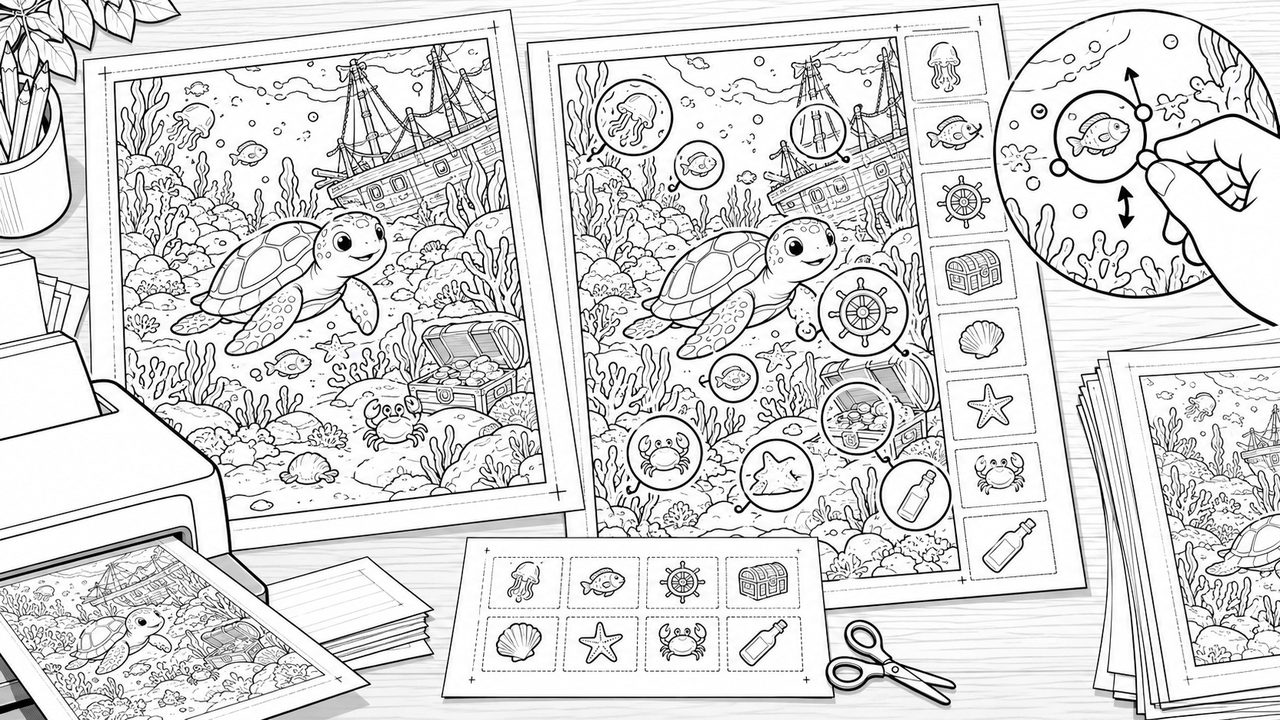
Describe a theme, then choose an age group, difficulty and object count. The image model draws the chosen objects directly into a black-and-white scene, and a vision model locates each answer position — no pasted-on stickers, and the legend and answer key share one detection set.
Counts that match
Targets come from the library; if the model misses one, it redraws once — otherwise the job fails and refunds.
Automatic answer key
Dashed circles and numbers mark every object; adjust an answer marker and the answer page follows.
Print-ready
A4 portrait at 300dpi, plus 3:4 and 4:3 pages; puzzle and answer on separate pages.
Correctable answers
AI locates every object; drag or resize its answer circle when needed — the artwork stays unchanged.
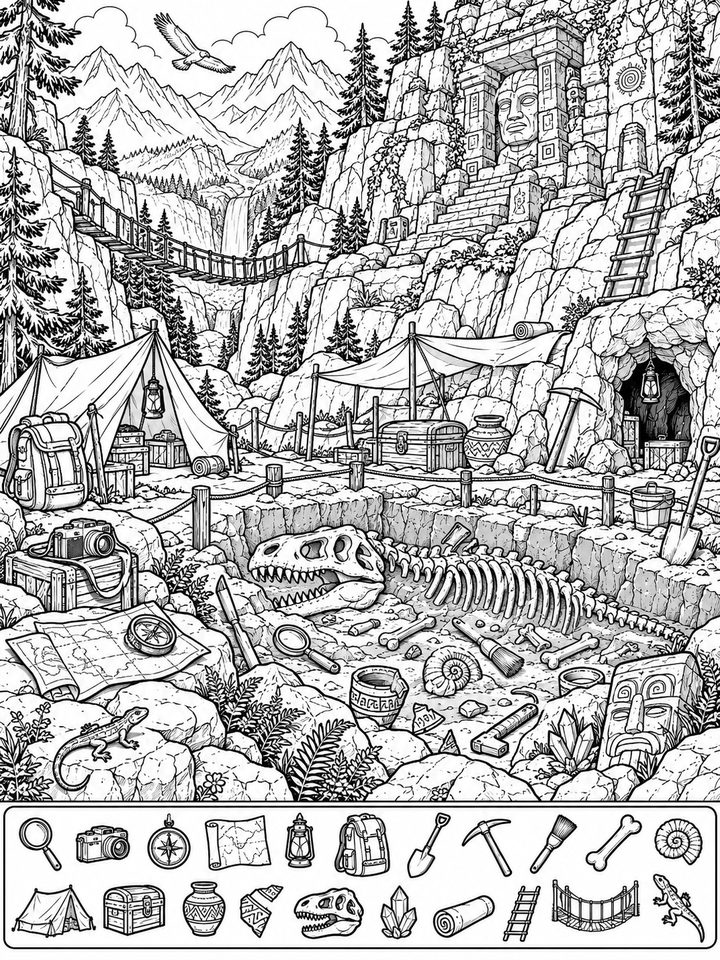
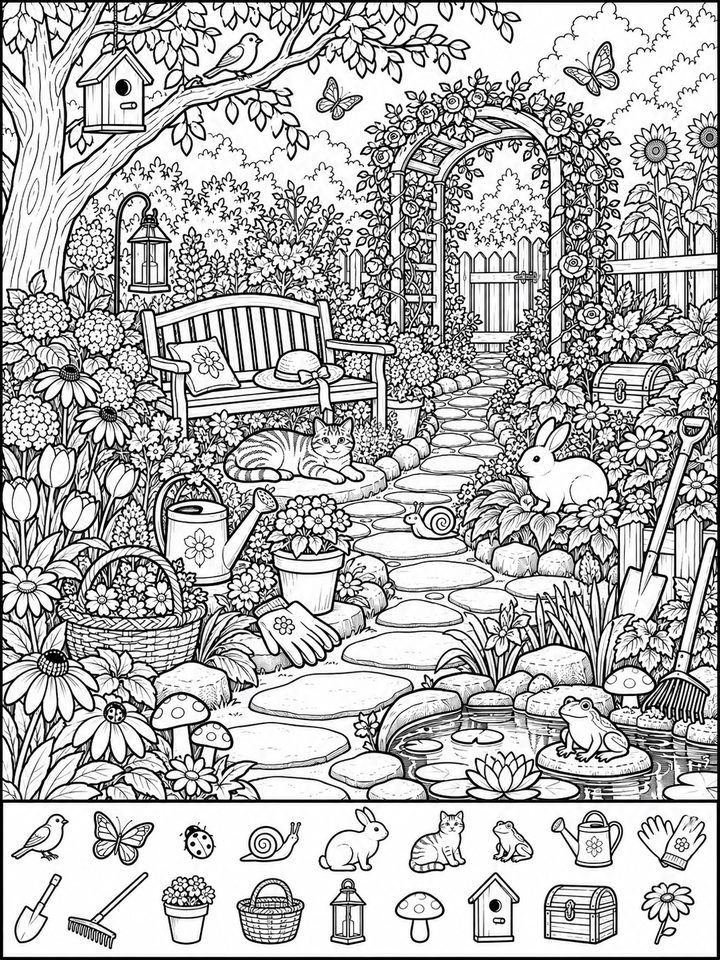
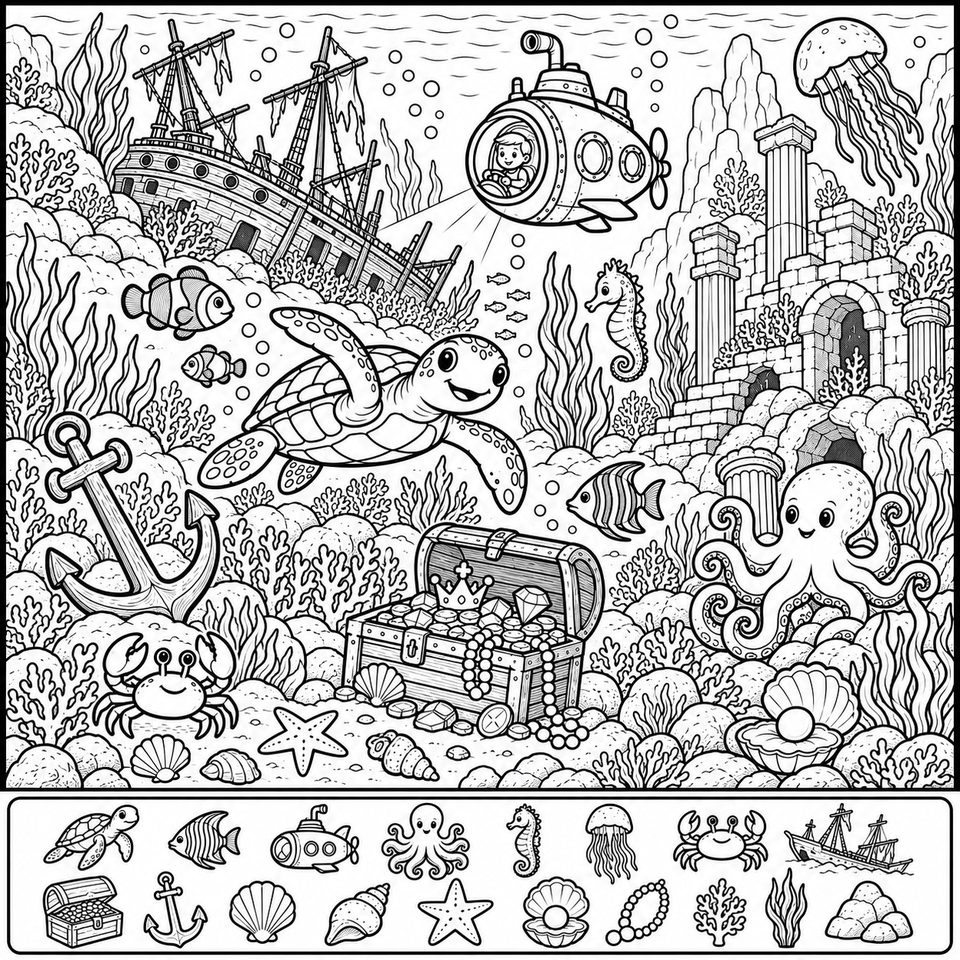
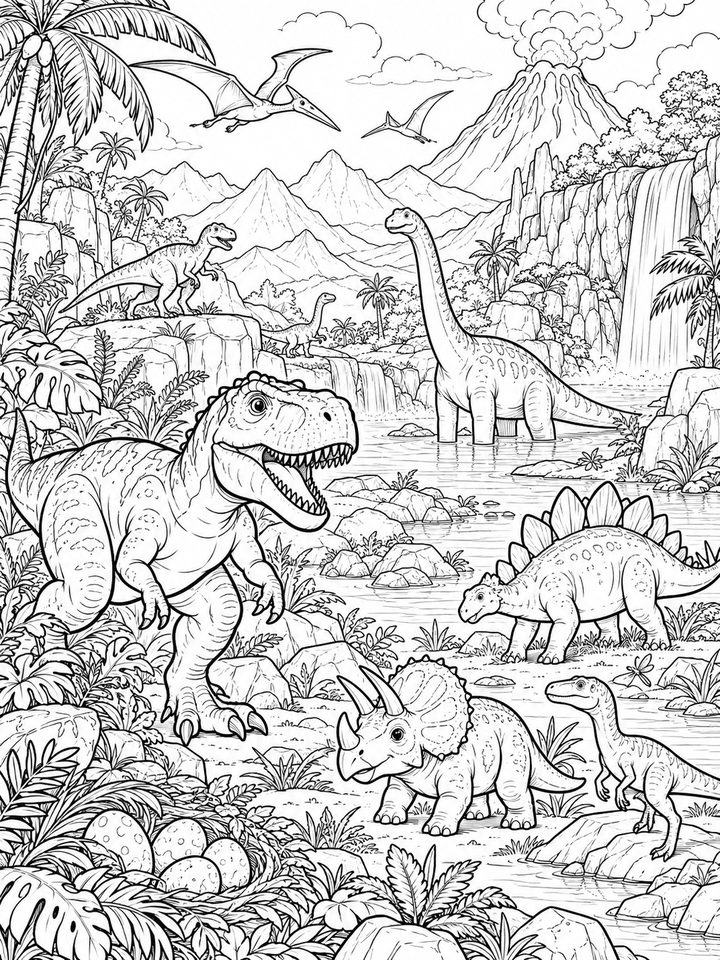
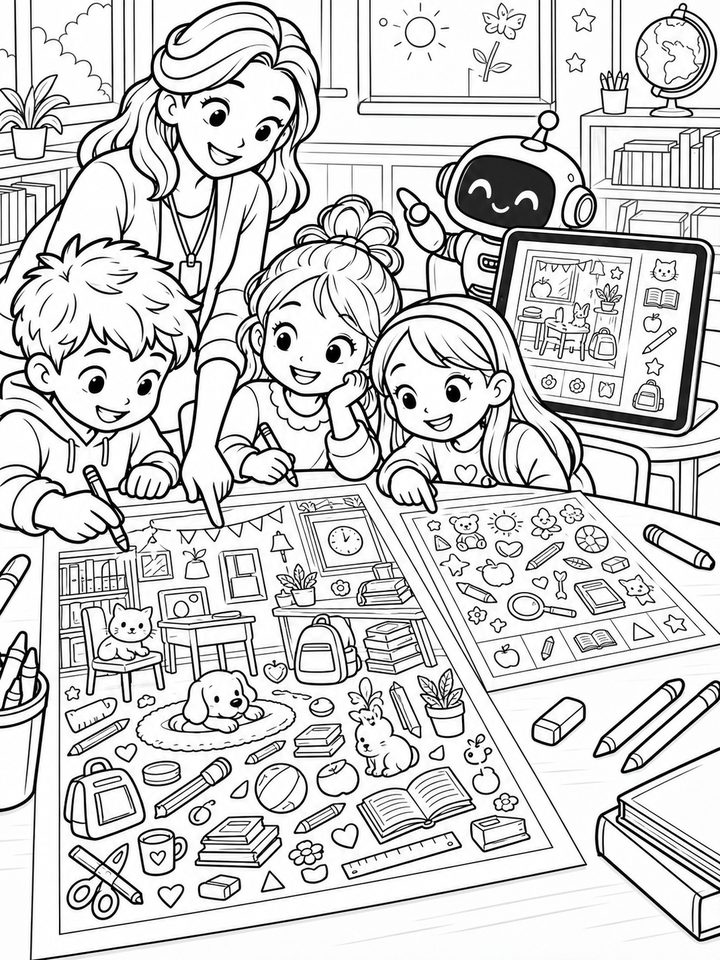
Four things teachers and parents do not have to fix
Not an approximate worksheet: counts, positions and answers are all checkable.
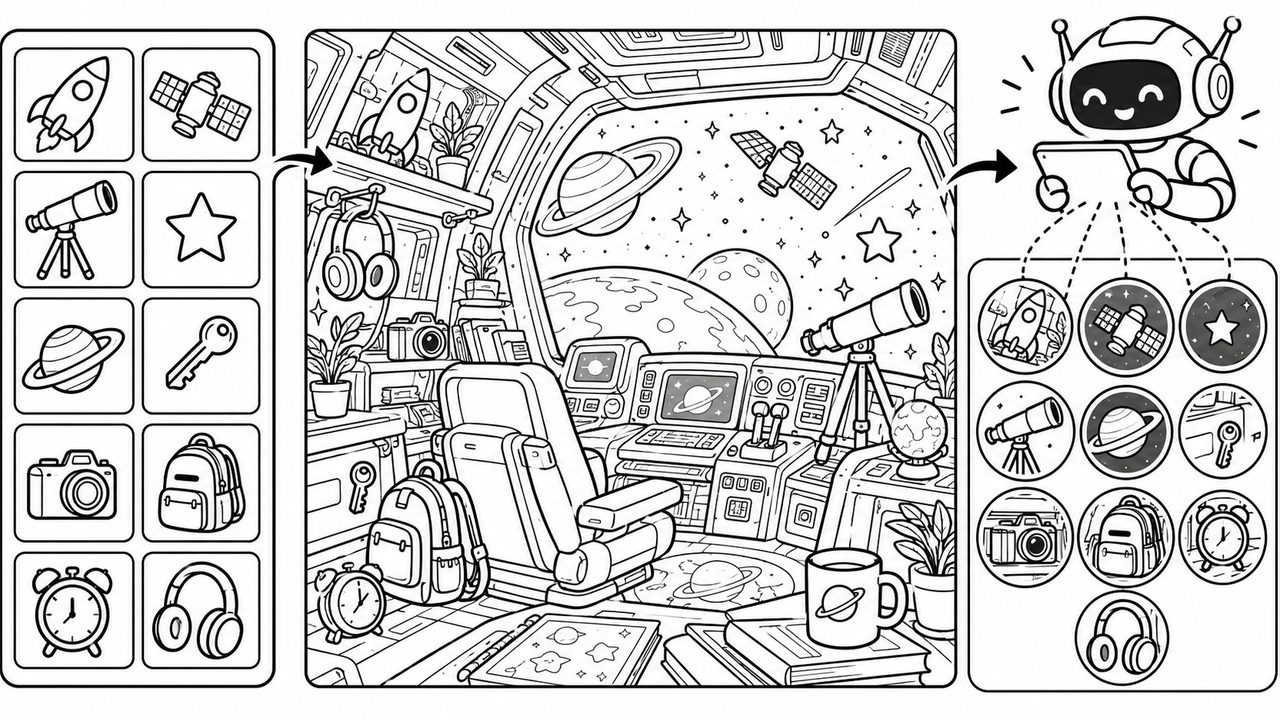
Targets that stay in sync
Plan first, draw second: every target comes from the asset library, the model hides it in the scene, and a vision model locates the answer.
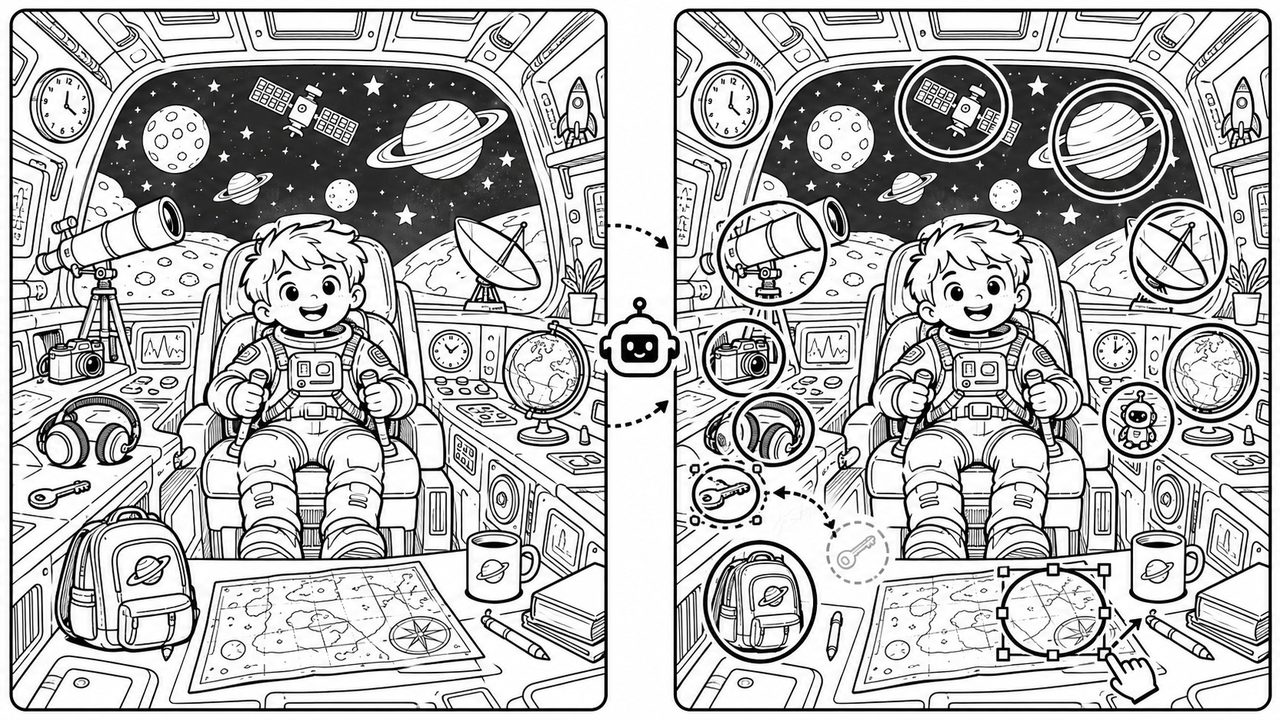
Answer page included
The answer page uses the same detection data as the puzzle page; move an answer marker and the answer follows.
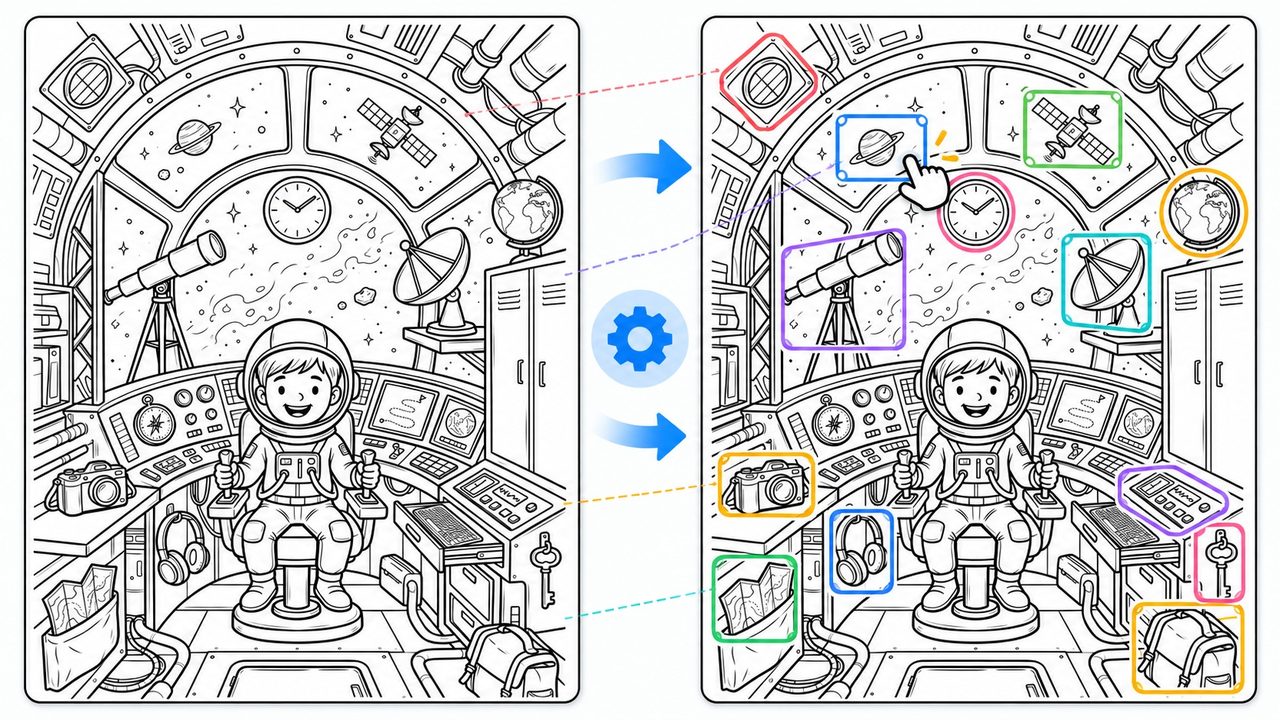
Answer positions you can correct
AI locates every object; drag or resize an answer circle when it is off — the puzzle artwork stays untouched.
Made for paper
A4 at 300dpi with an 8mm safe margin; labels are drawn by the layout engine, not by the image model.
Who uses hidden-picture worksheets
From ten minutes at home to a full classroom activity.
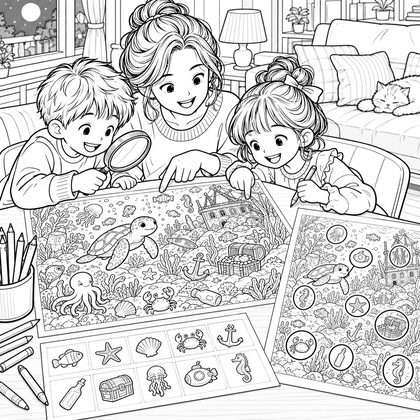
Family learning
A ten-minute observation game after dinner: find, color, then check the answers together.
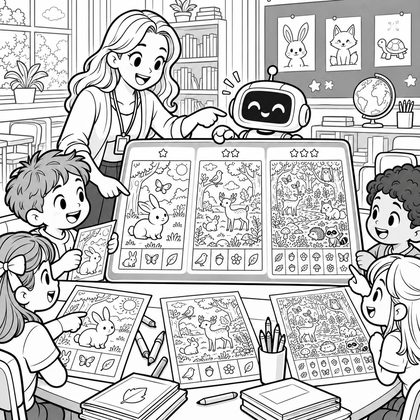
Classroom warm-ups
Use it for topic review or a lesson warm-up, with density and object size tuned by age.
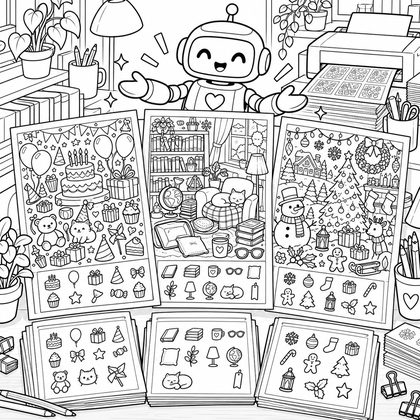
Event worksheets
Print-ready material for birthdays, reading clubs and seasonal activities.
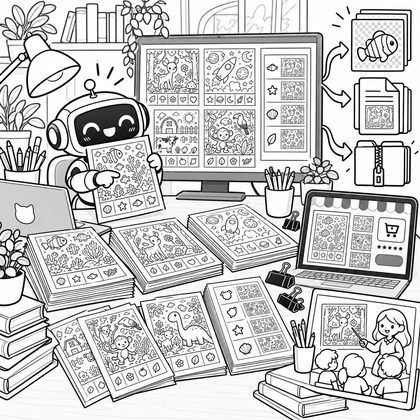
Digital resources
Export PNG/PDF/ZIP for your own teaching materials or products on other marketplaces.
Three steps to a hidden-picture worksheet
From one sentence to a printable two-page file.
- Step 1
Describe a theme
Write the scene theme, set age, difficulty and object count — or pick the exact objects yourself.
- Step 2
Generate and locate
The tool plans the scene, lets the image model draw the targets into the line art, then locates each answer position with a vision model.
- Step 3
Review and download
Preview the puzzle and answer in the workbench, then export PNG, PDF or a full ZIP package.
Print specifications
Files are rendered at real paper sizes.
- Paper
- A4 portrait 210×297mm; optional 3:4 (180×240mm) and 4:3 (240×180mm).
- Resolution
- 300dpi raster output; A4 is 2480×3508 pixels.
- Margin
- An 8mm safe margin by default, so the scene and legend are not clipped.
- Files
- Puzzle PNG, answer PNG and a two-page PDF; the full ZIP also includes the manifest and project data.
Frequently asked questions
Counts, answers and printing.
Can every object really be found?
Answer positions and counts are validated by the server; if the model misses a target, the scene is redrawn once, and the job fails with a refund if it still misses. An AI scene may still contain natural shapes that resemble a target, so review the preview before printing.
Can I change the difficulty?
Yes. Difficulty controls how deeply objects are blended into the scene: easy is more visible, hard is more overlapped by foliage and furniture, but every object keeps a recognizable silhouette.
What is on the answer page?
A same-size answer page with dashed circles around every object and the matching legend number.
Can I print it on A4?
Yes. A4 portrait at 300dpi with an 8mm safe margin; 3:4 and 4:3 page sizes are also available. Puzzle and answer are separate pages.
Can I use exports commercially?
Exports are your own creation and can be used for teaching materials or products on other marketplaces. Hidden-object icons come from Lucide (ISC license); you are responsible for ensuring the theme and scene do not infringe third-party rights.
Does it support Chinese and English?
Yes. Titles, instructions and object labels are drawn by the layout engine in the export language, in both Chinese and English.
Can I edit a single object?
You can adjust each object's answer circle position and size. The object itself is drawn into the scene; swapping an object or changing how it is hidden requires regenerating the whole picture.
How long does it take and what does it cost?
Generation runs as an async job and usually takes one to a few minutes (object reference sheet, then the scene and answer positions). Each generation costs 12 credits; the full ZIP package costs 1 credit, while single PNG/PDF files are free.
Turn your next theme into a hidden-picture worksheet
Make one, print it, and adjust the difficulty or regenerate if needed.