
Turn one idea into a drawing your child can actually follow
Generate a clean master drawing first, then get gray tracing, dotted tracing and simple coloring pages in one click.
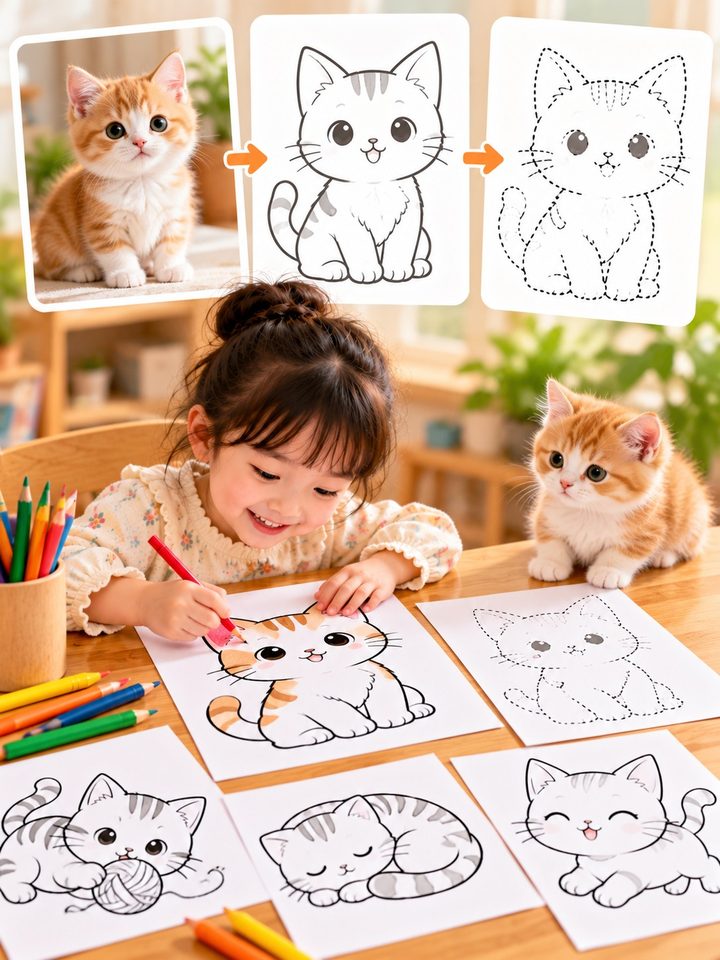
Describe a subject such as a cat, a fire truck or a strawberry — or upload a pet photo. The model draws one subject with black lines on white and plenty of margin. The workbench then derives printable tracing and coloring pages from that master drawing.
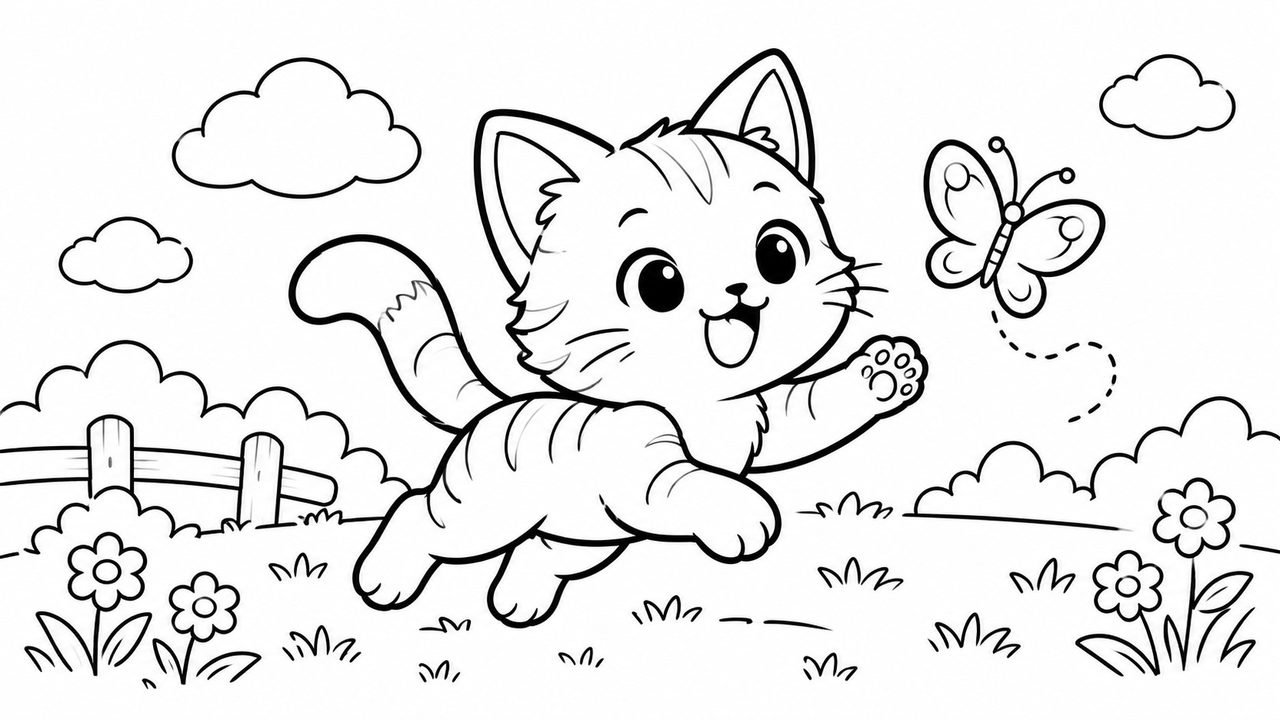
Clean master drawing
Black lines on white, one complete centered subject with a print-safe margin.
Two tracing styles
Gray and dotted tracing are derived deterministically from the master, so outlines stay identical.
Simple coloring
Slightly thicker outlines, pure black and white, clear coloring areas without grays.
Print-friendly
Download a 2K PNG directly; black lines on white work well on A4.
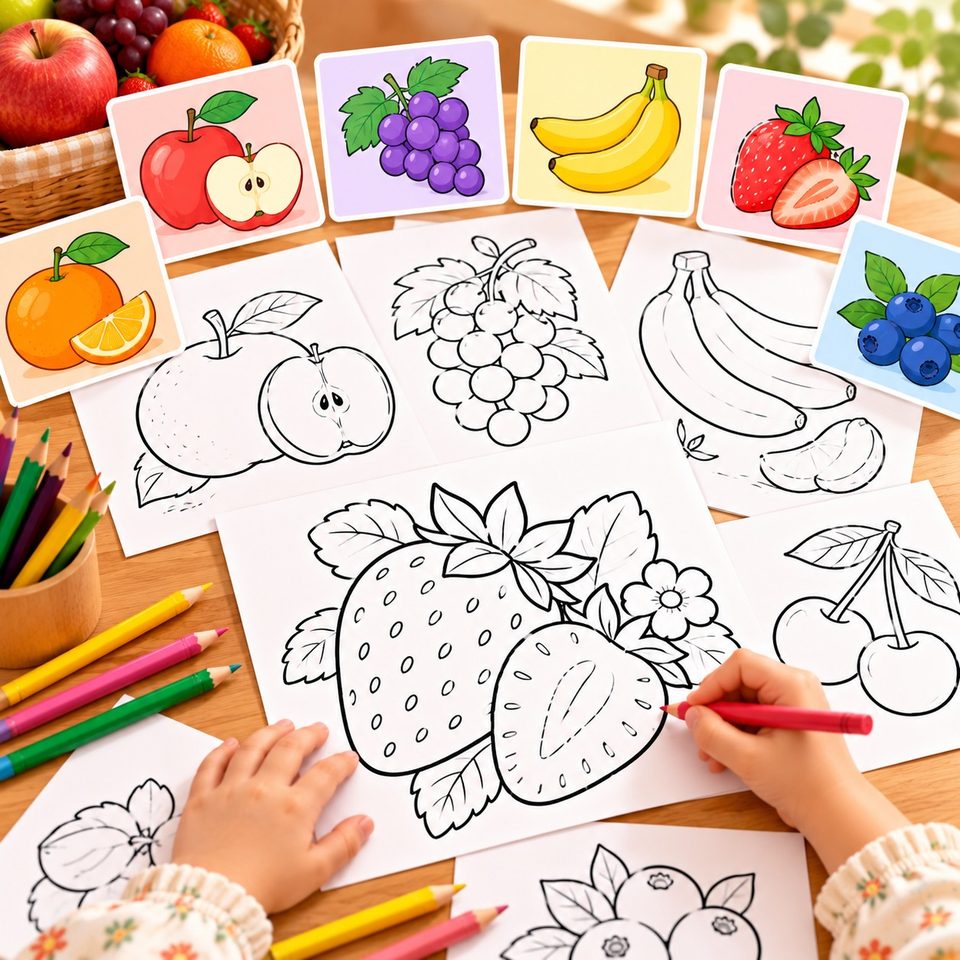
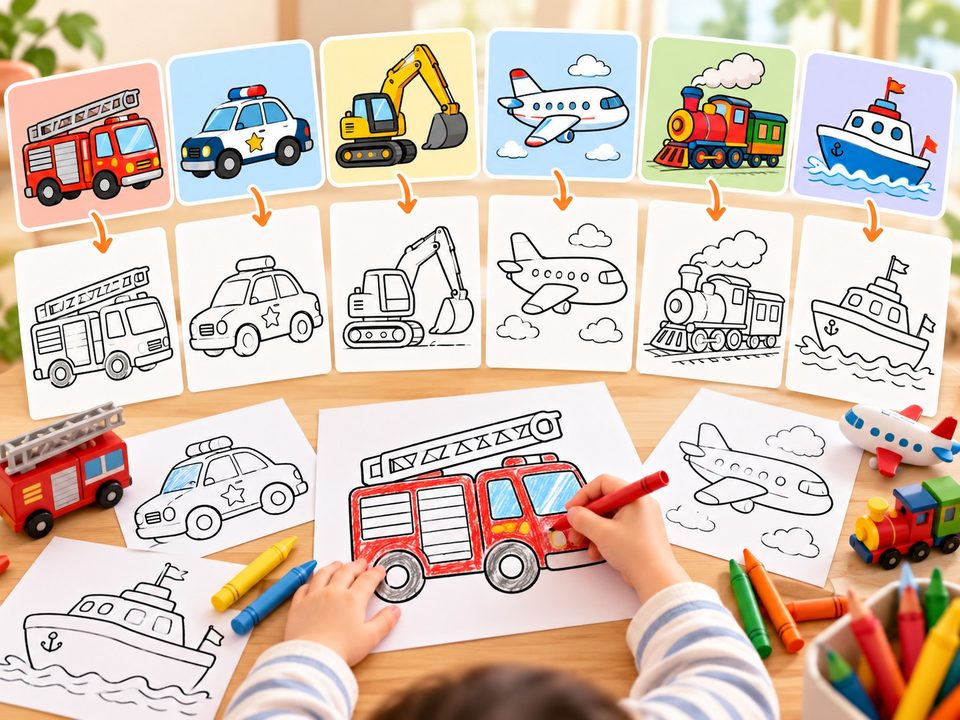
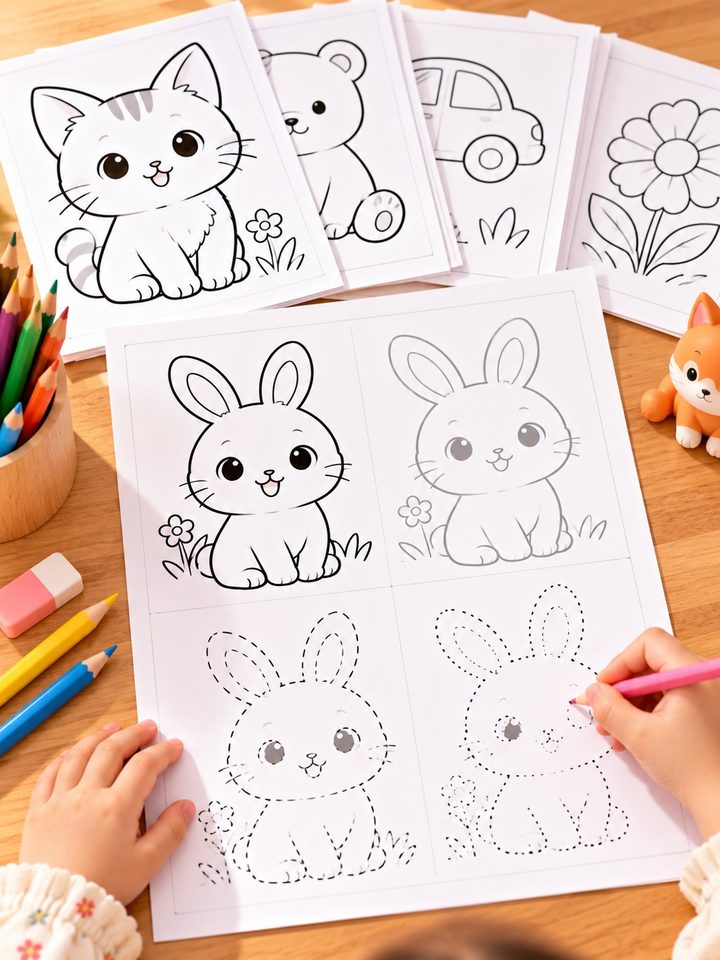
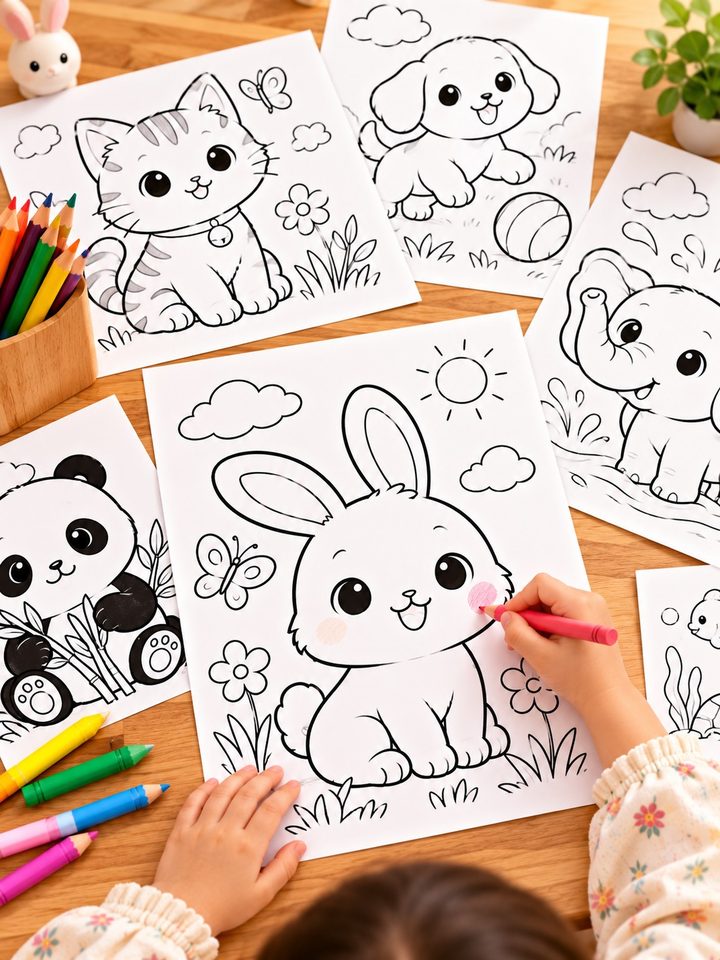
One master drawing, four ways to use it
Not a vague AI picture: every output is ready to print, trace or color.
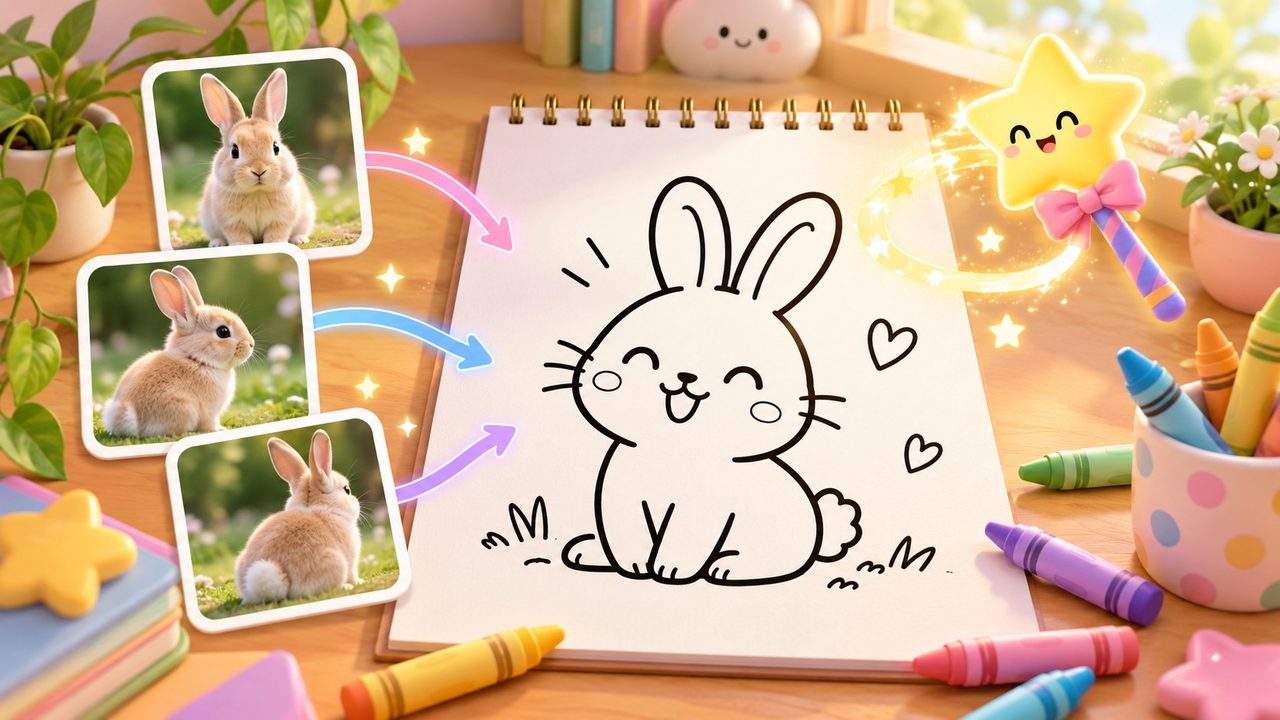
Theme-driven
Describe one subject and the model fills in a natural pose and composition. You can also upload up to three references — only the subject features are used.
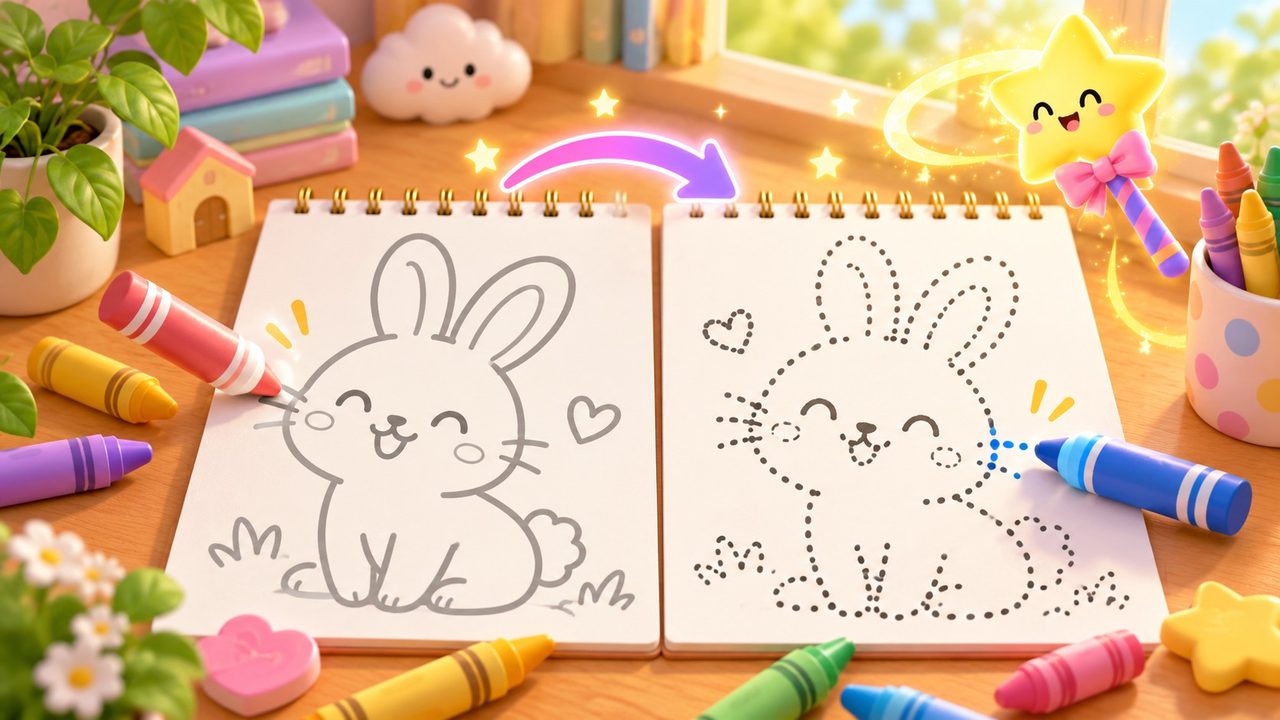
Gray and dotted
Gray tracing keeps the full outline for tracing over; dotted tracing turns ink into evenly spaced dots for pencil-control practice.
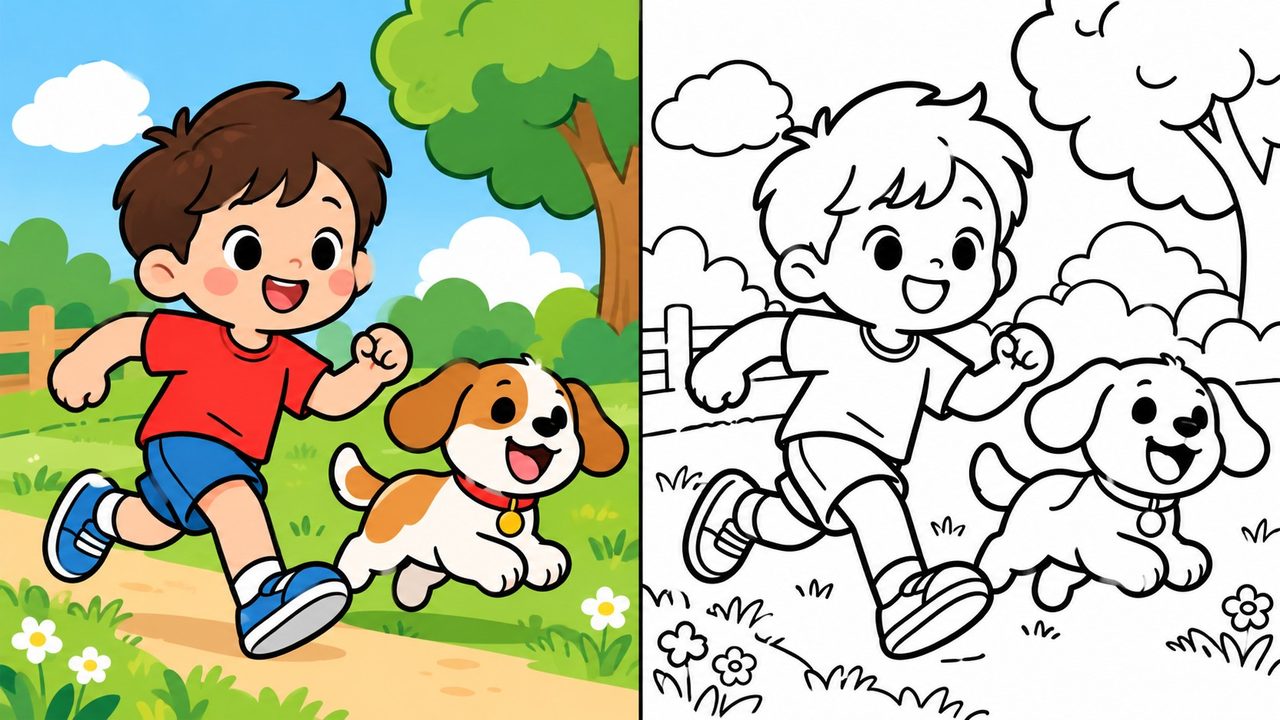
Coloring page
The same master is thickened and reduced to pure black and white, with no grays or shading.
Safe margins
The subject stays away from the edges — heads, ears, tails and limbs are never cropped, so the page is ready to print.
Who it is for
From drawing with your child to preparing a classroom worksheet.
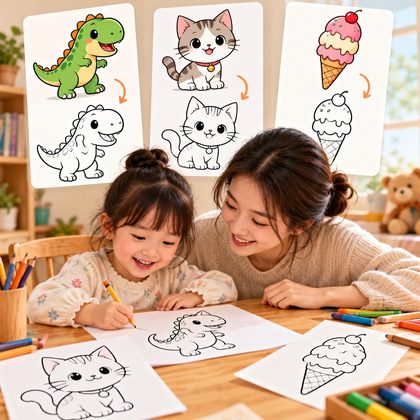
Drawing at home
When a child wants to draw a dinosaur, a cat or an ice cream, start from a clear master drawing.

Classroom practice
Teachers can generate a master and tracing pages by theme, print them and hand them out for tracing practice.
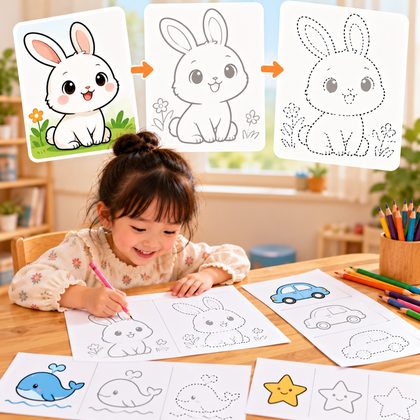
Pencil control
Gray tracing lowers the difficulty; dotted tracing demands steadier hand control. Use them in sequence.
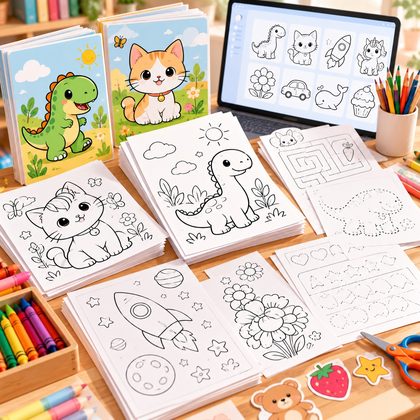
Creative assets
Quickly produce usable line art for kids' activity packs, workbooks or digital downloads.
Step-by-step drawing
Generate an A4 teaching page: each panel adds the next strokes, and the last panel is the finished drawing.
- Step 1
Write a theme
Enter a cat, a strawberry or a fire truck, then choose a style and age group. A photo is optional.
- Step 2
Generate the master
The model returns a single-subject easy drawing with black lines on white; the result also appears on the canvas.
- Step 3
Derive tracing and coloring
Open the easy drawing workbench, generate gray, dotted or coloring pages and download the PNGs.
Frequently asked questions
Only what the product can do today.
How many images are generated at once?
One master drawing per generation. Gray tracing, dotted tracing and simple coloring are derived in the workbench from that master and do not cost additional generation credits.
Are tracing and coloring pages regenerated by AI?
No. They are produced directly from the master: gray tracing lightens the ink, dotted tracing samples dots on a grid, and the coloring page thickens the outline and reduces it to black and white. The outline therefore matches the master.
Can I upload a photo?
Yes, up to three photos. Photos are only used to identify the subject's shape, proportions and key features; the output is still an easy drawing, not a copy of the background, lighting or identity details.
Which ages is it for?
The form offers 3–4, 5–6 and 7–9 age groups plus toddler-minimal, standard and refined styles. Together they control line weight and detail.
Can I use the images commercially?
You own the generated images within the scope described in our Copyright and Commercial Use page. Check print quality and content compliance before selling them.
Can I print on A4?
You can download a 2K PNG with black lines on white and generous margins, ready to place in an A4 document. A4 PDF layout and batch export are planned for the next release.
Will there be step-by-step drawing pages?
Step-by-step drawing (for example, drawing a cat in four steps) is planned for the next release. This release covers the master, gray tracing, dotted tracing and simple coloring pages.
Draw your first page now
Start with a subject your child wants to draw; the workbench handles the rest.