
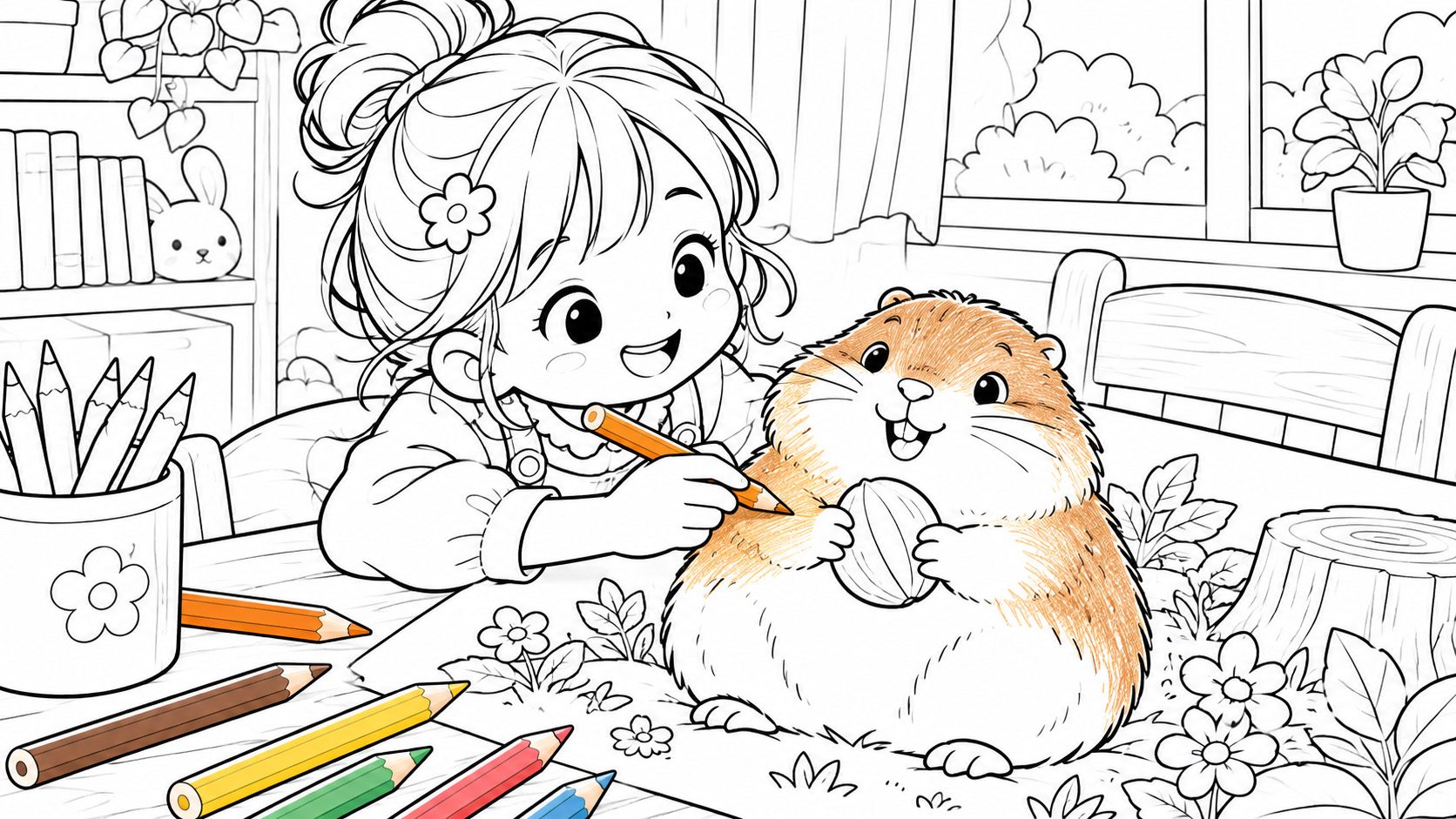
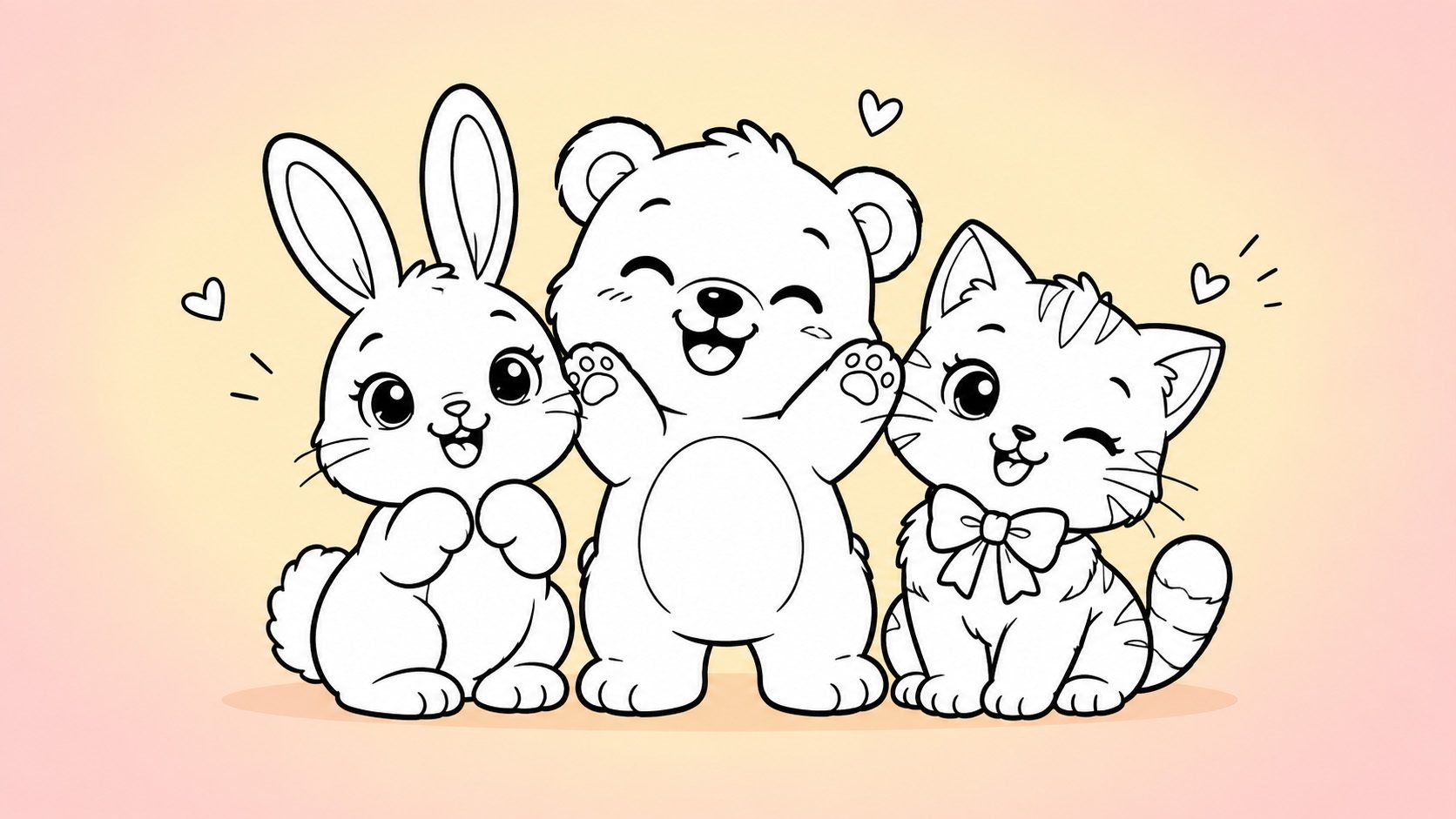

Turn every idea into a page you can colour
Describe what you want and get a clean black-and-white colouring page. Animals, space, trucks or holiday themes — adjust the difficulty and line weight, edit the result, then print it.
Start with one page made just for you, and keep the ideas coming.
- One sentence, one page
- Difficulty and line weight
- Keep editing on the canvas
- Download PNG and print
Four things it does
From one description to a printable line drawing, with every step under your control.
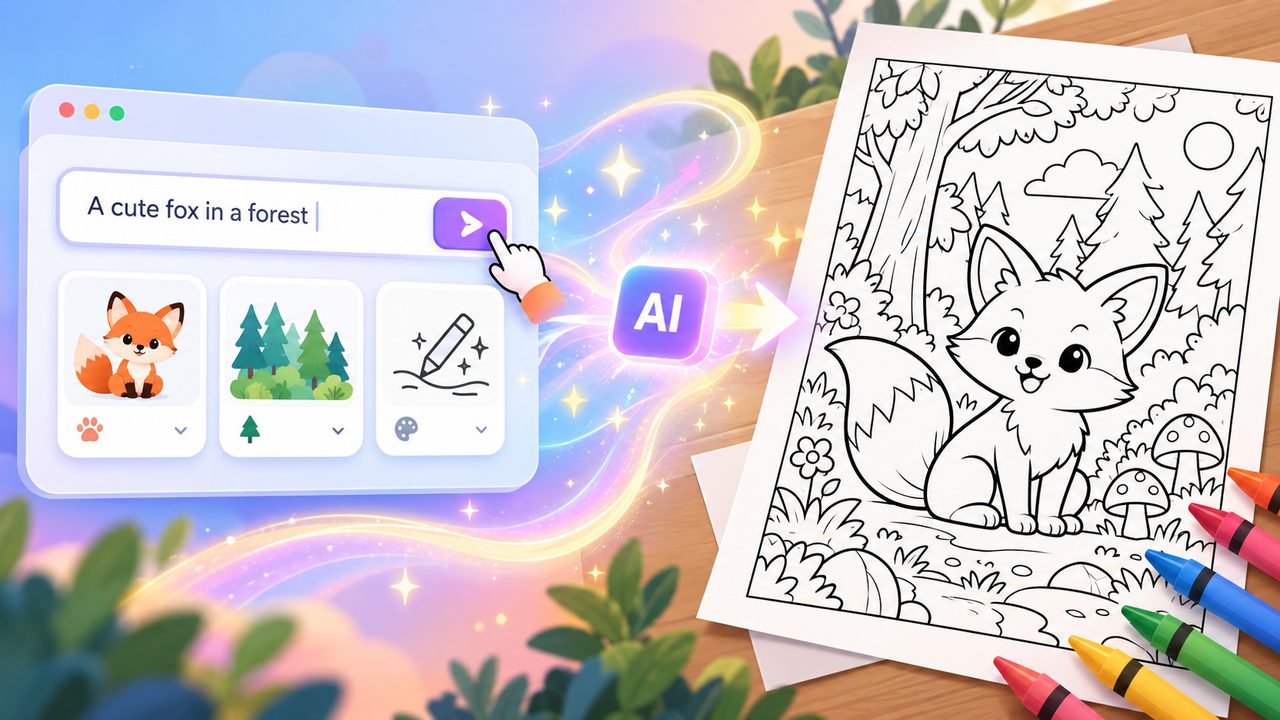
Describe it, and it gets drawn
Write the subject, the scene and the style, and the model turns it into a black-and-white outline made for colouring — a favourite animal for your child, or a themed page for a lesson.
From big areas to fine lines
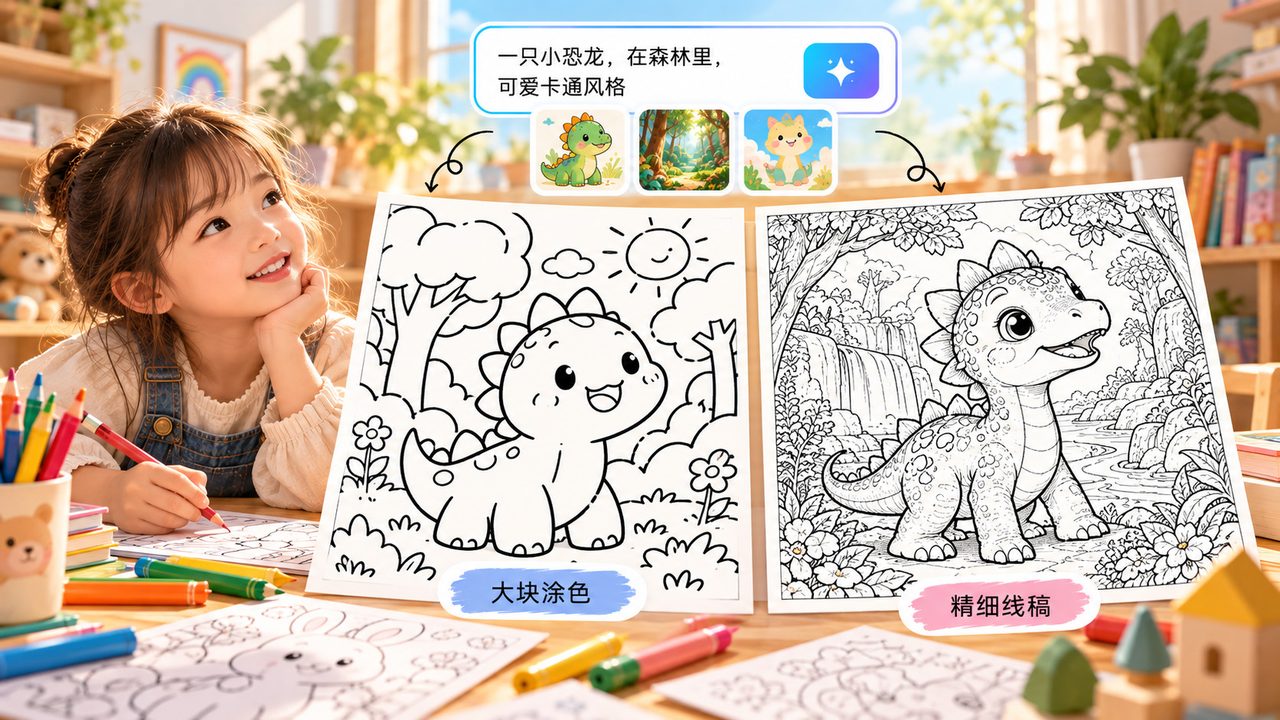
Choose simple, standard or fine, then pick a line weight. Simple keeps large continuous areas for younger children; fine suits leaves, wreaths and richer textures. Age is only a suggestion, never a hard limit.
The result is a starting point
Every page lands on the endless canvas, where you can keep editing it. Past results stay on the same canvas and survive a refresh.
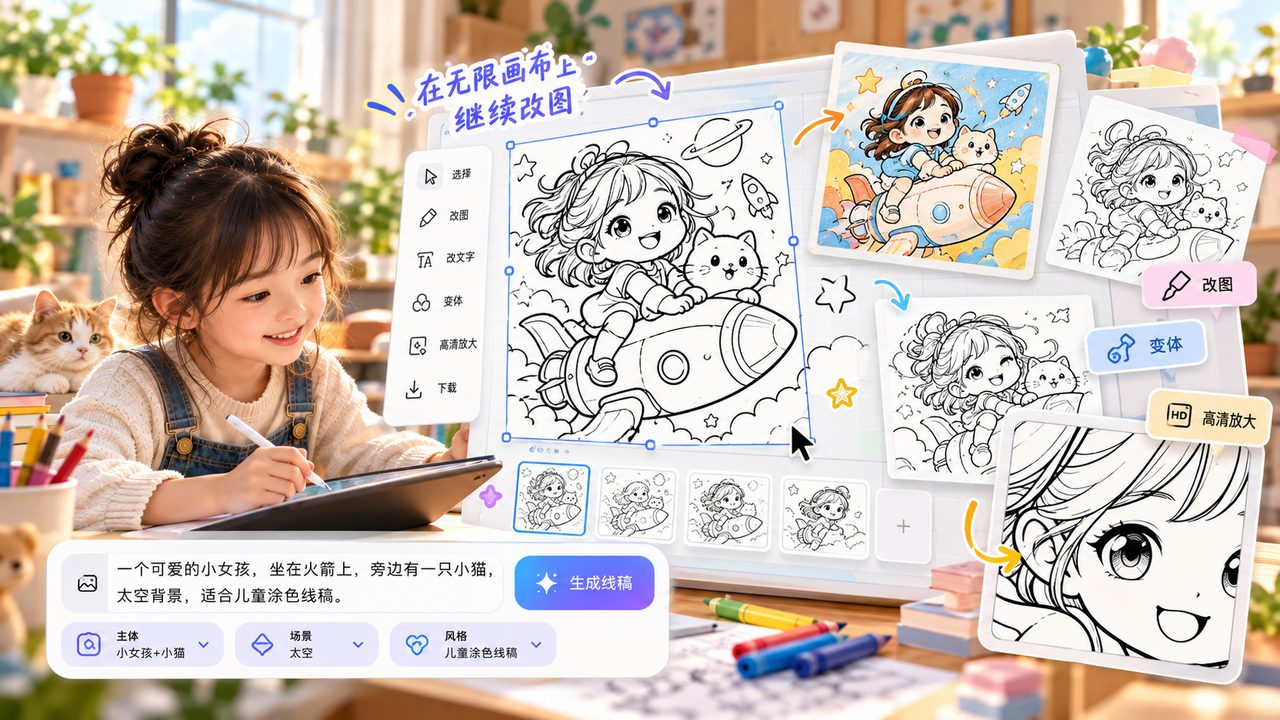
Download the page, put it on paper
Pages come out as black outlines on a white background, ready for home or classroom printing. PNG download works today; PDF export at paper sizes is in development.
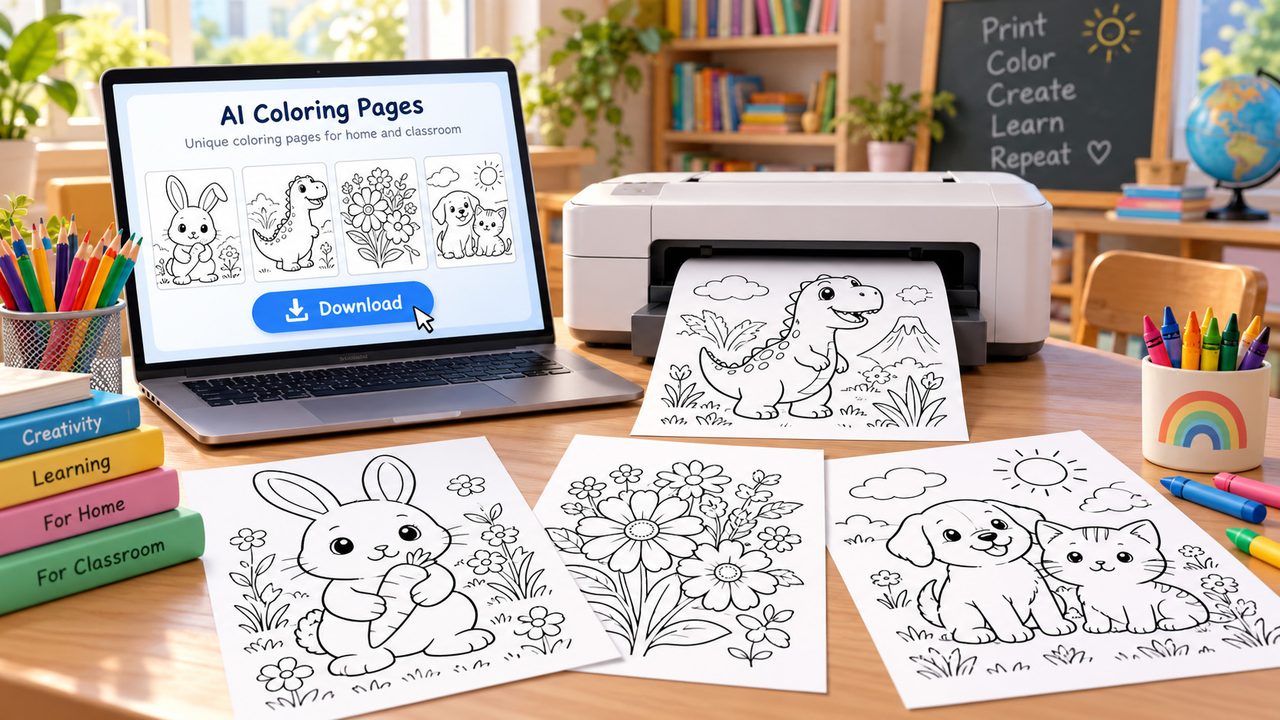
One colouring page opens up more than one occasion
Something to do together at home, or material for a classroom.
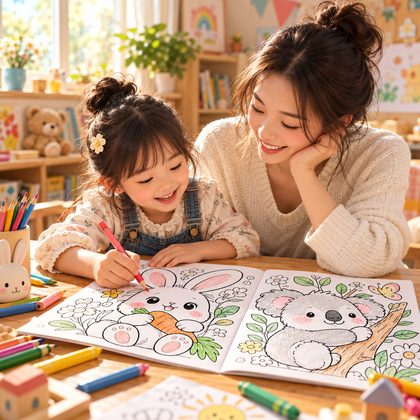
Colouring together
Elephants today, rockets tomorrow? Turn whatever they are into right now into a page of their own.
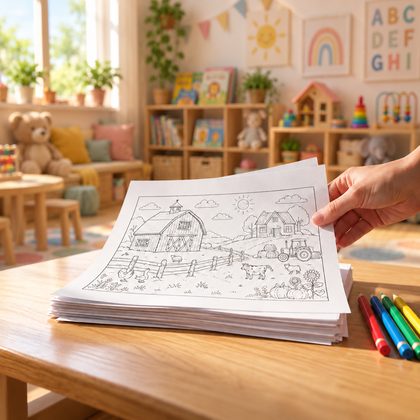
Kindergarten and classroom
Animals, holidays, numbers or nature — pages that fit the lesson. Check anything with words or digits before printing.
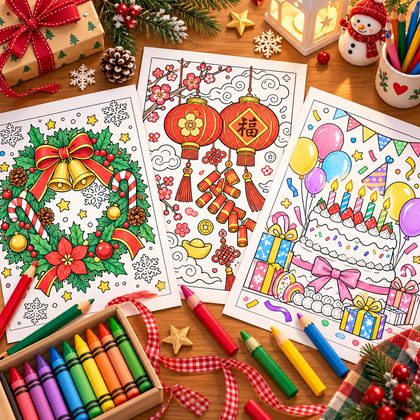
Holiday activities
Turn a wreath, a lantern or a birthday theme into a page for activities, decoration or a gift.
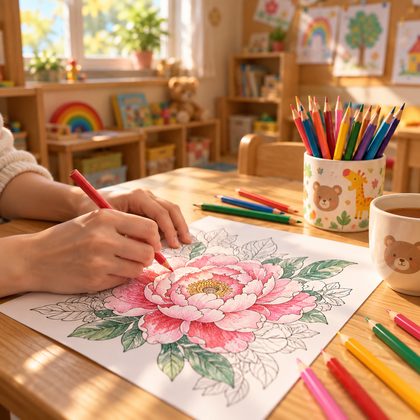
Colouring for grown-ups
Try leaves, patterns and decorative designs — richer line work for a quiet session.
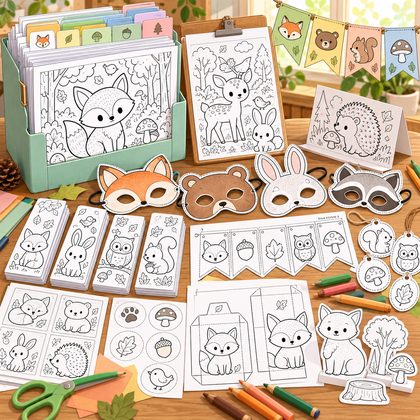
Materials for craft sessions
Build a set of pages in one style for a workshop or a group, ready to hand out and print.
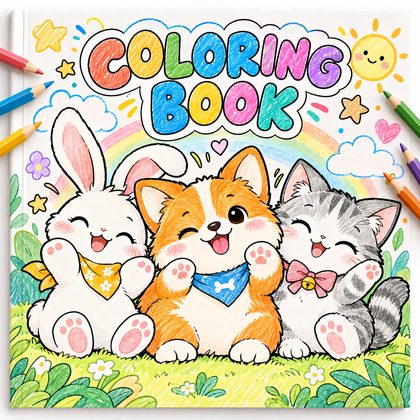
A themed colouring book
Start from a theme and single pages, and work towards a set. Multi-page layout and batch generation will complete the workflow when they ship.
Three steps to your first coloring page
No drawing skill needed — just pick a theme you like.
- Step 1
Describe what you want
On the generation page, write the subject, the scene and who it is for, then pick the difficulty and line weight. For example: a smiling elephant standing on grass, white background, clean closed black outlines, plenty of open space.
- Step 2
Generate and pick your favourite
Look at the results: is the subject complete, are the colouring areas clear? If not, change the description or the difficulty and generate again.
- Step 3
Edit on the canvas, then export
Open the one you like on the endless canvas and keep editing. Download a PNG to print — check orientation, margins and printer settings first.
From animals to outer space, every theme is fun to colour
Pick a page you like, tap “Use this template”, change the subject and difficulty, and make it your own.
Getting ready to print, not just to generate
Pages are black line art on a white background. Run through these checks before printing.
- Output format
- PNG download works from the canvas today. PDF export at paper sizes (A4, A5, US Letter and more) is in development.
- Check the image
- Before printing: a pure white background, clean closed outlines, and no stray text or watermark. If not, adjust the description or the difficulty and generate again.
- Sharpness and paper
- Print size depends on the resolution of the source image. Try one A4 copy at “fit to page” first — if the lines are too thin or too thick, change the line weight and generate again.
- Multiple pages and colouring books
- Batch generation for one theme and multi-page PDF layout are planned. For now, create and print one page at a time.
Frequently asked questions
Real answers to what actually comes up.
What is the AI coloring page generator?
It turns a theme and a description into black-and-white line art. You choose the difficulty and the line style, and get a page that is ready to colour, edit and print.
I can't draw. Can I still make my own colouring page?
Yes. Start with one sentence — “a smiling elephant, bold lines, white background, large open areas” — then adjust the subject and detail from the result.
Can I make pages for different ages?
Difficulty, line weight and detail are all adjustable. Age is only a guide for choosing them — what matters is who is going to colour it.
Can I turn a photo or an existing illustration into line art?
Yes. Upload a reference image on the generation page and the model will use it as the basis. You can also describe the line-art style in the prompt (white background, clean closed outlines). Only upload images you have the rights to use.
Can the generated page be edited?
Every result goes to the Veyxi endless canvas, where you can keep editing it. Lines cannot be edited as separate vector paths in this version.
Can I export a PDF and print it?
You can download a PNG from the canvas and print that today. PDF export at paper sizes is in development. The final result depends on the resolution of the source image and your print settings.
Can I make a whole coloring book at once?
Batch generation and multi-page layout are planned for a later stage. For now you can start from single pages; the book workflow opens up when those features ship.
Can I use the pages commercially? Is it free?
Free credits, export rights and commercial use depend on the current pricing and the terms of service. You still need to check the rights for any reference images or third-party material you use.
Your next coloring page starts with an idea
From cute animals to distant galaxies — write down today's theme and make it your own.