
Turn one photo into a pattern you can actually bead
Upload a pet photo, portrait, logo or illustration and Veyxi converts it into a grid, matches real bead color codes and counts the materials — an editable, printable bead pattern.
Veyxi's AI Bead Pattern Generator converts photos, pets, portraits, logos and illustrations into fuse bead patterns you can follow bead by bead: it matches color codes from the palette you choose, counts beads per color and in total, reports the finished size, and lets you fine-tune every cell online before downloading the files.
- Real color codes: matched to the palette you pick, not screen approximations
- Save colors or keep detail: three presets control how many colors you buy
- Bill of materials: beads per color and in total, counted for you
- Edit cell by cell online and download the pattern files
Not a mosaic filter — a pattern you can bead
Every cell maps to a real bead, a color code and a count.
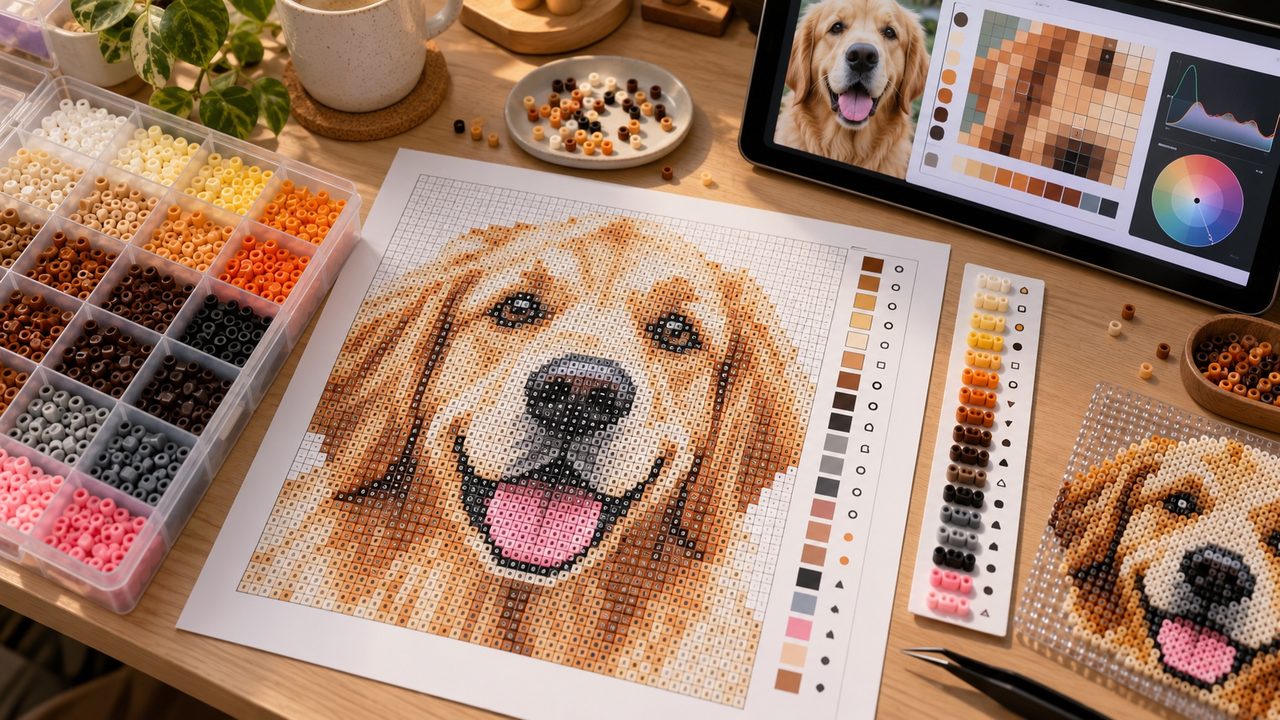
Matched to real color codes
Pick a palette and every cell is labeled with a real code from it. Colors are matched in CIE-Lab space with CIEDE2000 color difference, which tracks human perception better than plain RGB distance.
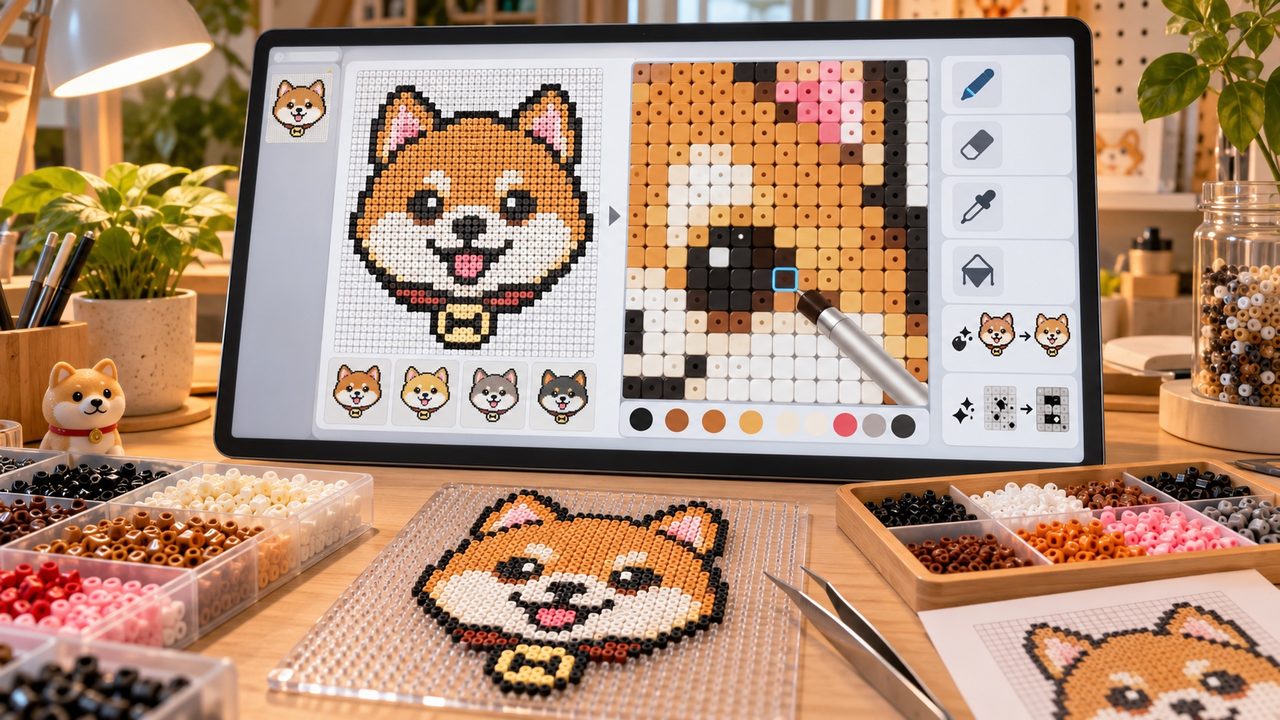
Editable cell by cell
After the first pass you can zoom in and fix any cell: brush, eraser, eyedropper, fill, global color replace and speckle cleanup — eyes, outlines and logos are all yours to adjust.
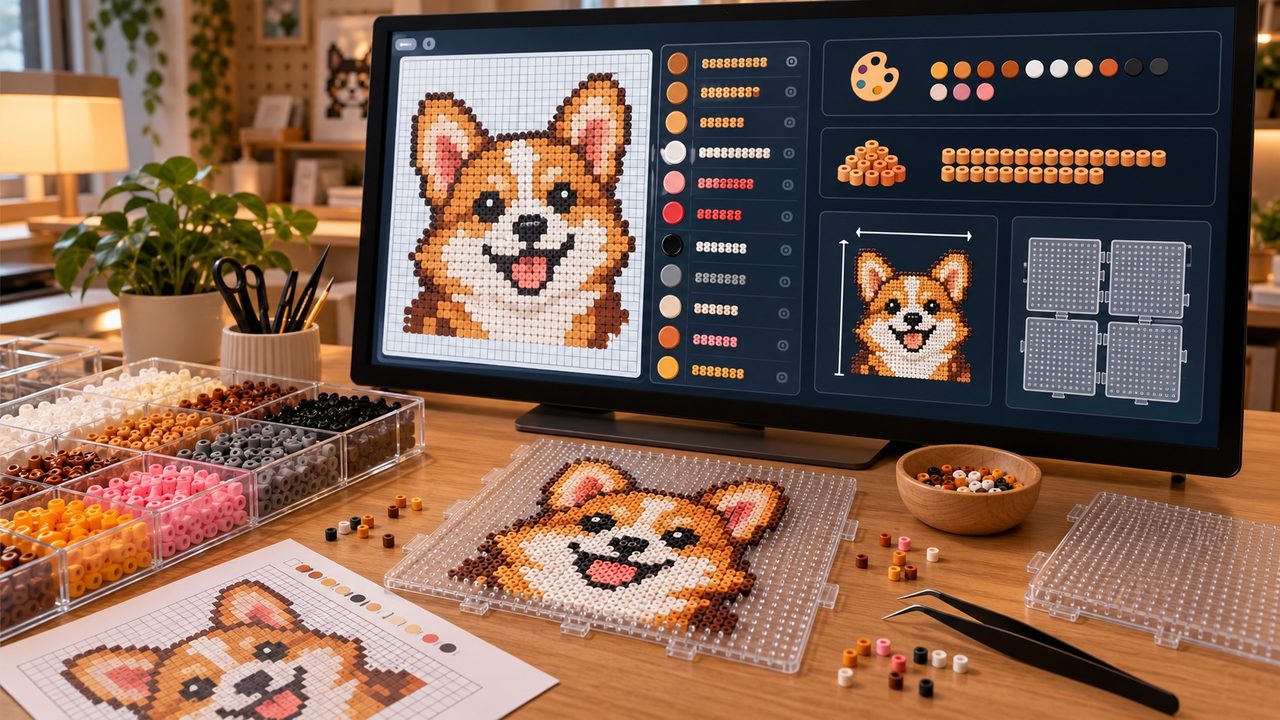
Automatic bill of materials
Each color's bead count, the number of colors and the total are counted automatically, and the finished size is estimated from the real bead diameter — including how many pegboards you need.
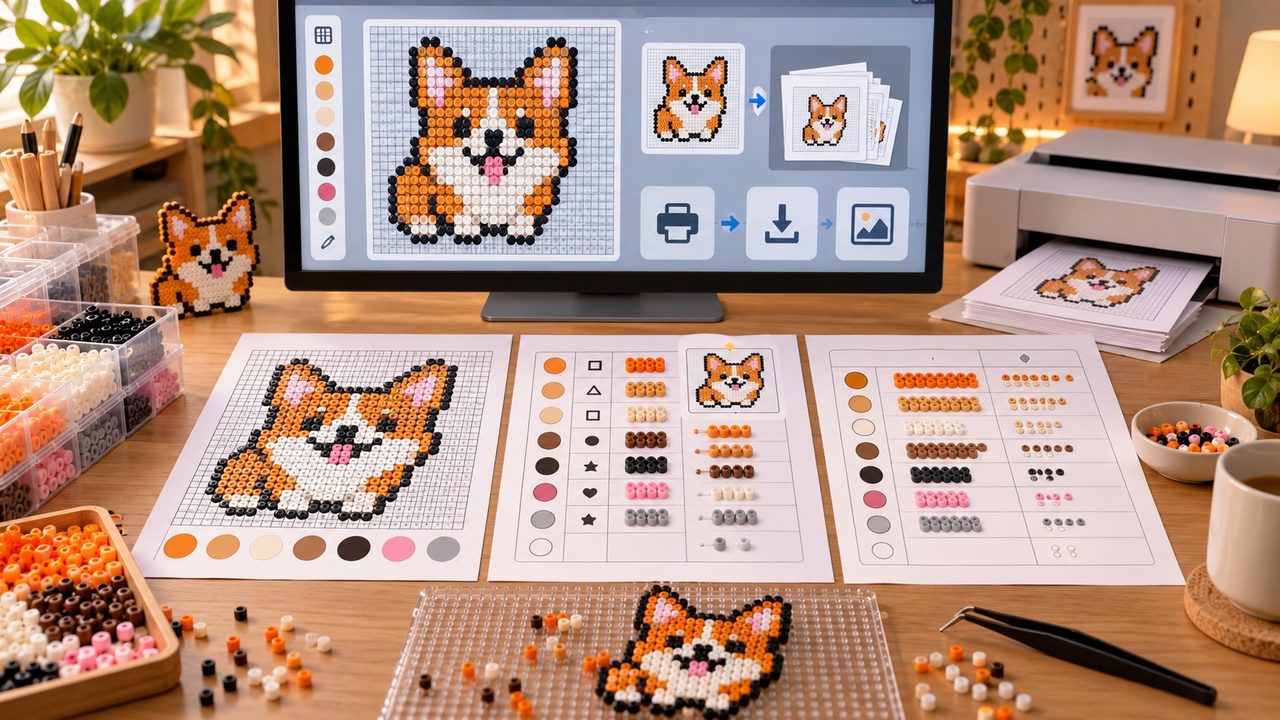
Printable pattern files
Download pattern images for sharing and beading, or the full kit with the colored grid, the code chart and the materials list — ready to print and follow.
Pets, portraits, logos and illustrations
Different images need different handling.
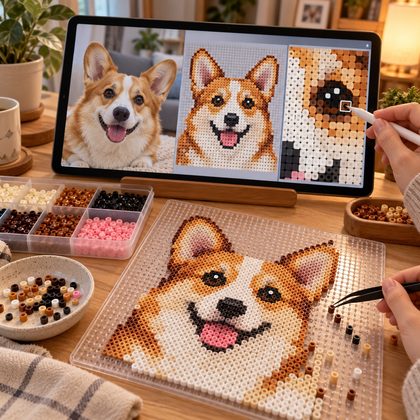
Pet photos
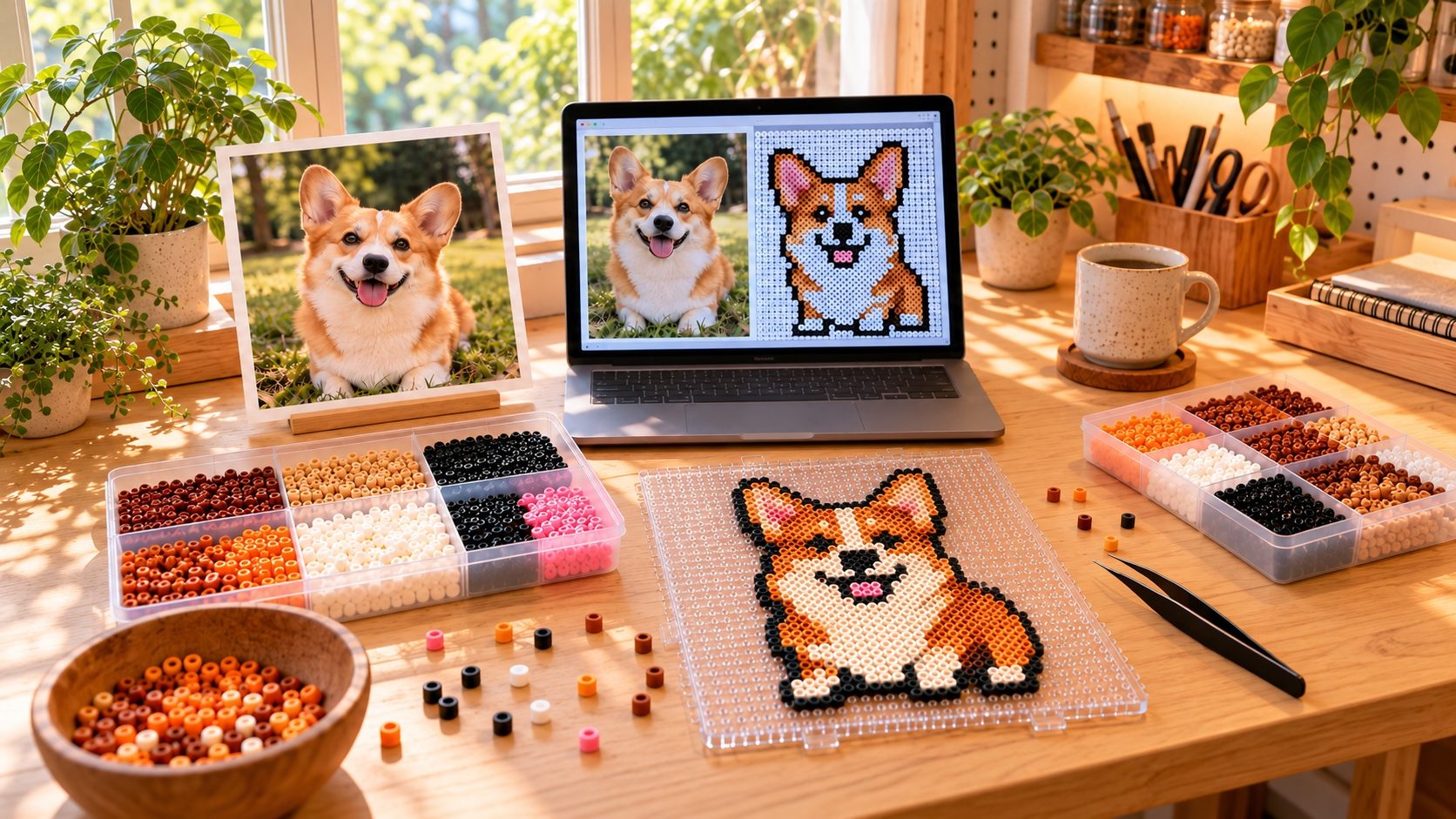
Eyes, nose, ears and large patches are kept — and every one of those cells can be nudged after generation so the result still looks like your pet.
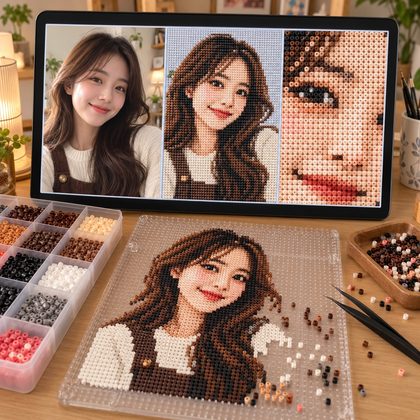
Portrait photos
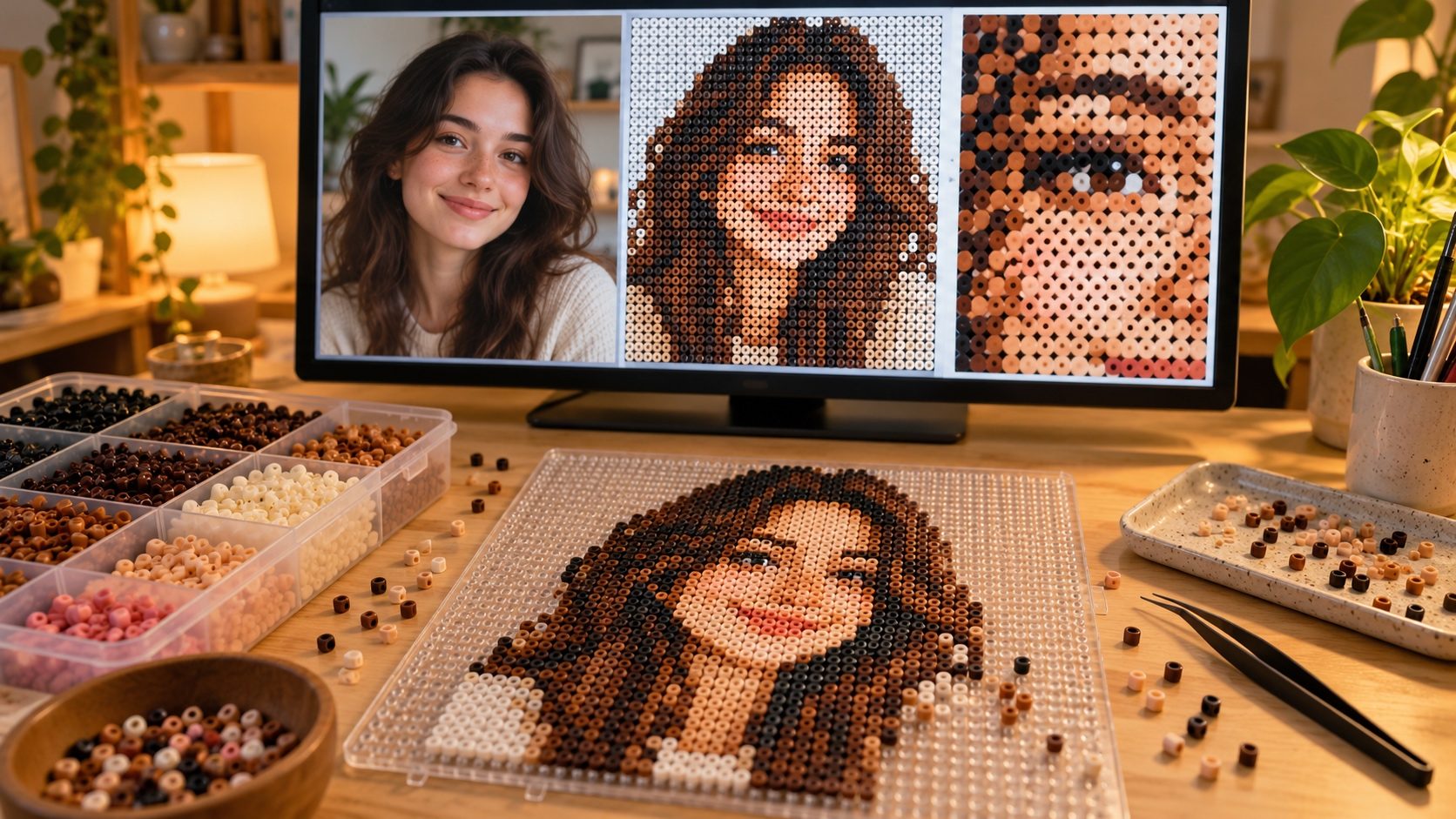
Best for headshots and half-body photos. Use a grid of 48×48 or larger so the facial features have enough cells.
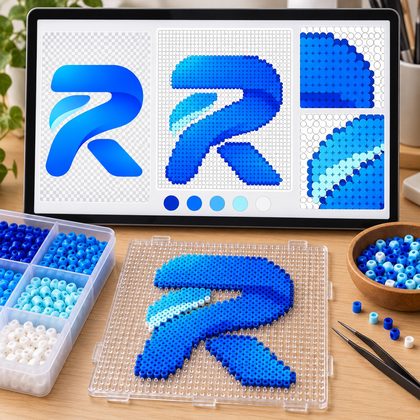
Logos and icons
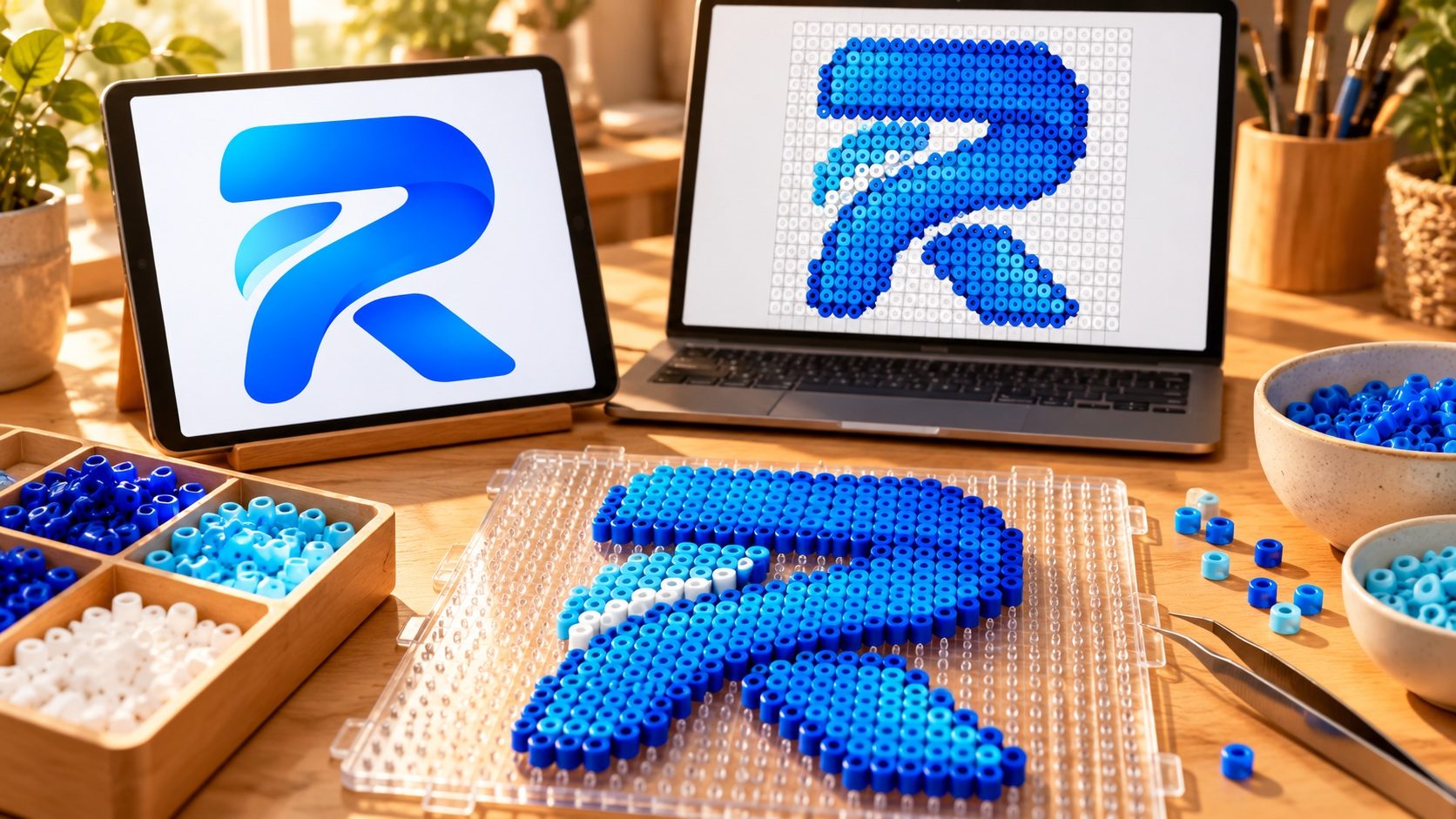
Logo mode protects the outline: transparent areas stay empty, dithering is off by default and colors are simplified, so the pattern keeps the mark's shape.
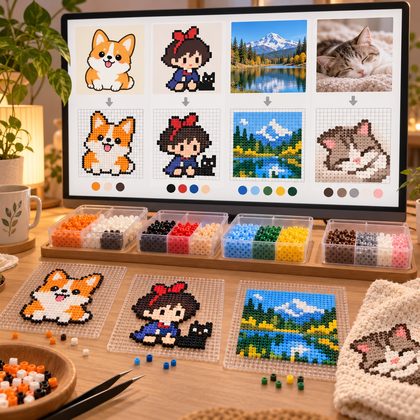
Illustrations and photos
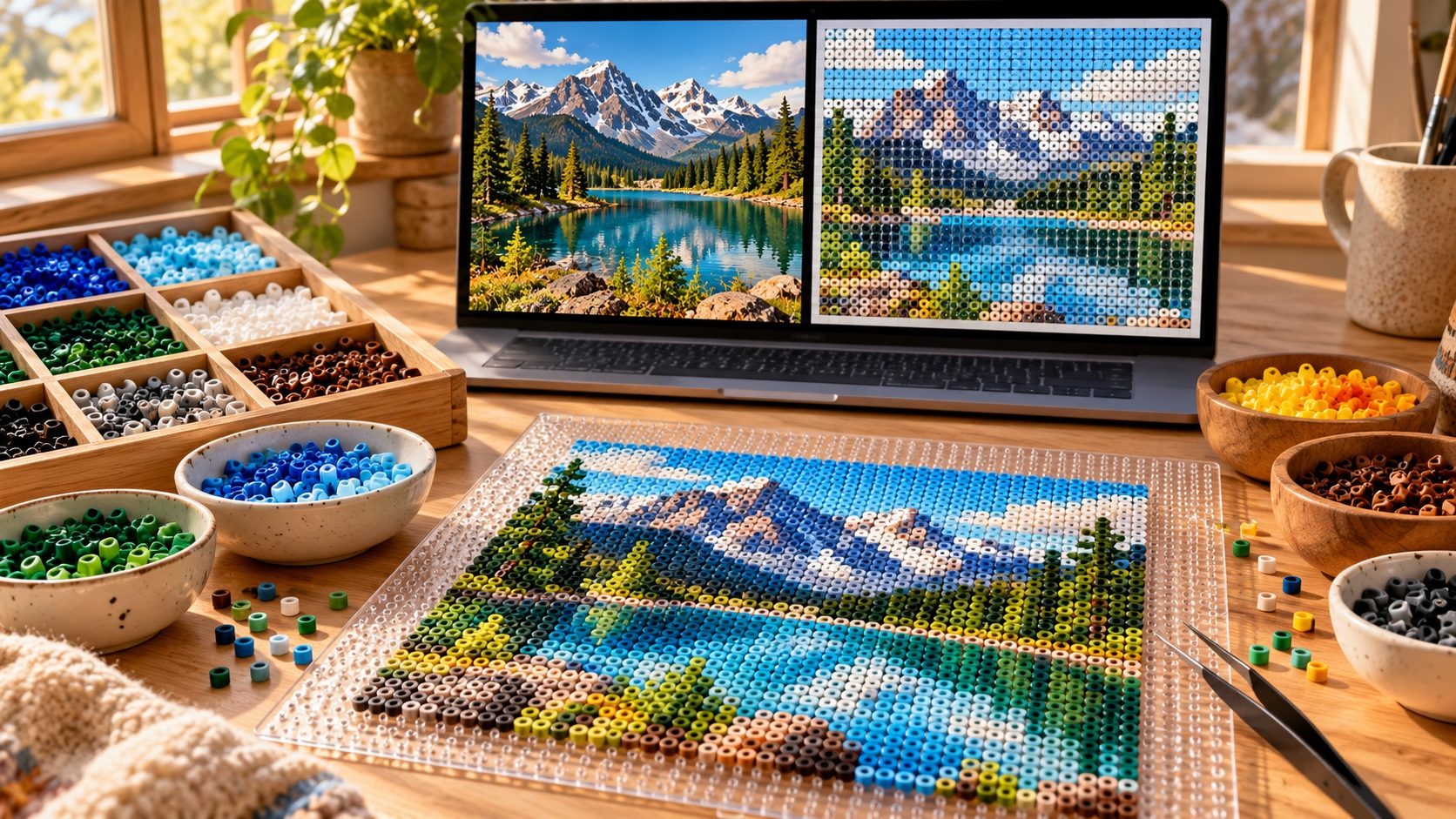
Cartoons, pixel art and scenery all work. For images with few colors, the "save colors" preset produces a pattern with very few materials.
Three steps to a bead pattern
From one photo to a pattern you can follow.
- Step 1
Upload an image
Upload a pet, portrait, logo or illustration and choose its type; crop the frame or remove the background first if you like.
- Step 2
Set the size and the beads
Choose a grid size (more cells means more detail and a bigger piece), a palette and a color preset; the page shows the finished size and the credit cost as you go.
- Step 3
Fine-tune and download
Adjust cells in the editor, check the materials list, then download the pattern files.
FAQ
About sizes, color codes, color counts and downloads.
What is the AI Bead Pattern Generator?
An online tool that turns photos, pets, portraits, logos and illustrations into makeable fuse bead patterns. Its output is a grid with color codes and a bill of materials — not a pixelated filter image.
Can I turn a pet photo into a bead pattern?
Yes. Upload the photo and pick the "pet" type; a grid of 48×48 or larger is recommended — eyes and nose need enough cells. You can fine-tune any cell afterwards.
Do you support portrait photos?
Yes. For portraits use 58×58 or larger so facial features have enough cells, and crop down to head and shoulders if needed.
Do you support logos?
Yes. Logo mode protects the outline: transparent areas stay empty in the pattern, dithering is off by default and colors are simplified. For small logos a 32×32 to 48×48 grid works well.
How is a bead pattern different from pixel art?
Every cell maps to a real bead: the cell size follows the spec you pick (Mini 2.6mm / Midi 5mm), colors are matched to real codes from the palette, and you get the number of beads to buy per color — a shopping-and-beading list, not just a pretty image.
Can I choose a bead brand and color codes?
Yes. Ten palettes are built in: MARD 221/291, Artkal C197 / M221 / C+M418, COCO, Manman, Panpan and Mixiaowo, plus Veyxi's own Standard Palette. The brand data comes from an open dataset (MIT licensed, values mostly compiled from official brand charts); there is no official affiliation with those brands, and screen colors are for reference only.
Will screen colors match the physical beads?
They can differ. Screens (sRGB) and physical beads look different under real light and material finishes — always trust the physical beads. When choosing, look at the color code, not the on-screen color.
Can I control how many colors are used?
Yes. Three presets (save colors ≈12, balanced ≈20, vivid ≈32) give you a starting point, and advanced settings let you set a maximum color count; cells beyond the limit are merged into the closest kept color.
Can I edit individual cells?
Yes. After generating you land in the editor with brush, eraser, eyedropper, fill, global color replace and speckle cleanup, plus undo and redo; edits are saved automatically.
Can the pattern be printed?
Yes. The full kit includes a print PDF laid out at 100% actual size with a test ruler to verify the print scale, with the grid and code charts paginated so you can bead straight from the paper.
Which download formats are supported?
PNG (preview and grid images), SVG (vector), PDF (print), CSV (per-cell coordinates and materials data), JSON (project data), and a complete ready-to-use kit (ZIP).
How many credits does one generation cost?
One generation costs 1 credit (regenerating is charged per run as well). Editing, adjusting and downloading pattern images cost no extra credits.
Turn your photo into a pattern you can bead
Upload an image and see what it looks like on a 48×48 grid.